If one slow service can kill your whole request, your services are glued together. Events let them work apart.
Building a modern web application usually starts simple. You get a request and you send a response.
As your business grows, that simple flow starts to feel heavy. Maybe you need to send a welcome email, update a CRM and trigger a data warehouse sync all at once.
The cost of tight coupling
If you do this synchronously, your users are stuck staring at a loading spinner. If one service fails, the whole request dies, and your system becomes a house of cards.
Your application logic is tangled like old headphones in a pocket. Every new feature adds more risk and more latency. You need a way to let your services talk without being glued together.
Events break the chain
The solution is event-driven architecture (EDA). In the Google Cloud world, the heart of that architecture is Google Pub/Sub.
It is a globally distributed messaging service that decouples the services that produce events from the services that consume them. If you’d rather self-host the broker, the same patterns translate directly to scaling with RabbitMQ.
Understanding topics and subscriptions
At its core, Google Pub/Sub is built on two concepts: topics and subscriptions.
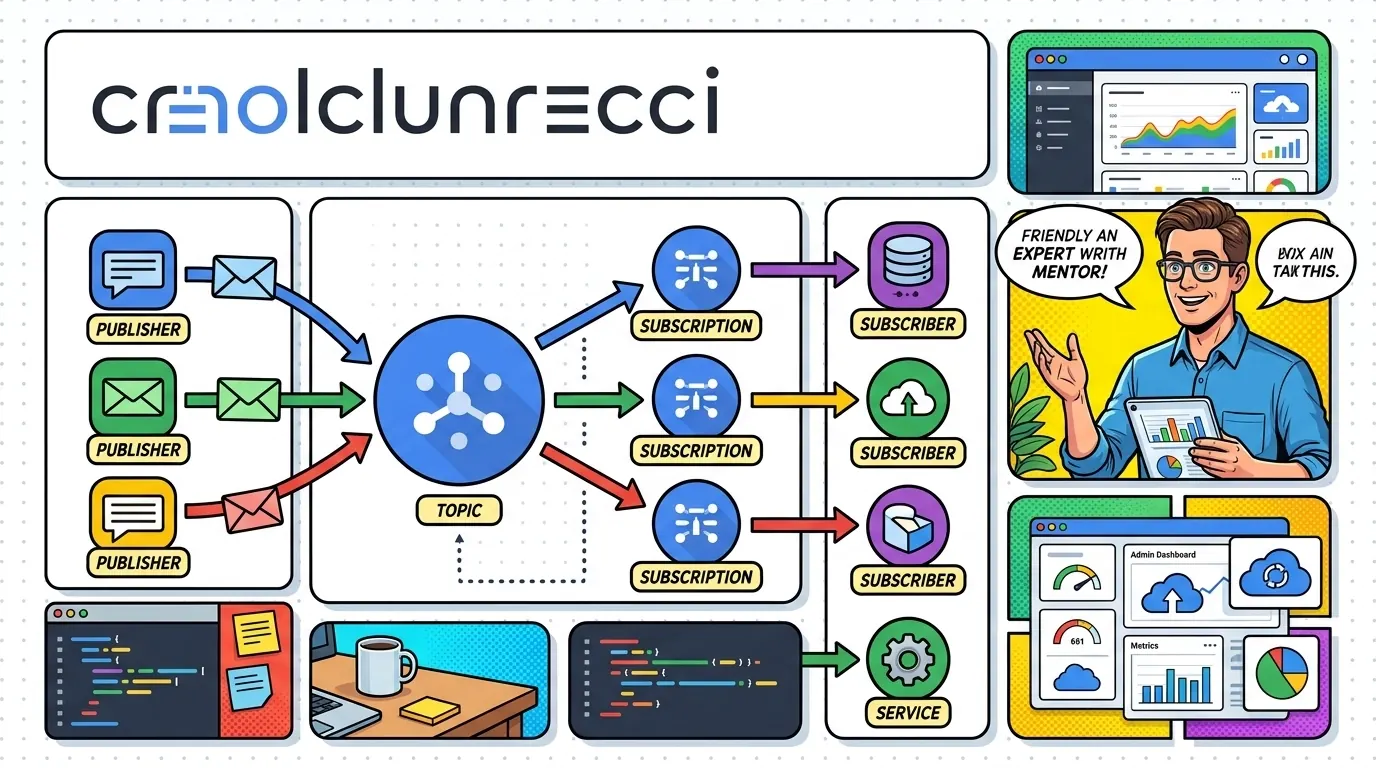
I like to think of a topic as a radio station. It broadcasts information out into the void. It doesn’t care who is listening or what they do with the music.
Subscriptions are the listeners
A subscription represents a stream of messages from a specific topic. The publisher only needs to know about the topic. It doesn’t need to know if there are ten consumers or zero.
Sync to async
This is the heart of the shift from synchronous to asynchronous communication. When a user signs up on your site, you publish a UserSignedUp event to a topic.
Your main app is done and returns a success message to the user right away. Meanwhile, subscribers pick up that event and do their jobs in the background.
Synchronous
Event-driven
UserSignedUp event and returns. Email, CRM and sync each pick it up on their own, and a failure in one doesn’t touch the others.The fan-out pattern
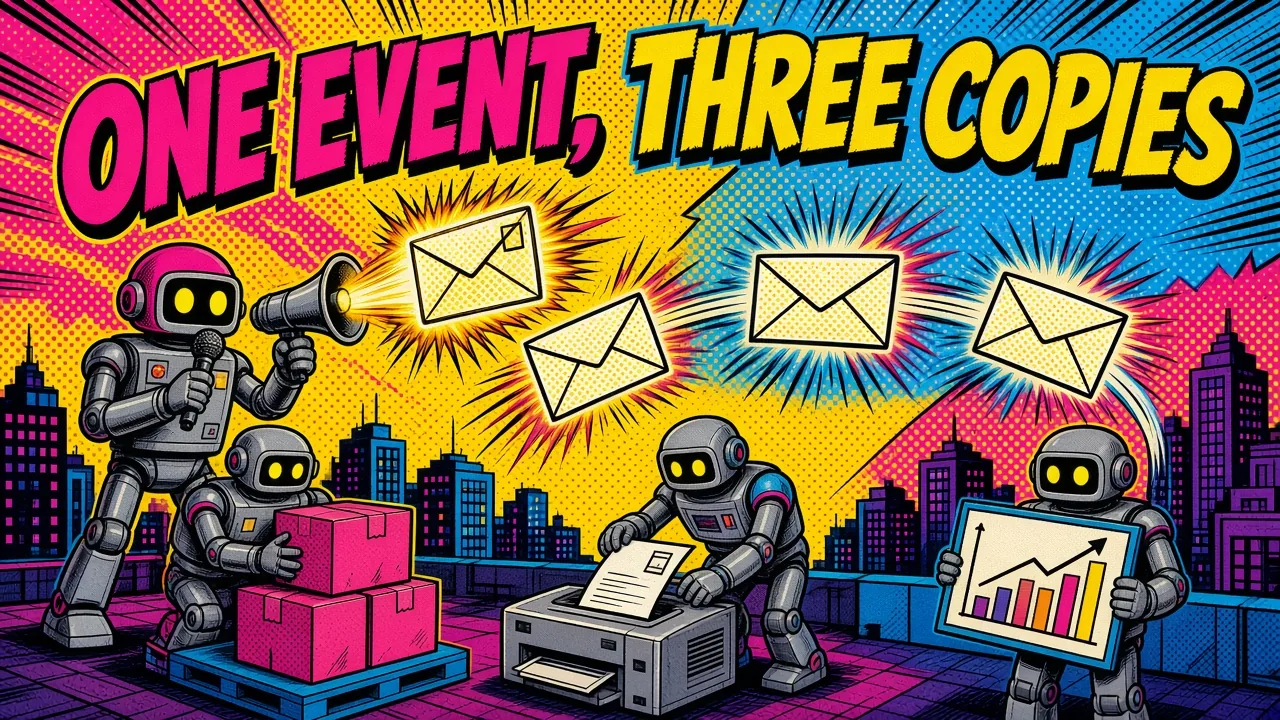
Fan-out is one of the most useful patterns in Google Pub/Sub. You publish a single message to a topic, and multiple subscriptions each receive a copy.
Imagine you run an e-commerce store. When an order is placed, three services need to act:
- An inventory service to update stock levels.
- A shipping service to generate a label.
- An analytics service to track revenue.
One message, three copies
Instead of your checkout service calling three different APIs, it sends one message to an order-events topic. Three separate subscriptions (inventory, shipping, analytics) each get their own copy.
They process it at their own pace. If the analytics service is down for maintenance, the shipping label still gets created. The messages wait in the subscription until the service is back online.
Pull vs push delivery
When you set up a subscription, you decide how you want to receive messages. Google Pub/Sub gives you two main options: pull and push.
Push subscriptions
Push subscriptions suit serverless architectures. Google Cloud sends the message to a webhook URL you provide.
This fits cloud infrastructure built on Cloud Run or Cloud Functions. It scales automatically and you only pay for what you use. You do have to make sure your endpoint can handle sudden spikes in traffic.
Pull subscriptions
With pull, your consumer service asks Google Pub/Sub for messages when it is ready. This gives you much more control over backpressure: if your worker is busy, it doesn’t ask for more work.
Pull is the usual choice for long-running services or for tools like Laravel’s queue workers. It holds up better for heavy processing where you want to fine-tune concurrency, which is the model I use for message queues in document processing.
| Delivery | How messages arrive | Good fit | Watch out for |
|---|---|---|---|
| Push | Pub/Sub calls your webhook URL | Cloud Run, Cloud Functions, serverless | Sudden traffic spikes on the URL |
| Pull | Your worker asks when it is ready | Long-running workers, Laravel queue workers | You manage the workers yourself |
Building resilient systems with DLQs
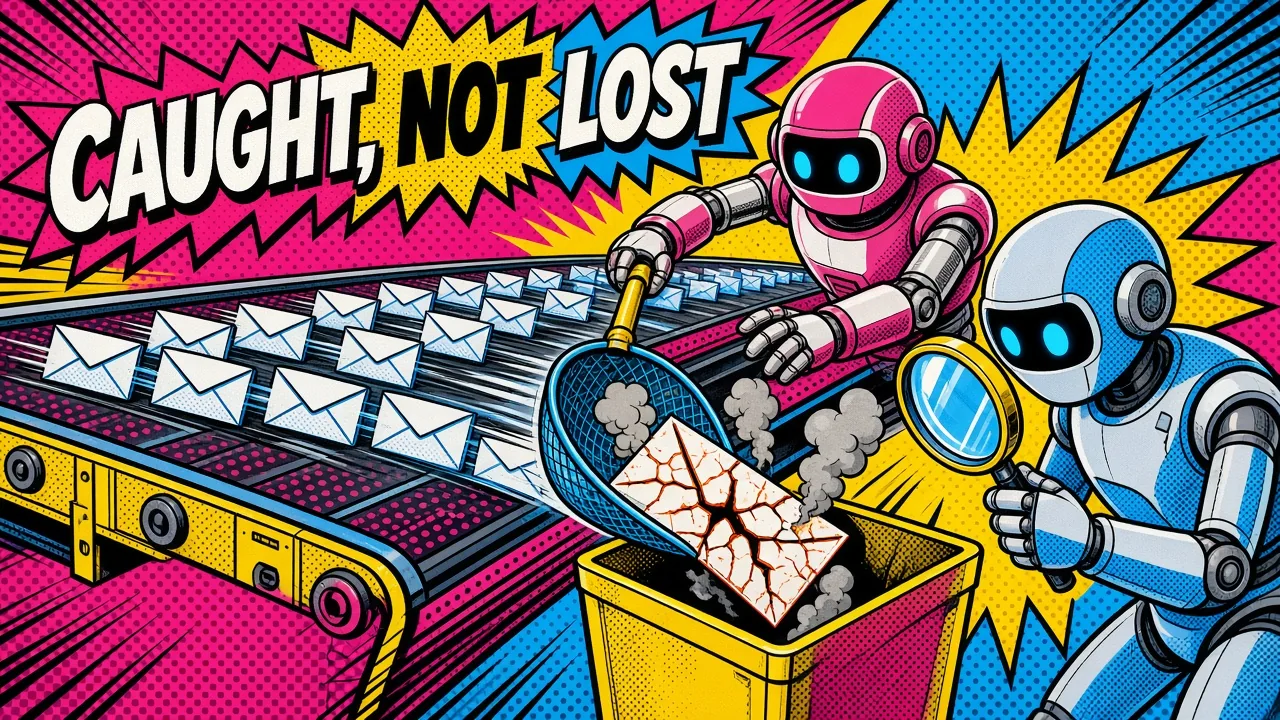
In a distributed system, things will fail. A database might time out or an external API might be down. If a message can’t be processed, you don’t want to lose it.
This is where dead-letter queues (DLQs) come in.
Move the poison message aside
A DLQ is another topic where Google Pub/Sub sends messages that failed to be acknowledged after a set number of attempts. Instead of retrying forever and clogging your main pipeline, the “poison” message is moved aside.
Inspect, fix, replay
I always recommend a DLQ for every important subscription. It acts as a safety net.
You can build a small dashboard or script to inspect the failed messages, fix the underlying issue and replay them. For Laravel jobs, my PHP unserialize tool turns a failed payload back into readable data. That prevents data loss and keeps your system moving.
Integrating Google Pub/Sub with Laravel
For the PHP and Laravel ecosystem, integrating Google Pub/Sub is smooth. Laravel ships with solid queue support for Redis and SQS, and the google/cloud-pubsub client lets you tap into GCP’s global scale.
This kind of decoupling is what makes the move from a monolith to microservices manageable instead of terrifying.
Publishing a message
You can treat Google Pub/Sub as a custom queue driver. Here is how you might publish a message in a typical service class:
use Google\Cloud\PubSub\PubSubClient;

$pubsub = new PubSubClient([
    'projectId' => 'your-gcp-project-id',
]);

$topic = $pubsub->topic('user-events');

$topic->publish([
    'data' => json_encode([
        'user_id' => 123,
        'action' => 'signup',
    ]),
    'attributes' => [
        'event_type' => 'UserSignedUp',
        'priority' => 'high',
    ],
]);
Filter with attributes
Attributes let you filter messages at the subscription level. A subscriber can choose to only receive messages where event_type is UserSignedUp.
That saves compute and outbound traffic, because your worker never sees the messages it doesn’t care about.
Monitoring and cost management
Set up monitoring from day one. Google Cloud integrates Cloud Monitoring with Google Pub/Sub.
Keep a close eye on your “unacked message count.” If this number keeps climbing, your subscribers can’t keep up with the producers.
Keep the bill in check
Google Pub/Sub is cheap at low volumes, but at millions of messages those bytes add up. Use batching on the publisher side to reduce the number of API calls.
Also watch message retention. The default is seven days, and you can set anywhere from 10 minutes up to 31 days. Keeping unacknowledged messages for more than 24 hours adds storage cost, so shorten the window if you don’t need a long replay.
Key takeaways
- Start by finding the “facts” in your system (for example
OrderPlaced) and turn them into events. - Use the fan-out pattern to keep your services decoupled and focused on one task.
- Always add a dead-letter queue so failures don’t block the main pipeline.
- Use message attributes for filtering at the subscription level.
- Make your consumers idempotent. If they receive the same message twice, it doesn’t cause errors or double charges.
This takes more planning up front, and I use it as the backbone of many systems I build because the payoff in stability is worth it. If you want help moving a synchronous flow to events, here’s how I help teams design event-driven systems on Pub/Sub and Laravel, or let me know what’s stopping you from making the switch.
Are you still using synchronous API calls for everything, or have you started moving toward an event-driven flow?