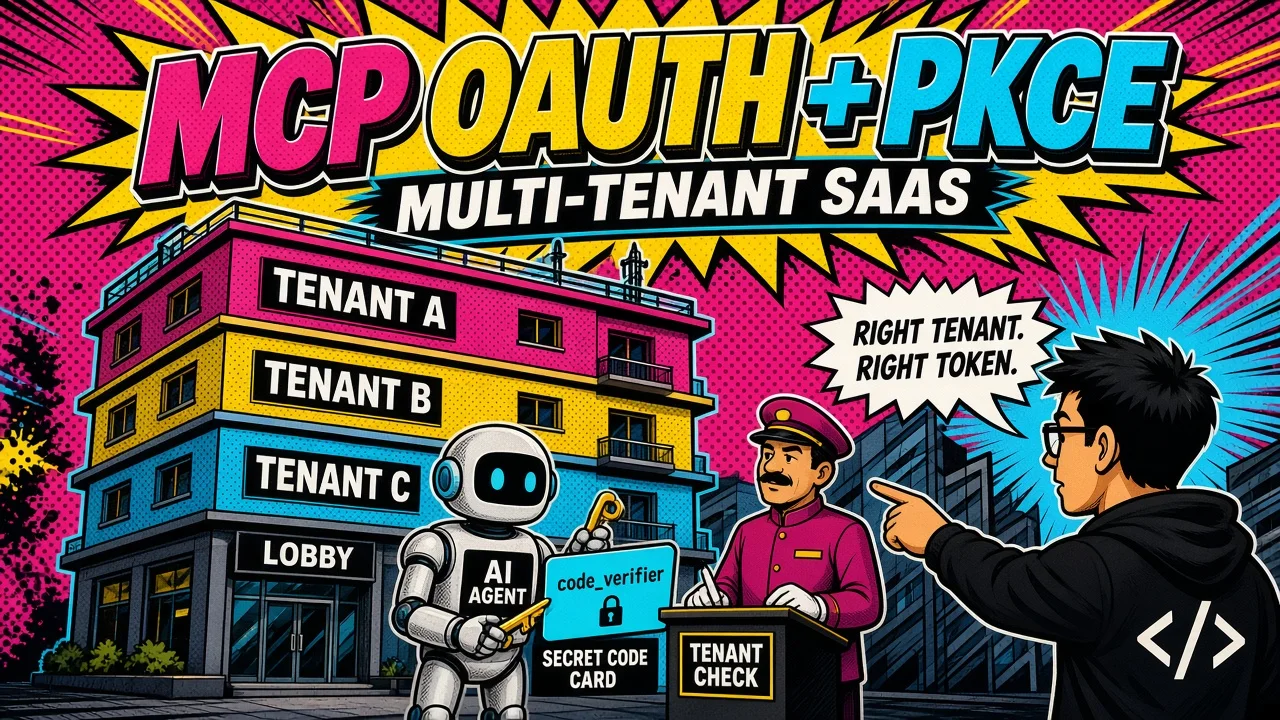
The scary moment in a SaaS launch is when you realize you don’t know if customer A can see customer B’s data.
I still remember the panic of my first SaaS launch. I was watching the logs as the third customer signed up, and I realized I had no idea if customer A could see customer B’s data.
That realization is a rite of passage for every developer.
Isolation is the hard part
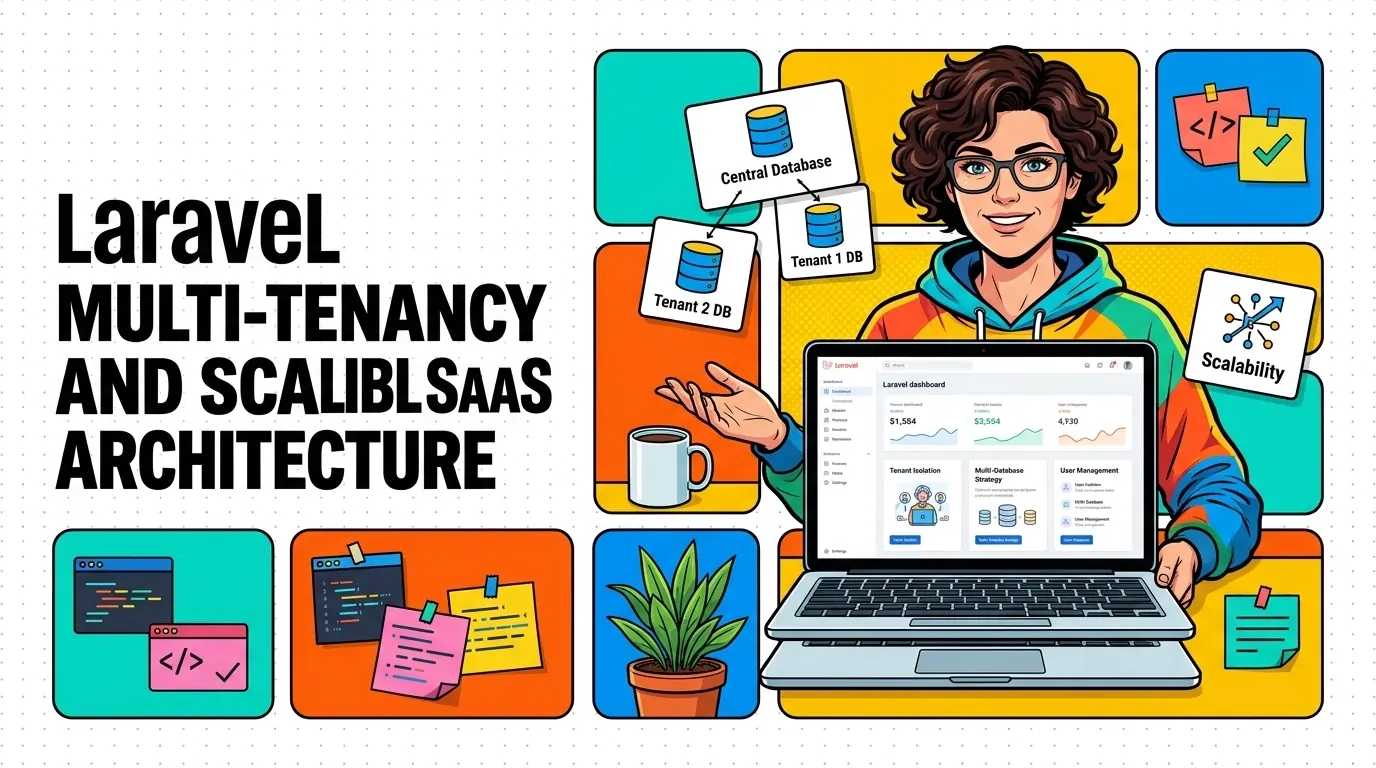
Building a software-as-a-service (SaaS) platform is a big technical challenge, and the main hurdle is almost always data isolation. Every tenant should feel like they have the whole application to themselves.
If you get this wrong early, it will haunt you for a long time. Here is how I approach Laravel multi-tenancy to serve many customers from one codebase while keeping security and scalability intact.
Why simple database structures fail SaaS
Most developers start with a single database and add a user_id or team_id to every table. It works fine for the first ten users. Then the complexity grows.
One missing where clause
You add more relationships. You forget a where clause in one obscure controller. Suddenly one customer can see another customer’s private invoices.
That is a catastrophic failure. It kills trust and can end your business overnight.
Data bloat
Performance also suffers. As your database grows to millions of rows, the queries get slower.
Indexing helps, but it does not solve the underlying problem of data bloat. You need a strategy that isolates data while keeping your infrastructure manageable.
Choosing your isolation strategy
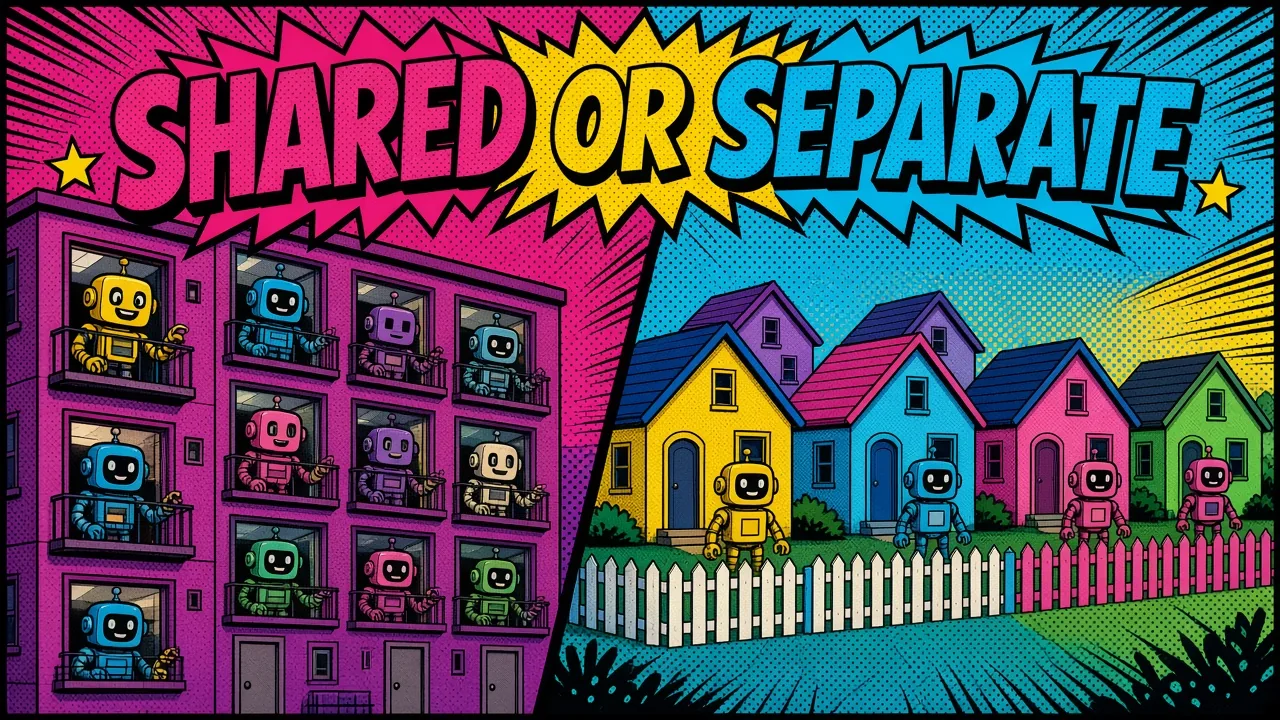
When I build custom web solutions, I always start by choosing between two paths: a single database or a multi-database setup.
Single database
The single database approach uses a shared schema, and every row has a tenant_id. It is cheap to run and easy to update.
I recommend it for startups where costs need to stay low. You can manage thousands of small tenants on a single server this way.
Database per tenant
The multi-database approach is the gold standard for enterprise. Every customer gets their own database.
This gives the strongest isolation and makes per-tenant backups and replication straightforward. If one database crashes, the others stay online. I use this for tenants with strict compliance needs.
| Strategy | Isolation | Cost and effort | Good fit |
|---|---|---|---|
| Single database | Shared schema, tenant_id | Low, easy to update | Startups, thousands of small tenants |
| Multi-database | One database per tenant | Higher, more to run | Enterprise, strict compliance |
The package I reach for
I often use the stancl/tenancy package for Laravel. It is a very flexible tool and lets you switch between these strategies as your business grows.
Some of this work is on my work page.
Building with global scopes
The secret to sleeping well at night is automation. I never rely on my memory to filter data. Instead I use Laravel global scopes.
A global scope automatically adds a filter to every query on a model. It makes sure Customer::all() only returns customers for the current tenant, behind the scenes, so you cannot forget it.
The BelongsToTenant trait
I create a BelongsToTenant trait and apply it to every model that needs isolation. It handles the filtering and sets the tenant_id when a new record is created.
It is a simple solution that prevents most accidental data leaks. Here’s what that trait looks like in practice:
<?php

namespace App\Concerns;

use App\Models\Tenant;
use App\Scopes\TenantScope;
use Illuminate\Database\Eloquent\Relations\BelongsTo;

trait BelongsToTenant
{
    protected static function bootBelongsToTenant(): void
    {
        static::addGlobalScope(new TenantScope());

        static::creating(function ($model): void {
            if (! $model->tenant_id && app()->bound('tenant')) {
                $model->tenant_id = app('tenant')->id;
            }
        });
    }

    public function tenant(): BelongsTo
    {
        return $this->belongsTo(Tenant::class);
    }
}
Isolate cache and storage too
You also need to isolate your cache and file storage. If two tenants upload a file named logo.png, they should not overwrite each other.
I configure Laravel to use tenant-specific prefixes for all storage paths. That gives every tenant a true “sandbox.”
Scaling on the cloud
Your architecture is only as good as the infrastructure it runs on. I usually deploy my Laravel apps with Docker on cloud providers like Google Cloud or AWS.
Stateless web tier
Containerization is key. It lets me scale the application horizontally: when traffic spikes, I spin up more web server instances.
That only works because the web tier stays stateless. Tenant context is resolved per request, not stored on the box, so the infrastructure stays clean.
When a single tenant starts pushing serious request volume, I reach for Laravel Octane to handle high traffic before throwing more servers at the problem.
Automate tenant setup
I use managed database services like Google Cloud SQL. They handle the heavy lifting of backups and scaling.
For multi-database setups, automated scripts provision a new database whenever a customer signs up. With this “infrastructure as code” approach, adding a tenant is a button click away.
Manual onboarding
Automated onboarding
The tenant switcher experience
The final piece is the user interface. Customers who own multiple businesses need a smooth way to move between accounts.
I build clean dashboards with Vue, with the frontend talking to the Laravel backend over a GraphQL API for a reactive feel. The tenant switcher is always within reach and shows exactly which context you are working in.
Make switching feel instant
I cache the tenant configuration in the frontend to avoid needless API calls. These small details separate a basic app from a polished one.

My Laravel multi-tenancy checklist
If you are starting a new project today, here are the steps I recommend:
- Choose your package early. I prefer
stancl/tenancybecause of its flexibility. It handles subdomain routing and database switching out of the box. - Add global scopes right away. Don’t wait until you have ten models. Add the trait to every tenant-scoped model and make it a standard part of your workflow.
- Automate your deployment. Use Docker from day one so local development matches production. That avoids the “it works on my machine” bugs that plague SaaS launches.
- Plan for data migration. As your schema changes, you need a way to run migrations across hundreds of databases. Tools like
stancl/tenancyhave built-in commands for this. - Keep it simple. Don’t build a multi-database setup if you only have five users. Start small and scale as revenue grows.
Key takeaways
- Choose isolation early: a shared database for low cost, a database per tenant for strict isolation.
- Automate filtering: a global scope trait on every tenant model stops most leaks.
- Isolate cache and storage with tenant-specific prefixes.
- Stay stateless so you can scale the web tier horizontally.
- Automate tenant provisioning and migrations from the start.
Here’s how I help teams architect and ship multi-tenant SaaS on Laravel, and you can always get in touch.
Are you building a SaaS or migrating your current app to a multi-tenant structure, and what is the main technical hurdle you are facing right now?