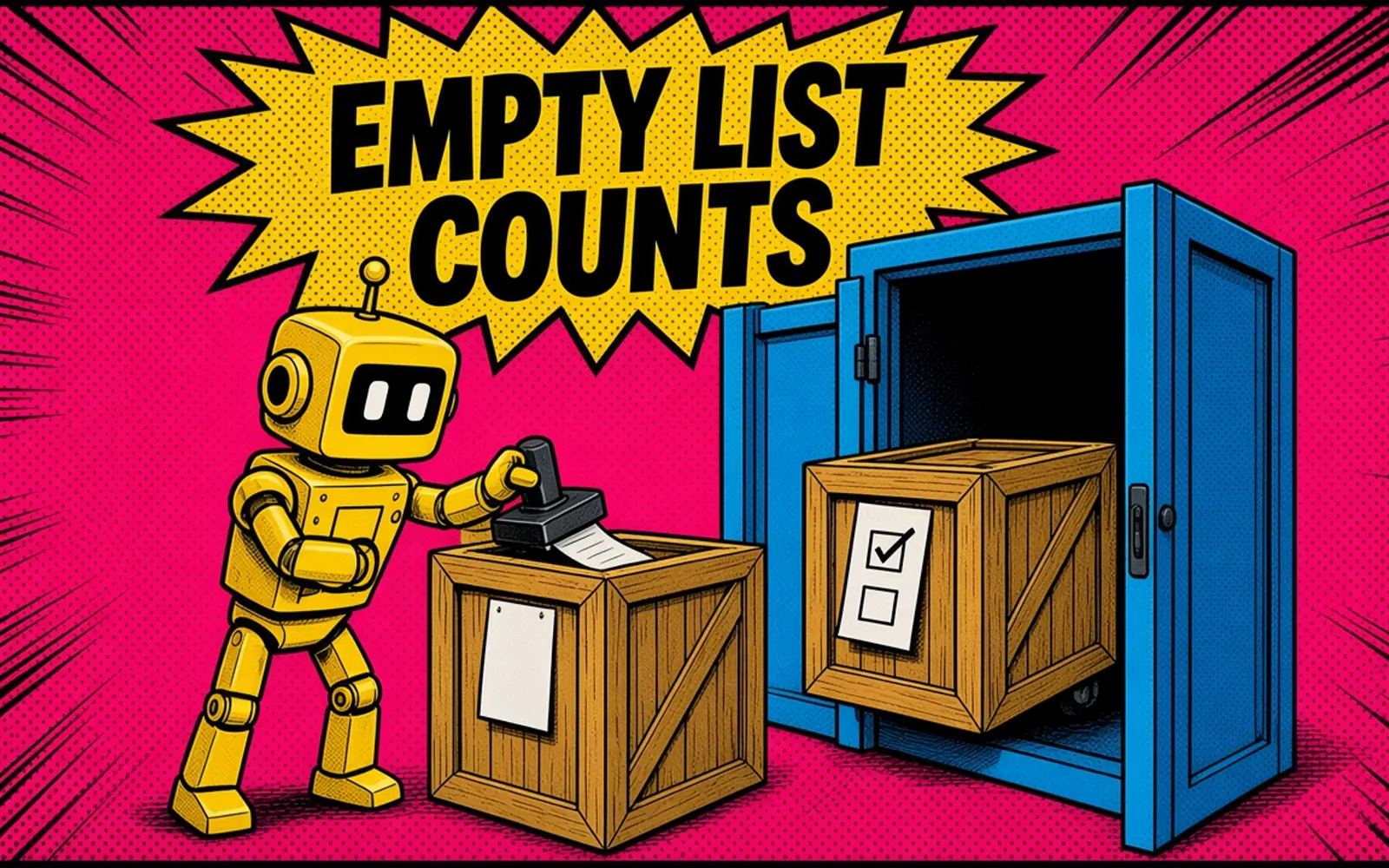
Shopify will reject your storefront app deploy on 1 December if allowed_sources is missing. An empty list still counts.
The 19 November 2026 changelog turned an optional TOML section into a deadline. If your app is in scope, you have until 1 December.
What Shopify made required on 19 November
Shopify first shipped [network_access] on 27 October 2026 as a recommendation. That changelog says to add the section. It does not make it required.
On 19 November it became a requirement for apps that run code on the online store, with two dates attached.
The required key is allowed_sources, under [network_access] in shopify.app.toml. allowed_navigation_hosts is still optional. Listing a host there skips the exit warning when a customer follows a link off the store. The current reference calls that page an exit interstitial.
The app configuration reference lets each list hold up to 30 entries. The October changelog said 20. Use the current reference.
Current docs also narrow allowed_sources to the online store. They tell you to leave out servers that only the app home or other Shopify admin pages use.
Treat that as guidance. The docs do not say a deploy fails if you list one. The October changelog had included checkout and admin pages in the places those origins applied.
[network_access]
allowed_sources = ["https://api.app.example.com"]
allowed_navigation_hosts = ["app.example.com"]Who is in scope, and who is not
Not every Shopify app has to declare. The changelog and the docs use the same list.
Public apps, and custom apps you install on stores outside your organization, are in scope if they use any of these:
- A theme app extension block or app embed.
- Script tags on the online store.
- An app proxy.
- The
write_themesaccess scope. - A web pixel with the
write_open_pixelsaccess scope.
These are not in scope:
- Apps that only write content, such as metafields, menus, or products.
- Apps that have a checkout UI extension but none of the features above.
- Custom apps that you install only on stores within your organization.
- Apps that merchants create in the Dev Dashboard or in the Shopify admin.
- Web pixels that run in the default strict sandbox.
A checkout UI extension that calls fetch() still needs the network_access capability in its own shopify.extension.toml. That capability is separate from the app-level [network_access] section. A checkout UI extension on its own does not trigger the 1 December requirement.
The dates, and the custom-app catch
The changelog and the upcoming security deadlines table agree on the calendar. They name 1 December 2026 and 1 January 2027. They do not state a time of day or a time zone.
1 December 2026
Public apps: Shopify rejects deploys and App Store submissions. Merchants see a warning in the Shopify admin. Existing app versions keep working.
Custom apps installed outside your organization: Shopify rejects deploys.
1 January 2027
Public apps: Shopify delists the app and blocks new installs. Existing installs keep working.
Custom apps: Shopify blocks installs of your apps outside your organization until every in-scope app declares.
That last custom-app line is easy to misread. It is not only “this one app cannot be installed.”
The deadlines table says that until every custom storefront app you have already installed outside your organization declares, you cannot install any of your apps on another store outside your organization.
The “existing versions keep working” and “existing installs keep working” lines are in the public-app rows. The custom-app rows talk about rejected deploys and blocked installs. They do not say an install that is already on a store stops serving.
The pain is shipping a new version, staying in the App Store, and installing onto the next store.
An empty list counts. A missing section does not.
If the storefront code never loads from or sends requests to an external server, you still declare. Set allowed_sources = []. The changelog and the docs both say an empty list counts as a declaration.
Leave out anything Shopify already serves. Files in a theme app extension’s assets folder do not belong on the list. Neither does the app proxy URL, because the store serves those pages from its own domain.
I ran a local check against those published rules on 24 November 2026, at 08:16 Asia/Kuala_Lumpur. A config with allowed_sources = [] passed. A file with no [network_access] section failed. A section that only set allowed_navigation_hosts also failed, because allowed_sources was missing.
This is a local check of the published rules, not shopify app deploy. I did not submit a version to Shopify.
Put it in shopify.app.toml, not in the theme extension
Shopify CLI 5.0.0, published 27 October 2026 at 14:43 UTC (22:43 Asia/Kuala_Lumpur), briefly let a theme app extension declare origins in shopify.extension.toml. PR #9014 says that table went out in 5.0.0:
[capabilities.network_access]
allowed_sources = ["https://api.example.com"]
PR #9014 took that table out. It was merged on 3 November 2026. The PR says the platform never enabled the extension-level field, so no app could use it.
CLI 5.0.1 shipped the removal on 4 November 2026 at 14:22 UTC (22:22 Asia/Kuala_Lumpur). The release notes point origins at [network_access] allowed_sources in shopify.app.toml.
The same PR’s test steps say shopify app dev and shopify app deploy reject that table on a theme app extension, because network_access only accepts a boolean, the same as before 5.0.0.
I did not run those commands against a Partner app. The list belongs in shopify.app.toml.
I pointed the same local check at a fixture that still used the 5.0.0 table. It flagged the extension file and pointed back to shopify.app.toml.
A boolean network_access under [capabilities] is still the right shape for a checkout UI extension that calls fetch(). That is a different setting from the app-level list.
Format traps the docs spell out
The app configuration reference says allowed_sources entries are lowercase HTTPS origins with no path and no trailing slash, such as https://api.app.example.com. If you set a port, do not use the default 443.
A wildcard such as https://*.cdn.app.example.com covers subdomains only. It does not cover https://cdn.app.example.com itself.
Do not list IP addresses, localhost, Shopify domains such as myshopify.com or shopifycdn.com, or a host that many owners share. The docs call out https://s3.amazonaws.com and https://*.amazonaws.com. Use the host that belongs to you, such as https://my-bucket.s3.amazonaws.com.
allowed_navigation_hosts are lowercase host names with no scheme, port, path, or wildcard. app.example.com does not cover pay.app.example.com. Do not list a public suffix on its own, such as github.io, and do not list file-sharing sites or link shorteners.
The test docs also say the console will not warn about Google Fonts. If you use them, add both https://fonts.googleapis.com and https://fonts.gstatic.com.
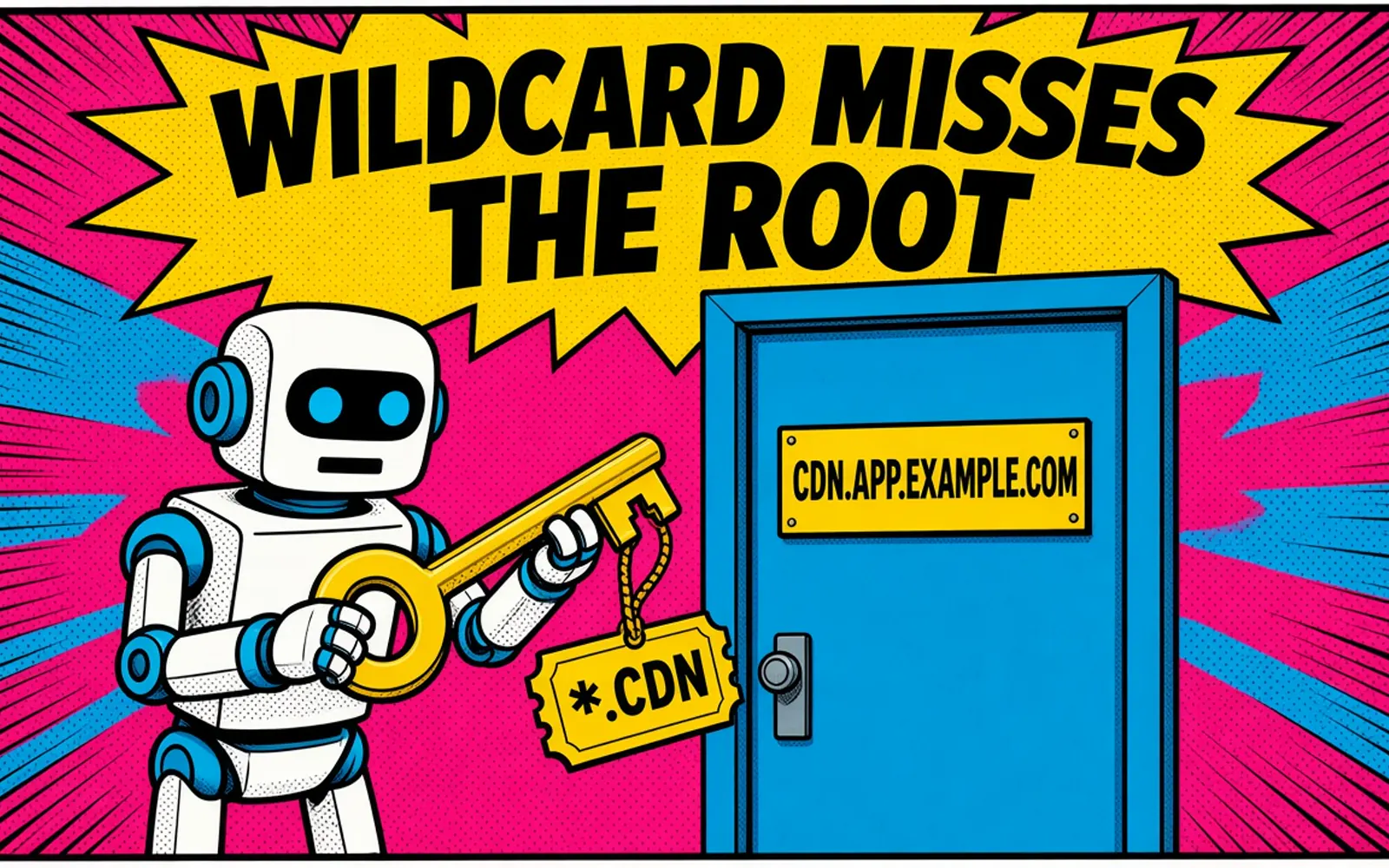
On my local check, https://*.cdn.app.example.com on its own produced that warning. The same wildcard passed when I also listed https://cdn.app.example.com. Trailing slashes, http:// origins, paths, https://s3.amazonaws.com, and https://cdn.shopifycdn.com failed the same check.
The removed CLI 5.0.0 helper, normalizeAllowedSource on the theme extension, stripped one trailing slash and capped the list at 20. CLI 5.0.1 removed that helper with the table. The current app reference forbids the slash and allows up to 30.
Test on a preview store, then deploy and release
Shopify shipped a network access testing feature preview on 4 November 2026. Create a dev store with that preview, then run shopify app dev against it.
The docs are specific about how to test. Open the store at its myshopify.com address.
Do not test in the theme editor preview, or on the local 127.0.0.1 preview URL that Shopify CLI prints for theme app extensions.
Shopify does not add the Content Security Policy there, so the console stays quiet even when a server is missing.
Do not install other apps on that store. Shopify combines allowed_sources from every installed app into one policy, so another app can hide a host that is missing from yours.
On the preview, undeclared links can show the exit warning, and the browser console warns when a page talks to a server you have not declared.
The preview warns. It does not block. The docs say it covers the online store only, and that requests from checkout UI extensions do not show Content Security Policy warnings. The preview is still under development.
Deploy, then release
When the lists look right, run shopify app deploy and release the new version. Declarations apply to production stores only after that release.
The docs say Shopify checks both lists again when it creates the version, and rejects the deploy if an entry breaks the reference rules.
Key takeaways
- If your public or externally installed custom app runs code on the online store, declare
allowed_sourcesinshopify.app.tomlbefore 1 December 2026. allowed_sources = []is enough when you contact no external servers. A missing section is not.- Put the list in the app TOML, not in the theme extension. List a wildcard and its base host separately. Then deploy and release, because a local file change does not protect the App Store listing.
Which of your apps is in scope, and does its shopify.app.toml already have allowed_sources?