On 21 October 2026 the PHP project posted a security advisory for two critical bugs. If you run a Laravel app on PHP, in Docker or on a plain server, this post is for you.
What was fixed
The advisory lists two bugs:
- CVE-2026-109618, RCE via out-of-memory corruption (GHSA-w8hw-w9fx-j79w). When PHP runs out of memory, it can stop while internal request data is only partly set up. Request cleanup may then treat that bad data as valid (php.net).
- CVE-2026-109619, RCE via stale global state (GHSA-6wmf-4rv5-p3rp). Some internal state that belongs to one request can survive after its memory is freed. A later request in the same worker may use that stale state before it gets reset (php.net).
Both GitHub advisories list affected versions as anything below 8.2.35, 8.3.36, 8.4.27 and 8.5.12, with a CVSS v4 vector of AV:N/AC:H/AT:P/PR:N/UI:N/VC:H/VI:H/VA:H (GHSA-w8hw-w9fx-j79w, GHSA-6wmf-4rv5-p3rp). NVD shows a base score of 9.2 for each (CVE-2026-109618, CVE-2026-109619). The ChangeLog entry for each release lists both advisories under Core.
Who is at risk
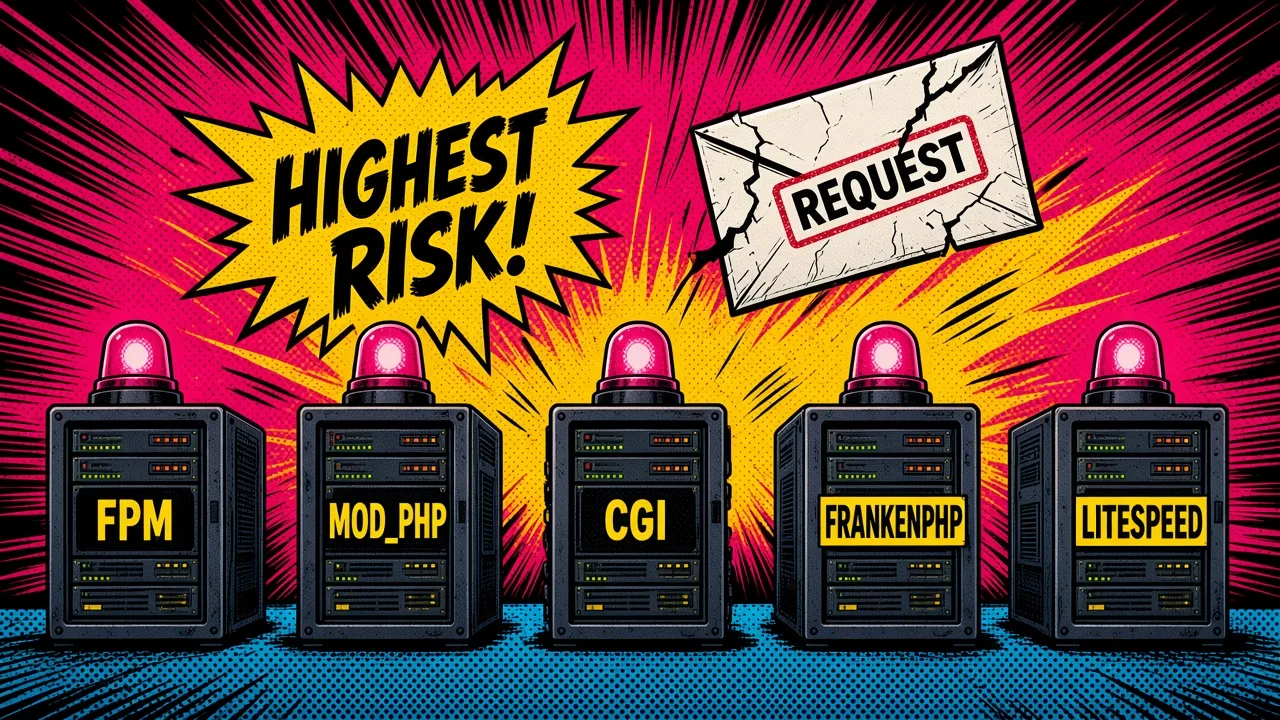
The advisory says: all PHP installations serving web requests, including PHP-FPM, Apache with mod_php, php-cgi, FrankenPHP and LiteSpeed. The PHP team considers the risk highest for mod_php, where they demonstrated an exploit in which an unauthenticated request triggers the attack before any application code runs (php.net).
So your Laravel middleware, auth and validation do not protect you here. The bug sits below your app.
Old versions: 8.1 and below
PHP 8.1 and older no longer get updates from the PHP project. Because of the severity, the security team published minimal source backports for PHP 7.4, PHP 8.0 and PHP 8.1 for people who build from source or have no LTS vendor. Linux distributions and LTS vendors got the patches in advance, so check your vendor for packages (php.net).
The advisory also says rpms.remirepo.net will not have updates on the day of release, and asks users of that repo to switch to distribution packages or build from source (php.net).
If you cannot update right now
The PHP team lists settings that reduce exposure to specific attack paths. They say plainly that these do not make an install safe (php.net).
For CVE-2026-109618 (out of memory):
- Set
memory_limit=-1in a way the app cannot override, such asphp_admin_valuein the FPM pool or Apache config. Check that no pool, directory or app setting puts a finite limit back. An allocation failure below PHP can still reach the bug. - Set a low
post_max_size:8Mif you have no uploads,32Mif you do. Keepupload_max_filesizebelowpost_max_size. - Consider limits at the web server or proxy for request size, field count, multipart parts, headers and nesting depth, including requests with no usable
Content-Length. - Use a container or cgroup memory limit, ideally one that kills only the affected worker. Do not use
RLIMIT_ASorRLIMIT_DATAinstead, since those can cause the allocation failure.
For CVE-2026-109619 (stale state):
- Set
session.upload_progress.enabled=0and restart every worker. Put it inphp.ini, the FPM pool or server config.ini_set()and FPM.user.inido not work for this. - On PHP 8.5, set
fatal_error_backtraces=0and restart every worker. - Remove invalid or deprecated per request settings that emit diagnostics early. Hiding them with
error_reporting,display_errorsor@does not help. - Fix fatal errors and execution timeouts an attacker can reach, including in callbacks, upload or import handling, and cleanup.
An FPM pool example:
; /usr/local/etc/php-fpm.d/zz-security.conf
[www]
php_admin_value[memory_limit] = -1
php_admin_value[post_max_size] = 32M
php_admin_value[upload_max_filesize] = 30M
php_admin_flag[session.upload_progress.enabled] = off
Treat this as a stopgap for hours, not weeks.
Laravel and Docker: how to actually update
1. Find the PHP version everywhere
On each server, and inside each running container:
php -v
docker compose exec app php -v
docker exec <container> php -v
Check the web workers, not only the CLI. On a server with several PHP builds, php -v may show a different binary than the one FPM runs. php-fpm -v (or php-fpm8.3 -v on Debian style installs) tells you what FPM uses.
Then check the base image in every Dockerfile:
rg -n "^FROM" --glob "Dockerfile*" .You want a tag on or above the patched patch release, for example php:8.3.36-fpm or php:8.4.27-fpm. A floating tag like php:8.3-fpm only helps if you pull it again after the new image is published. A fully pinned old tag like php:8.3.30-fpm will never update by itself. Check the official image tags before you build.
If your image installs PHP from distro packages (for example apt-get install php8.3-fpm), you depend on your distro shipping the fix.
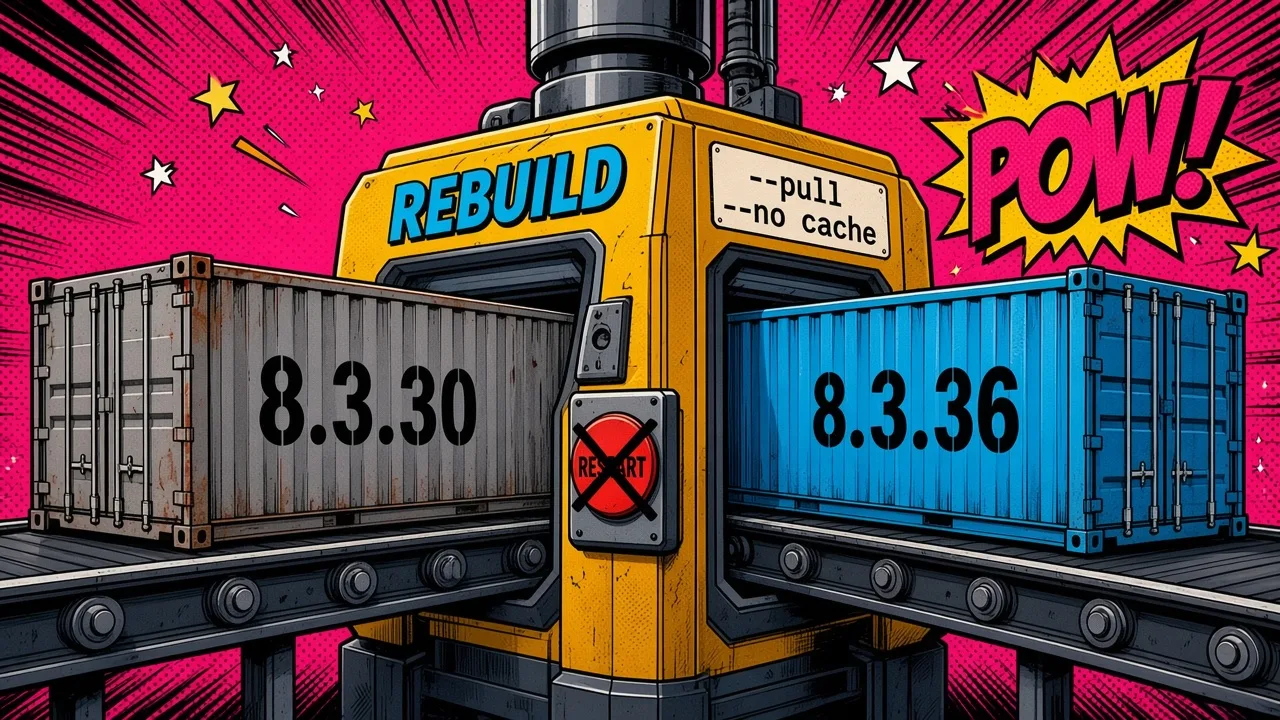
2. Pull and rebuild. A restart does not help
A container restart runs the same image with the same PHP binary. You need a new image:
docker compose build --pull --no-cache app
docker compose up -d app
docker compose exec app php -v
--pull makes Docker fetch the newest base image for your tag. --no-cache stops it from reusing an old layer. Do the same for queue workers, Horizon, the scheduler and any Octane container, since they often use their own image or service.
3. Redeploy on Coolify
If you deploy with Coolify:
- Update the
FROMline in yourDockerfileif it pins an old patch version, and commit it. - Open the application and redeploy. If Coolify builds from your repo, use the force rebuild option without build cache so it does not reuse old layers. If Coolify pulls a prebuilt image from a registry, rebuild and push that image in CI first, then redeploy.
- After the deploy, open the terminal for the container in Coolify and run
php -v.
4. Confirm
For each environment, write down the PHP version shown by php -v in the web container and the worker containers. Every one should read 8.5.12, 8.4.27, 8.3.36 or 8.2.35 or later, or a vendor build that lists both CVEs as fixed.
Summary
Two critical bugs, both fixed in the 21 October releases. The interim settings help a little. Updating is the only safe choice: find your versions, pull the new base image, rebuild, redeploy, and check php -v again.