Scaling a web app used to mean signing a blank check. Coolify is why it doesn’t have to anymore.
You start on the free tier, traffic spikes, and suddenly the bill has a comma in it.
The alternative (a raw VPS, SSH, and a prayer) costs you the weekend instead of the money. Nginx vhosts, certbot renewals that silently fail, a deploy script nobody wants to touch.
That gap is the whole reason Coolify exists, and it’s why the project has quietly turned into the default answer for “I want Heroku, but on my server.”
As of today the repo sits at 60,298 GitHub stars and ships hundreds of one-click services. Version 4 has been the stable line for a while now.
It is no longer a hobby project you’re brave for running. It’s infrastructure with a bus factor above one.
I run production workloads on it. This post is what I’d tell you over coffee: what the numbers mean, where Coolify genuinely wins, and which of its marketing-adjacent claims you should quietly ignore.
What 60k stars actually signals
Stars are a vanity metric right up until they aren’t. What the curve tells you here is not “Coolify is good software.” It’s that a critical mass of developers decided sovereign infrastructure was worth the tradeoff.
The reasoning is boring and correct. A managed PaaS owns your build pipeline, your runtime, your egress pricing, and your migration path. When any one of those changes, you refactor on their timeline.
Heroku killing free dynos taught a generation of developers that “managed” means “someone else decides.”
Self-hosting used to mean giving up the good parts: git-push deploys, automatic TLS, a dashboard your teammate can read. Coolify’s actual contribution is that it kept those and dropped the rent.
Practically, a mature project means the things that bite you at 2am are handled by someone other than you: proxy config, certificate renewal, container lifecycle, backup scheduling. That’s the product.
Docker containerization is the whole engine
Underneath the dashboard, Coolify is an orchestrator for Docker. Every app, database, and service you deploy is a container. Your local environment and your production server run the same image, which is the entire point.
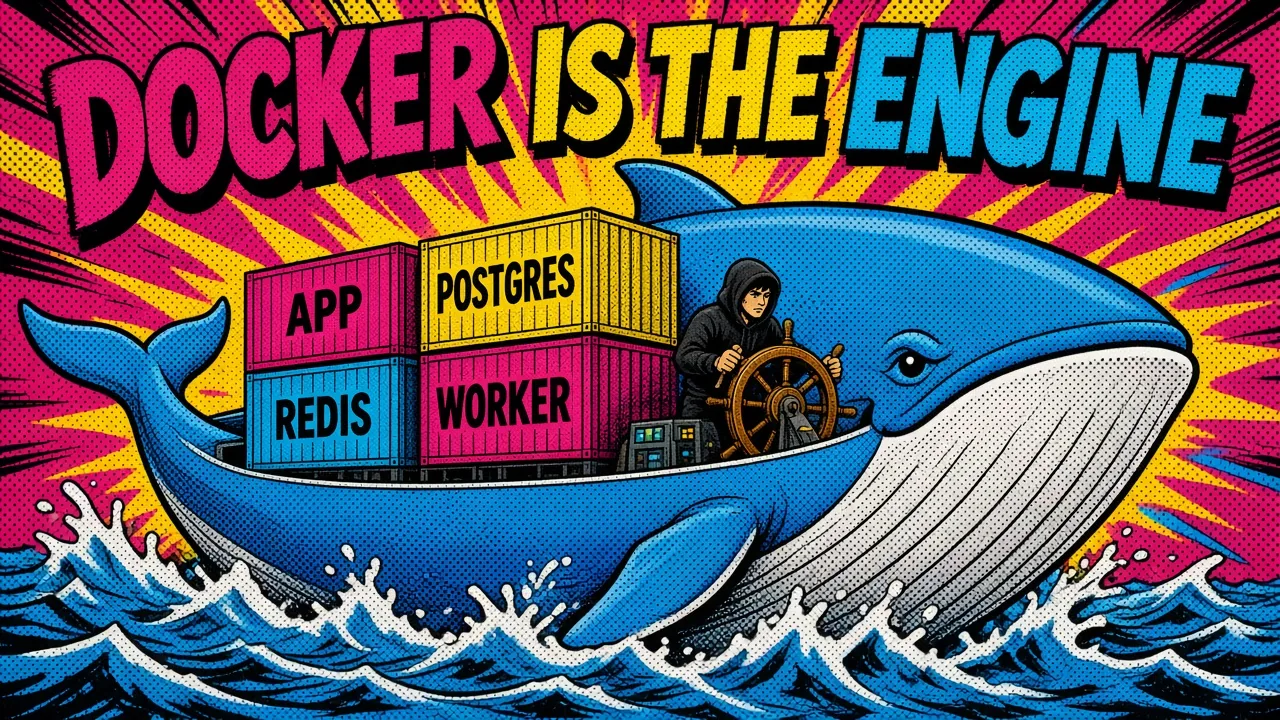
When you push to your repo, Coolify pulls the code, builds an image, and starts the replacement container.
Build sources are flexible: a Dockerfile if you have one, a docker-compose.yaml for multi-service stacks, static output for a plain frontend, or Nixpacks when you want zero config and can live with its opinions.
What containerization buys you here:
- Isolation. One app OOM-ing doesn’t take the box down with it.
- Portability. Moving from the cheapest droplet your provider sells to a dedicated Hetzner box is a server swap, not a migration project.
- Resource control. Per-container CPU and memory limits, set in the UI, enforced by Docker.
- Reproducibility. The image that passed staging is the image that runs in production.
Where Kubernetes starts to make sense
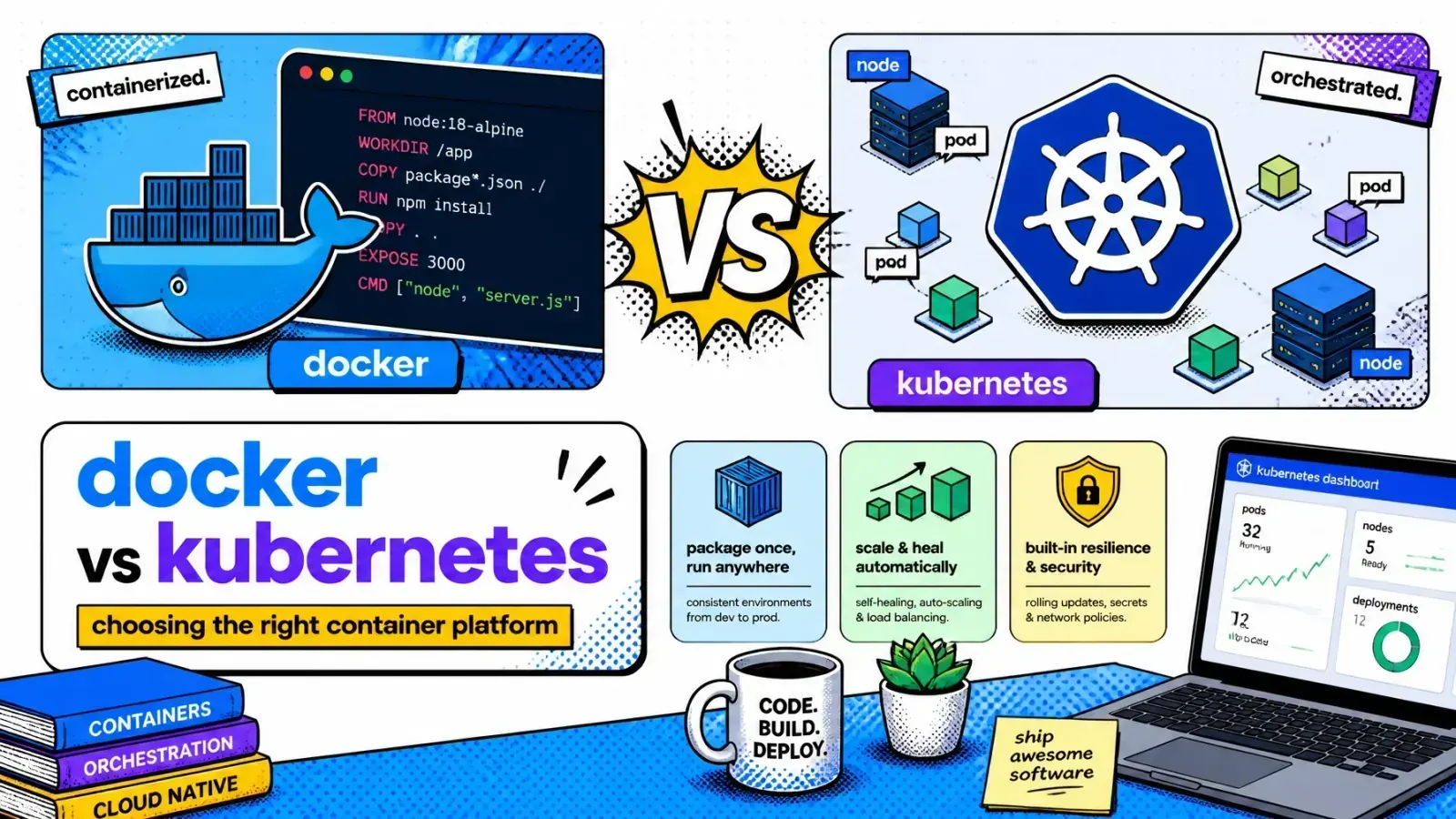
If you’re weighing this against a full orchestrator, my breakdown of Docker vs Kubernetes covers where the line actually sits, and it’s further out than most teams assume.
Kubernetes earns its complexity somewhere north of “a dozen services and a platform team.” Below that, Coolify’s model is strictly less work for the same outcome.
For the ground-floor version of this setup, I wrote it up in Coolify and Docker for SaaS hosting.
What the one-click service catalog actually contains
This is the part people underrate. The service catalog is not a gimmick. It’s the difference between “I’ll set up Plausible this weekend” and “Plausible is running, next task.”
Worth splitting into two things that get conflated.
Databases are first-class resources, not templates. There are eight of them: PostgreSQL, MySQL, MariaDB, MongoDB, Redis, DragonFly, KeyDB, and ClickHouse. They get their own connection UI, their own lifecycle, and (for the SQL and document stores) their own backup scheduling.
Everything else is a compose template, and that’s where the breadth lives:
- Dev tools: Gitea, Hoppscotch, n8n, Uptime Kuma.
- Analytics: Plausible, Umami, PostHog.
- CMS and app platforms: Ghost, Strapi, Directus, WordPress, Appwrite, Supabase.
- AI infrastructure: Qdrant and other vector stores for RAG workloads.
Each template ships with sane defaults, networking, volume mounts, and generated secrets. You get a running service and a URL.
Catalog size is not a moat
The “280+” figure is Coolify’s own tagline and it undersells the current state: the repo’s templates/compose directory holds 362 of them today.
Worth knowing, though, that catalog size is no longer a moat. Dokploy ships 514 blueprints and CapRover has 354 one-click apps. Everyone in this space has enough templates.
Two caveats worth stating plainly. First, a one-click template is a starting point. It is not tuned for your load, and the defaults are chosen to boot cleanly, not to survive traffic.
Second, templates are community-maintained; pin your image tags rather than riding latest into a breaking upgrade.
Coolify vs the alternatives, on real numbers
The self-hosted PaaS space stopped being a one-horse race. Here’s where the four main projects actually stand today:
| Feature | Coolify | Dokploy | CapRover | Dokku |
|---|---|---|---|---|
| Interface | Web dashboard | Web dashboard | Web UI | CLI-first |
| Multi-server | Native + Swarm | Native + Swarm | Docker Swarm | Via plugins |
| Service catalog | 362 templates | 514 blueprints | 354 one-click apps | Plugin-based |
| Build sources | Dockerfile / Compose / Nixpacks / static | Dockerfile / Compose / Nixpacks / Railpack / Heroku + Paketo buildpacks | Dockerfile / captain-definition | Herokuish buildpacks / Dockerfile |
| Backups | S3-compatible, scheduled | S3-compatible | Manual / scripted | Plugin-based |
| GitHub stars | 60.3k | 36.5k | 15.1k | 32.1k |
A few honest reads on that table.
Dokploy is the real competitor now, not a footnote. It has 36k stars and is climbing fast, with a template catalog that has quietly grown larger than Coolify’s and a wider set of build sources (Railpack and Paketo on top of the usual Nixpacks and Dockerfile).
It’s leaner and the UI is arguably cleaner. If you’re starting fresh in 2026 it deserves a genuine evaluation rather than a dismissal. Coolify’s remaining edge is time in production: more people have hit more edge cases, and those fixes are already merged.
Dokku has the smallest resource footprint of the four and the most Unix-native design. If you’re comfortable in a terminal and want something that will still work identically in five years, it’s a defensible choice. The CLI-first model is a real barrier for teams where not everyone deploys.
CapRover is the oldest of the four and still actively maintained; it committed as recently as this week. It’s Swarm-native by design, which is a genuine advantage if clustering is your starting requirement rather than an afterthought. Its ceiling is the smaller community: fewer people hitting problems means fewer problems already solved for you.
What multi-server actually means
Coolify supports three topologies: a single server, multiple standalone servers managed from one dashboard, and Docker Swarm clusters.
The middle one is what most teams want, and it’s worth being precise about what it is. Adding a second server means Coolify SSHes into it and manages Docker there. Each server runs its own containers and its own proxy.
It is not a cluster. There’s no automatic failover, no scheduler moving workloads between nodes. If a server dies, the apps on it are down until you redeploy elsewhere.
That’s a feature, not a gap. It’s the model that fits the 95% case: put the database on a high-memory box, the app on a high-CPU box, and keep the Coolify instance itself on a small separate server so a runaway build can’t take down your control plane.
If you need true clustering, that’s what the Swarm mode is for. If you need more than Swarm, you’re in Kubernetes territory.
I go deeper on the topology decisions, dedicated build servers, and zero-downtime rollouts in scaling SaaS with Coolify.
Security: what’s real and what isn’t
This is where I’ll break with the usual Coolify writeup, because there’s a claim floating around that Coolify handles your firewall for you. It does not, and believing it will hurt you.
Here’s what Coolify actually gives you:
- Automatic TLS. Let’s Encrypt issuance and renewal for custom domains, handled by the bundled proxy: Traefik by default, Caddy still marked experimental.
- Encrypted secrets. Environment variable values are stored with Laravel’s
encryptedcast, so they’re not sitting in the database as plaintext. That cast uses Laravel’s standard encrypted payload, the same format my Laravel decrypt tool reads with an APP_KEY. Scopes go per-resource, with shared variables at the environment, project, and team level, and separate build-time and runtime visibility. - Team roles.
owner,admin, andmemberper team, so a contractor doesn’t get production database access. - Scheduled backups. Postgres gets first-class scheduled dumps (Coolify backs up its own database the same way); MySQL, MariaDB, and MongoDB are covered too. Destination is local disk or any S3-compatible bucket. Backblaze B2 and Cloudflare R2 both work and cost almost nothing.
The Docker and UFW trap
Here’s the part nobody says out loud:
If you ufw deny 5432 and then map Postgres to the host, that port is open to the internet and ufw status will happily tell you it’s blocked. This is Docker behavior, not a Coolify bug, but the consequence lands on you either way.
What you think
ufw deny 5432 is set, and ufw status says the port is blocked.What happens
The fix is to filter at a layer Docker can’t route around:
- Use your provider’s firewall. Hetzner Cloud Firewall, DigitalOcean Cloud Firewall, AWS security groups: these sit outside the host, so Docker’s iptables rules are irrelevant.
- Don’t publish database ports at all. Databases should be reachable over the internal Docker network by container name. Coolify defaults to this; the risk is you enabling public access “just for a migration” and forgetting.
- Close the dashboard ports. Coolify needs 8000, 6001, and 6002 during setup. Once you’ve put the dashboard behind a domain and its own TLS, those can be closed. Leave 22, 80, and 443.
Do those three and your self-hosted setup is meaningfully harder to reach than most managed deployments, because there’s less surface exposed to begin with.
The actual argument: vendor independence
Strip away the features and the case for Coolify is one sentence: you stop renting your deployment pipeline.

The math is not subtle. Ten small projects on a managed platform (a few hobby-tier databases, some build minutes, a bit of bandwidth) lands somewhere around $150 to $250/month once you’re past free tiers.
The same ten projects fit on a single mid-tier VPS with 8 vCPU and 16 GB of RAM, with headroom to spare. On Hetzner that’s a low-double-digit euro bill on the ARM line, roughly double on x86. Either way it’s an order of magnitude, not a percentage.
The catch
You are now the on-call engineer. Kernel updates, disk space, a container that wedges at 3am: that’s yours. Coolify reduces that work by maybe 90%, not 100%.
For a solo developer or a small team, the trade is usually worth it. For a company where an hour of downtime costs more than a year of managed hosting, it isn’t, and you should pay the tax.
I made this exact switch and wrote up the numbers in why I’m ditching expensive cloud providers. The runway extension was the point; the control turned out to matter more.
How I’d approach the migration
If you’re considering the move, the order matters more than the tooling:
- Price it honestly. Add up your current managed spend including bandwidth and build minutes, then compare against a VPS with 2x the resources you think you need. If the gap isn’t at least 3x, the operational burden probably isn’t worth it. My self-hosting cost calculator does that sum and prices in your ops hours.
- Start with something you can afford to break. Staging environments, internal dashboards, side projects. Learn the failure modes on workloads where the blast radius is you.
- Get containerized first. If your app already builds from a Dockerfile, migration is an afternoon. If it doesn’t, fix that before you touch Coolify; you’ll be debugging one thing instead of two.
- Wire up S3 backups on day one. Before the first production workload lands. A single server with no offsite backup is a countdown, not an architecture.
- Put the control plane on its own box. Coolify’s documented minimum is 2 cores, 2 GB of RAM, and 10 GB of free disk, which the cheapest tier most providers sell already covers. A dedicated instance means a runaway build can never take down the dashboard you’d use to fix it.
- Add external monitoring. Coolify tells you a container is running. It does not tell you your users can check out. Uptime Kuma (one-click, naturally) or Better Stack closes that gap.
Coolify’s real achievement is that it made the PaaS experience a commodity. The dashboard, the git integration, the automatic TLS: these were competitive moats five years ago.
Now they’re a curl | bash away, and the only thing you’re paying a managed provider for is not thinking about servers. That’s a legitimate thing to pay for. It just isn’t worth a 10x premium anymore.
Key takeaways
- Coolify gives you a PaaS experience on servers you own, built on plain Docker.
- Compare it honestly with Dokploy, CapRover and Dokku. Catalog size no longer decides it.
- Multi-server is not a cluster. Use Swarm if you need real clustering.
- Filter ports at your provider’s firewall, because Docker bypasses UFW.
- Price the move honestly, and remember you become the on-call engineer.
What’s still keeping you on managed hosting: the operational load, or the fear of being the one holding the pager? Tell me which one it is.