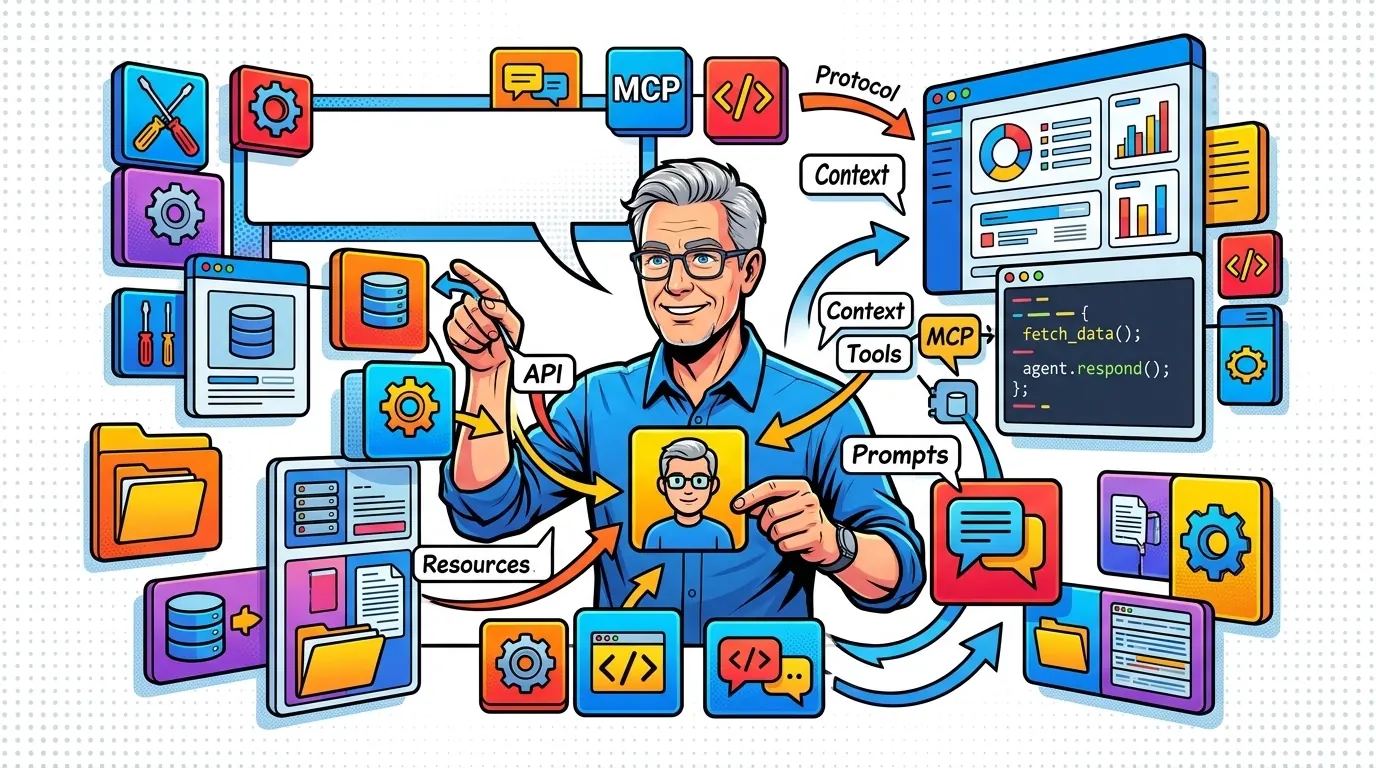
Every new data source used to mean new glue code for your agent. MCP replaces that glue with one protocol any client can speak.
Building context-aware agents is harder than it should be. AI tooling is a mess of fragmented integrations.
Every time I want to give an LLM access to a new data source or tool, I end up writing custom glue code that breaks the moment an API version changes. We force very capable models to peer through a keyhole when they should have a wide-open window into our data.
Plumbing eats your time
This fragmentation creates a lot of technical debt. You spend most of your time on plumbing and only a sliver on the agent’s actual intelligence.
Without a shared way to pass context, the model often hallucinates because it lacks real-time data. It gets stuck on “I don’t have access to that” or, worse, “I’ll guess what that data looks like,” which leads to unreliable output and a poor user experience.
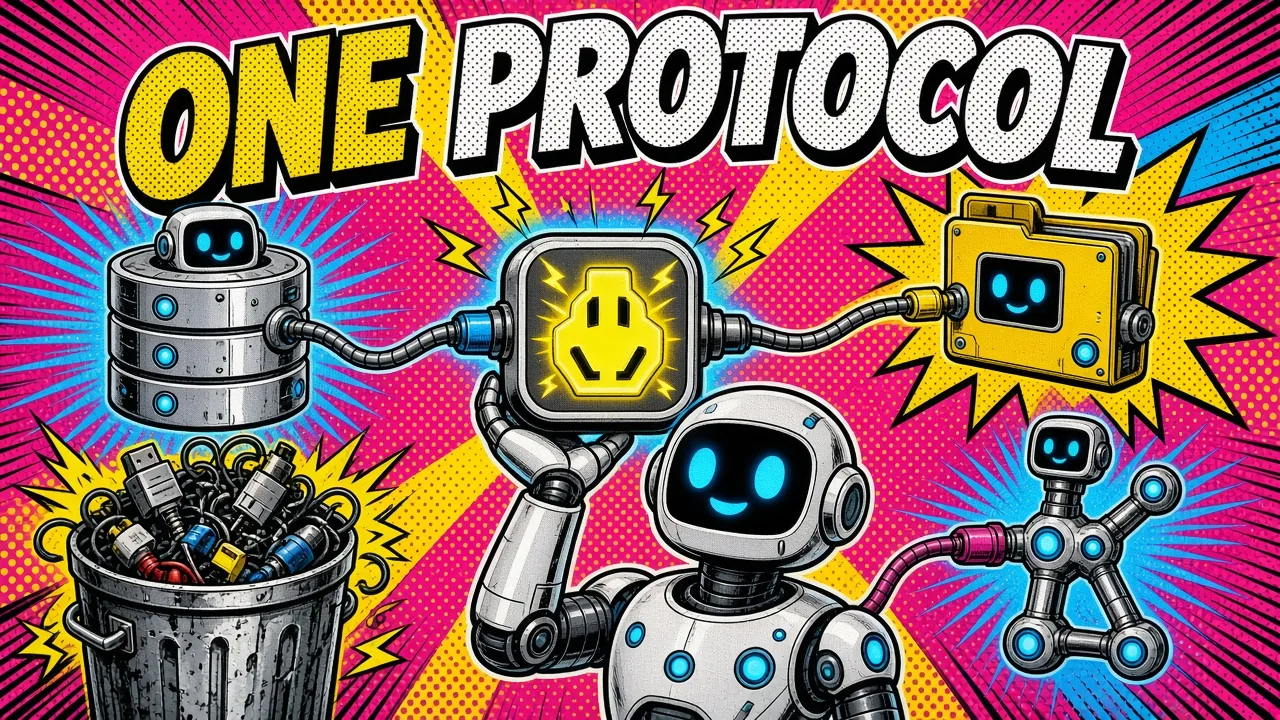
One protocol instead
The Model Context Protocol (MCP) changes this. It is an open standard created by Anthropic and donated in December 2025 to the Agentic AI Foundation, a Linux Foundation fund co-founded by Anthropic, Block and OpenAI.
It lets me build agents that connect to any data source through one shared language. If you want the bigger picture, I broke down API vs MCP separately.
Why MCP matters for developers
A recurring hurdle in custom web applications has always been data silos. When I work on complex technical challenges, the goal is usually to make data actionable.
Traditional tool use means wiring every schema and function call into each app by hand. With MCP, you define them once in a server, and any client can discover them.
A clear boundary
MCP acts as a bridge. It draws a clear line between the AI application (the client) and the data sources (the servers).
That separation means I can swap the underlying model without rebuilding the data integration layer. If I move from Claude to another model that supports MCP, the tools and resources stay the same.
Less stuffing, more fetching
It also eases the context window problem. Instead of stuffing a huge document into the prompt, I expose it as an MCP resource.
The model only pulls what it needs, when it needs it. That is more efficient and cheaper, and it gives you agents that know their environment without drowning in it.
Custom glue
MCP
The three pillars: tools, resources and prompts
To build with MCP, start with its three core primitives. They are the building blocks of any context-aware system.
| Primitive | Controlled by | What it is | Example |
|---|---|---|---|
| Tools | The model | Actions that change the world | Write a file, POST to a Shopify API |
| Resources | The app | Read-only data for grounding | Product docs for a support agent |
| Prompts | The user | Templates that guide tasks | A standard “summarize this ticket” flow |
Tools
Tools are model-controlled actions. Giving an agent a tool gives it the ability to change the world, like writing a file to disk or making a POST request to a Shopify API. The model decides when to call the tool based on the user’s intent.
Resources
Resources are application-controlled data. Think of them as read-only files or database entries the agent can inspect. They give the agent grounding: for a support agent, the product documentation would be a resource it can search and read to answer accurately.
Prompts
Prompts are user-controlled templates that guide the interaction. MCP prompts let me standardize how users work with the agent across platforms, so the model interprets tasks consistently.
Building your first MCP server
I prefer TypeScript for MCP servers because of the mature official SDK. The protocol itself is language-agnostic, with official SDKs for Python, Java, Go, C#, Kotlin and more.
Use the v2 SDK
Version 2 of the TypeScript SDK is the stable line, released alongside the 2026-07-28 spec. It ships as split packages (@modelcontextprotocol/server and @modelcontextprotocol/client), and v1 keeps getting fixes for at least six months.
Here is a basic server that exposes a weather tool with the high-level McpServer API. If you have a sample tool response, my JSON to TypeScript and Zod converter gives you the types.
import { McpServer } from "@modelcontextprotocol/server";
import { StdioServerTransport } from "@modelcontextprotocol/server/stdio";
import * as z from "zod/v4";

const server = new McpServer({ name: "weather-server", version: "1.0.0" });

server.registerTool(
  "get_weather",
  {
    description: "Get the current weather for a location",
    inputSchema: z.object({ location: z.string() }),
  },
  async ({ location }) => {
    // logic to fetch weather from an API goes here
    return {
      content: [{ type: "text", text: `It is sunny in ${location}` }],
    };
  },
);

async function main() {
  const transport = new StdioServerTransport();
  await server.connect(transport);
}

main();
Small and modular
The snippet shows how simple the protocol is. I define the tool and how to handle the call, and the MCP client handles the rest.
This modular approach is what I look for when managing cloud infrastructure or complex backend systems. It is clean and it scales.
Security and the MCP ecosystem
Security is a major concern when you give an AI agent access to your data. I have seen many setups where API keys are hardcoded or permissions are far too broad.
MCP helps with a client-server design where the server controls exactly what is exposed.
The server is the gatekeeper
You can add fine-grained access control at the server level. For example, an MCP server connected to a database can be limited to specific tables or read-only queries.
That level of control is essential for enterprise applications.
A broad ecosystem
The ecosystem has matured fast. MCP has gone from an Anthropic experiment to an industry standard, and the Agentic AI Foundation has support from Google, Microsoft, AWS, Cloudflare and Bloomberg.
On the tooling side, clients like Zed, Cursor, VS Code and Claude Code ship MCP support, so AI assistants write better code with real context. For a hands-on walkthrough, see how I connect my own dev tools through Claude MCP.
Practical steps for getting started
If you want to dive into MCP, I recommend these steps:
- Explore the existing MCP servers on GitHub. The reference repo ships servers for filesystem access, Git, web fetching and persistent memory. See how they are structured.
- Pick a simple data source you use every day. It could be your Obsidian notes or a local folder of markdown files. Build a basic server to expose them as resources.
- Use a client like Claude Desktop to test your server. Watch how the model works with your data, and adjust the tool descriptions so they are clearer for the AI.
- Compose multiple MCP servers once you are comfortable. Imagine an agent that reads your calendar and then drafts an email based on your upcoming meetings.
- Add the coordination layer when one agent is no longer enough. MCP connects an agent to its tools; A2A connects it to other agents. The agent protocol stack breaks down where each one belongs.
Key takeaways
- MCP replaces one-off glue code with one protocol between clients and servers.
- Tools, resources and prompts are the three primitives, controlled by the model, the app and the user.
- Resources ease context window pressure because the model fetches data only when needed.
- The server is the gatekeeper: limit tables, scopes and write access there.
- Models become swappable because the tools and resources stay the same.
MCP marks a shift away from “black box” agents toward transparent, context-aware assistants you can reason about in production. If you’re building agents that need real access to your data, here’s how I help teams design and ship MCP servers, or drop me a line to swap notes on real-world MCP server design.
How are you planning to use MCP in your next project?