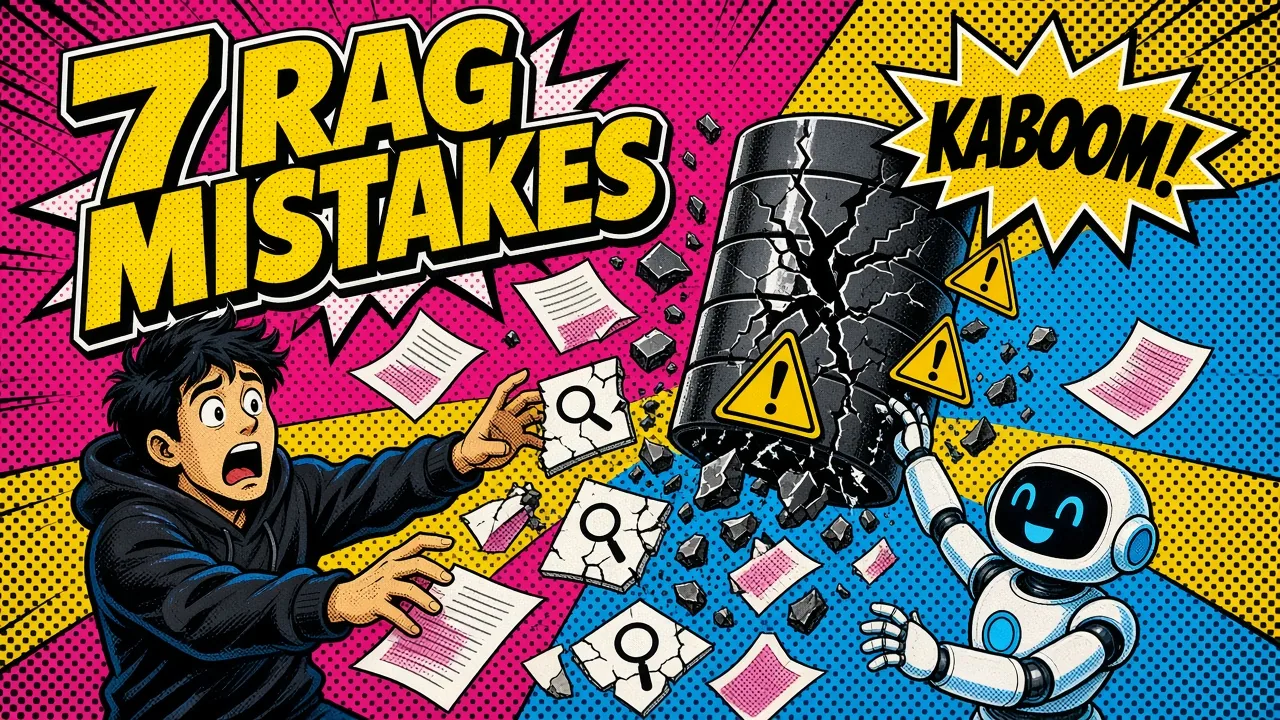
A RAG demo takes an afternoon. A RAG system that users trust takes fixing the seven structural mistakes below.
Getting a RAG (retrieval-augmented generation) demo working is easy. You take a few PDFs, throw them into a vector database like Chroma or Pinecone, and ask a question. It feels like magic.
If you’re still choosing your foundation, my guide to picking the right RAG stack covers the trade-offs before you commit.
But shipping RAG to production is where the magic dies.
I’ve seen too many teams launch a feature only to find users getting irrelevant answers, waiting 10 seconds for a response, or getting “I don’t know” for questions that are clearly in the documentation. When the “vibe check” fails at scale, your users lose trust.
I’ve spent the last few years building custom web applications and AI systems, and I’ve had to fix these same leaks in my own stacks. Here is how to get from “it works on my machine” to a production-grade AI system.
1. Naive chunking is killing your context
Most people start with a simple character-based or token-based splitter. You tell the library to “give me chunks of 500 tokens with a 50-token overlap.”
This is a mistake.
Naive chunking treats your data like raw soup. It might cut a sentence in half, split a table in the middle of a row, or separate a code example from the explanation before it.
If the retriever pulls only one of those halves, the LLM has zero chance of giving a correct answer.
The fix: semantic or structural chunking
I always recommend chunking on the actual structure of the document first. Use headers (H1, H2, H3), paragraphs or Markdown delimiters so related ideas stay together.
For complex data, use recursive character splitting that respects newlines and punctuation before it falls back to raw token counts.
You can compare strategies on your own text with my RAG chunk splitter. Bad chunking is one of the most common reasons your RAG fails in production.
2. Skipping the reranker step
Vector search is great at finding “roughly similar” content, but it is not a precision instrument. It relies on cosine similarity, which documents can fool when they share a similar “vibe” but don’t contain the answer.
If you take the top 5 results from your vector store and shove them into the prompt, you’re leaving quality on the table.
The fix: two-stage retrieval
I look at retrieval as a two-stage process:
- Fast and broad. Pull the top 20 or 50 candidates from your vector database.
- Slow and precise. Use a cross-encoder or a reranking model (like Cohere’s Rerank or BGE-Reranker) to score those candidates against the query more accurately.
The reranker acts like a bouncer at a club. It doesn’t care if a document looks “okay.” It only lets in the ones that are relevant to the question.

3. Ignoring embedding drift and versioning
This is the silent killer. I’ve seen teams upgrade their embedding model from text-embedding-ada-002 to text-embedding-3-small without re-indexing their entire database.
Suddenly, the vectors generated for new queries don’t “line up” with the vectors stored in the index, and similarity scores go haywire.
Even worse is changing the preprocessing logic (like how you format chunks) while keeping the old vectors.
The fix: pin your models and version your index
Treat your embedding model like a database schema. If you change the model, you must re-index.
I always include the model name and version in the metadata of every index I build. That way I can test a new model side by side without breaking the production flow.
My experience in cloud infrastructure has taught me that consistency beats a “better” model that doesn’t match its data.
4. The “lost in the middle” latency problem
Everyone wants more context. We see context windows of 128k or even 1M tokens and think, “great, I’ll give the LLM everything!” This is a trap for two reasons.
Latency
Feeding tens of thousands of tokens of context into an LLM inflates your time-to-first-token. It can push response times into double-digit seconds.
Lost in the middle
Models still struggle with the “lost in the middle” effect. They reliably use information at the start and end of a long context but tend to ignore facts buried in the center.
A bigger context window is not the same as memory, and stuffing it rarely helps.
The fix: set a latency budget
I start with a latency budget. If the user expects a response in under 2 seconds, I can’t afford to send 20 chunks.
I limit retrieval to the top 3 to 5 high-quality chunks and start streaming as soon as the first token is ready.
If you need more data, use a multi-step approach: a cheaper model summarizes the retrieved chunks before the refined info goes to your main model.
5. Forgetting about hybrid search
Vector search is bad at finding specific keywords or unique identifiers.
If a user asks for “error code XF-904,” a vector search might return documents about general error handling because the “vibe” is similar. It might miss the one document that actually mentions “XF-904.”
The fix: dense plus sparse
I always combine dense vector search with traditional sparse search (like BM25). Blend the two result lists with something like Reciprocal Rank Fusion (RRF).
You get the semantic understanding of vectors and the keyword precision of full-text search. This is non-negotiable for enterprise search or technical documentation.
If keyword precision matters more than you expect, it’s worth weighing vector search against graph search for your retrieval strategy.
Demo RAG
Production RAG
6. Failing to filter by metadata
If your RAG system holds documents for different customers, versions or dates, pure vector search will betray you.
You might ask about “API changes in 2024” and get results from 2022 because they share similar keywords.
Relying on the LLM to “ignore” the wrong dates in the context wastes tokens and invites hallucinations.
The fix: hard metadata filters
Apply filters before the vector search even happens. If you know the user wants “v2” of your documentation, filter the query to chunks with version: '2'.
This shrinks the search space and improves accuracy. I use this heavily when building Shopify apps, where data must be strictly siloed by shop ID.
7. Vibe-based evaluation
How do you know your RAG stack is getting better? Most devs ask a few questions, see that the answers look okay, and ship.
This “vibe-checking” doesn’t work. When you change a prompt or a chunk size, you might improve one answer while breaking ten others you didn’t check.
The fix: a golden evaluation set
I use the Ragas framework or simple LLM-as-a-judge patterns to run automated evals. I keep a “golden set” of 50 to 100 questions with ground-truth answers.
Every time I change the architecture, I run the eval and look at three metrics:
| Metric | Question it answers |
|---|---|
| Faithfulness | Is the answer actually derived from the context? |
| Answer relevance | Does it answer the user’s question? |
| Context precision | Are the retrieved chunks actually useful? |
Practical rules for your stack
- Start with metadata. Don’t let the vector database guess. If you have categories or dates, use them as hard filters.
- Rerank by default. It’s the single biggest quality jump you can make for the lowest effort.
- Monitor retrieval, not only generation. If your retriever fails, the best LLM in the world can’t save you. Log your top-k retrieval results separately.
- Don’t over-engineer. Sometimes a simple long-context prompt beats a complex agentic workflow. Measure before you add complexity.
Building production RAG is a game of millimeters. It’s about cleaning your data, pinning your models and measuring what’s happening under the hood.
Key takeaways
- Chunk by document structure, not by raw token count.
- Retrieve broad, then rerank for precision.
- Pin the embedding model and re-index when it changes.
- Keep context small: 3 to 5 good chunks inside a latency budget.
- Combine vector and keyword search, and filter by metadata first.
- Score every change against a golden set instead of trusting a vibe check.
If your RAG pipeline answers well in the demo but drifts in production, here’s how I help teams fix retrieval and ship it. You can also reach out if you’re hitting a wall with your architecture.
What’s the one thing currently keeping you from hitting that “deploy” button?