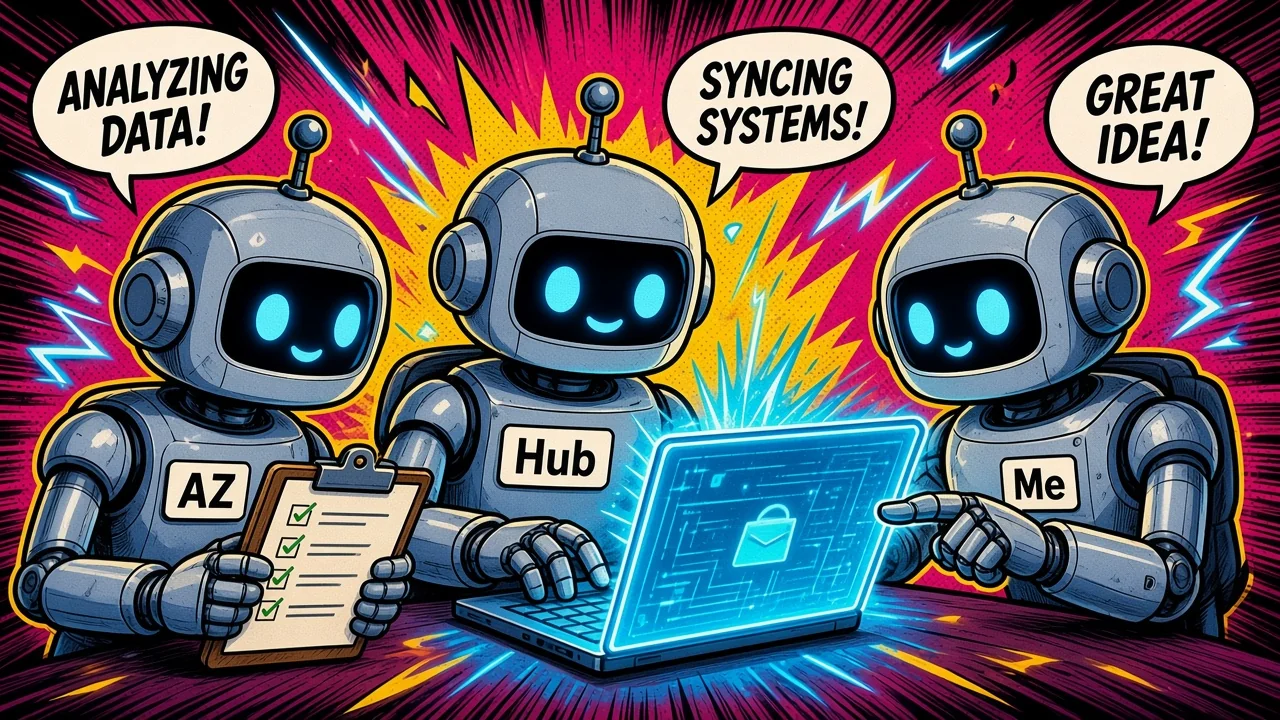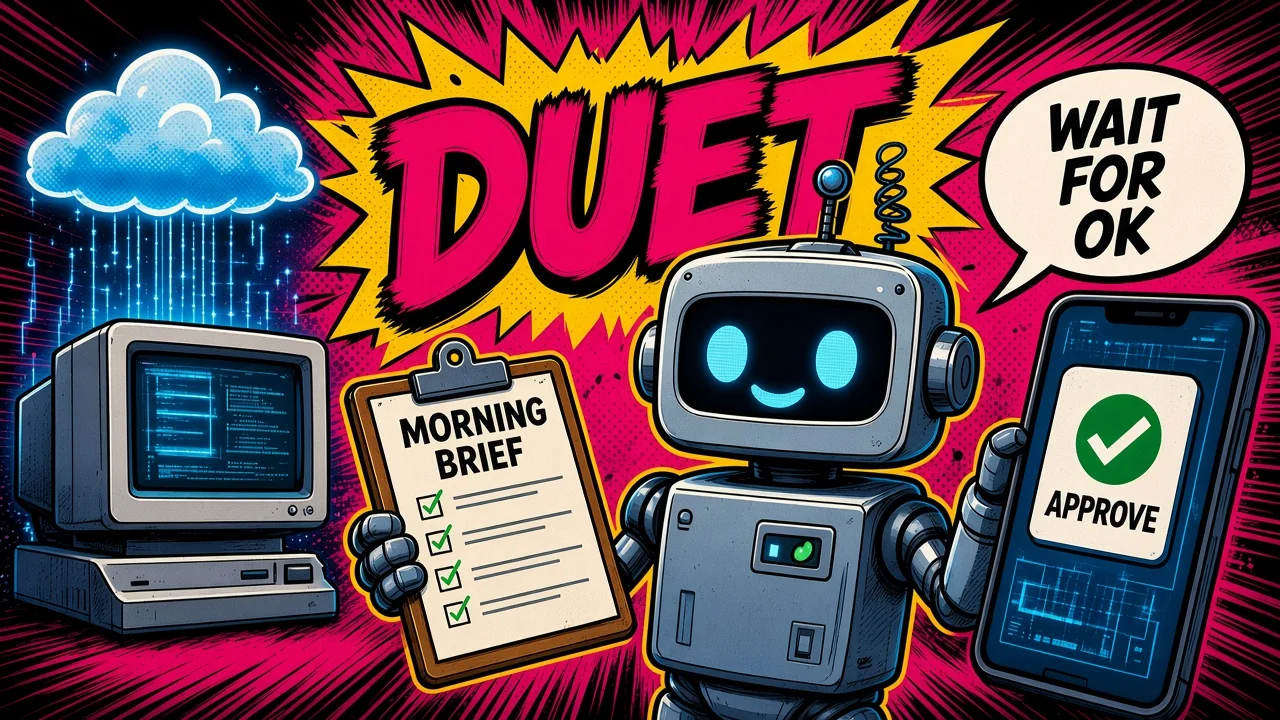
Close your laptop. Your dot keeps working on its own cloud computer.
OpenAI’s dot is an always-on ChatGPT agent with its own cloud computer that you can message in ChatGPT, Slack, or Teams, and you decide with Custom Rules which actions it takes alone, which need your approval, and which it hands back to you.
That is my claim. Everything after it comes from OpenAI and ChatGPT pages, read on 28 October 2026. Prices are subject to change.
What it is
On 29 September 2026, OpenAI announced Dots. The launch post and the product page call them “remarkably capable, always-on agents built to handle everything”, powered by GPT-6 Astra.
You start with one primary dot. You name it, and you make it your own. One dot per person today. OpenAI describes teams of dots as a later vision. Specialist dots, with their own identity, credentials, and organization responsibilities, are a preview in focused enterprise pilots. Microsoft Agent 365 integration is in progress.
Each dot has its own cloud computer and browser. It can keep working when your computer is off. The Dots docs split the products like this: Chat for answers, ChatGPT Work for tasks you delegate, Codex for software, and your dot for an ongoing responsibility that it follows up between conversations. Your dot can delegate work to Work or Codex.
It starts with context from your ChatGPT memory. It also keeps its own notes about your preferences, decisions, and ongoing work. The getting started guide and the tasks and memory docs both describe those notes.
The default handle is @yourname-dot. Naming the dot changes the handle. The docs’ example is @tibo-alfred. You can pick a character or a pet as the avatar.
Chat
Your dot
The dot follows an ongoing job between conversations, and it can delegate work to Work or Codex.
OpenAI’s dot is an always-on ChatGPT agent with its own cloud computer that you can message in ChatGPT, Slack, or Teams, and you decide with Custom Rules which actions it takes alone, which need your approval, and which it hands back to you.
How work runs
Your dot keeps working between conversations. It can decide when to pause and when to wake up. It can run background agents in parallel while you keep talking. That is in the tasks and memory docs.
A repeating job needs a saved schedule. The schedule records what to do, when it runs (the time zone and an end date), what to notify you about, and where to deliver the result. Ask the dot to confirm the schedule.
Event monitoring works only where a connected service supports it. The docs’ example is a new bug report in a Slack channel. Connecting Slack on its own does not create monitoring.
For proactive research, the dot reads connected apps in the background with read-only tools. Those tools cannot send messages, change app content, or control your browser or computer. The launch post and the controls docs both say so.
You can message your dot in ChatGPT, and you can place a call to it, on the web, in the desktop app, and in the mobile app. Mobile web is not supported. At launch, your dot cannot call you. The channels docs and the getting started guide cover that.
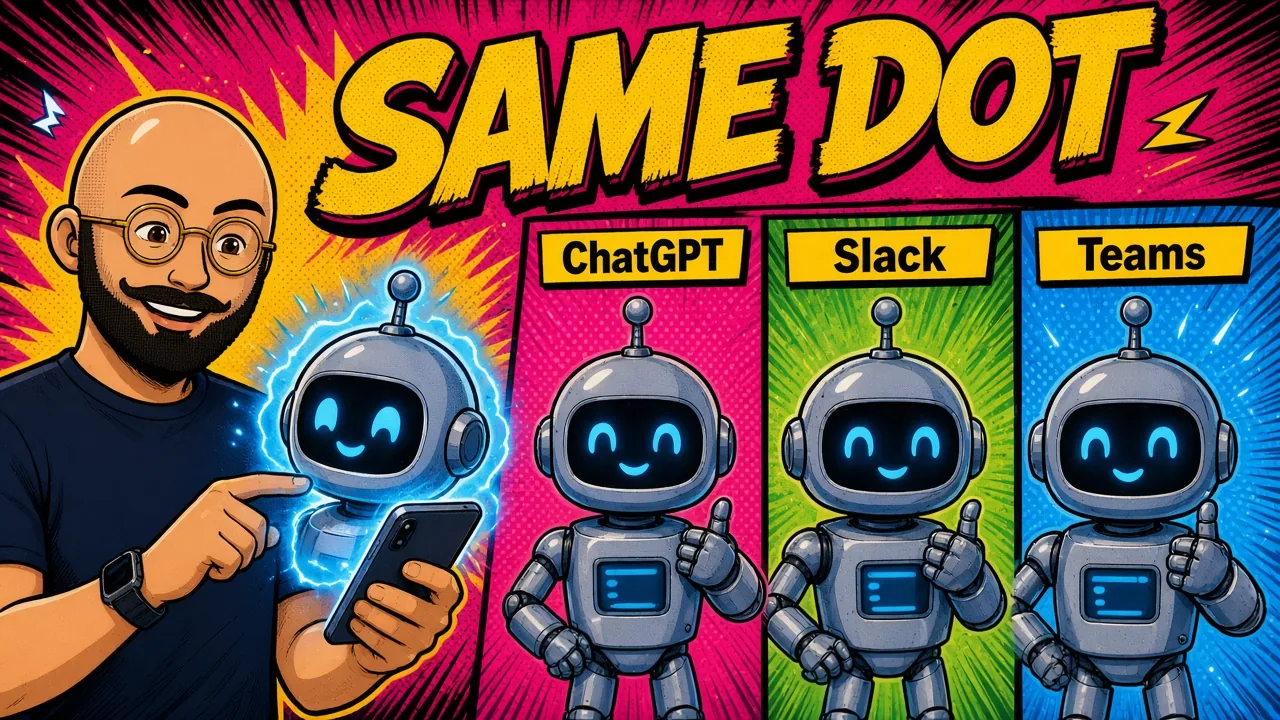
You can message the same dot in Slack and in Microsoft Teams. In Slack, you DM it, or you mention it in a channel thread. By default it responds only to you. You can tell it to engage with other people. On an Enterprise workspace, Slack and Teams need a separate admin permission, where that access is available.
It is the same dot in ChatGPT, Slack, and Teams. Switching channels does not reset memory. Messages are not mirrored between channels. Before it shares private information with other people, it checks permission. In a workspace, only the dot’s owner can direct it. Another person’s DM or mention does not start work. That rule is in Manage dots in ChatGPT workspaces.
You set up messaging channels from the desktop app. Texting is listed as coming soon. Help describes a limited US-only Pro beta through a third-party provider.
The cloud computer keeps its state and its own browser sessions. You can inspect it, choose Take over, and later choose Return control. The computers and apps docs describe that.
A local computer is optional, and it is off by default. You connect one personal computer at a time, through the desktop app. That computer has to stay online, with ChatGPT open.
Plugins cover “over 4,000 apps”, including Gmail, Google Drive, and GitHub. The app permissions you already set in ChatGPT still apply. Read access to email, for example, does not include send.
For code, the dot can create Codex cloud tasks in an environment you set up first. On a computer you have connected, it can start local Work or Codex tasks.
When a website asks you to sign in, the form is private and sits outside the conversation. You can choose Save to Passwords. Using a saved login again needs your confirmation.
Approvals and safety
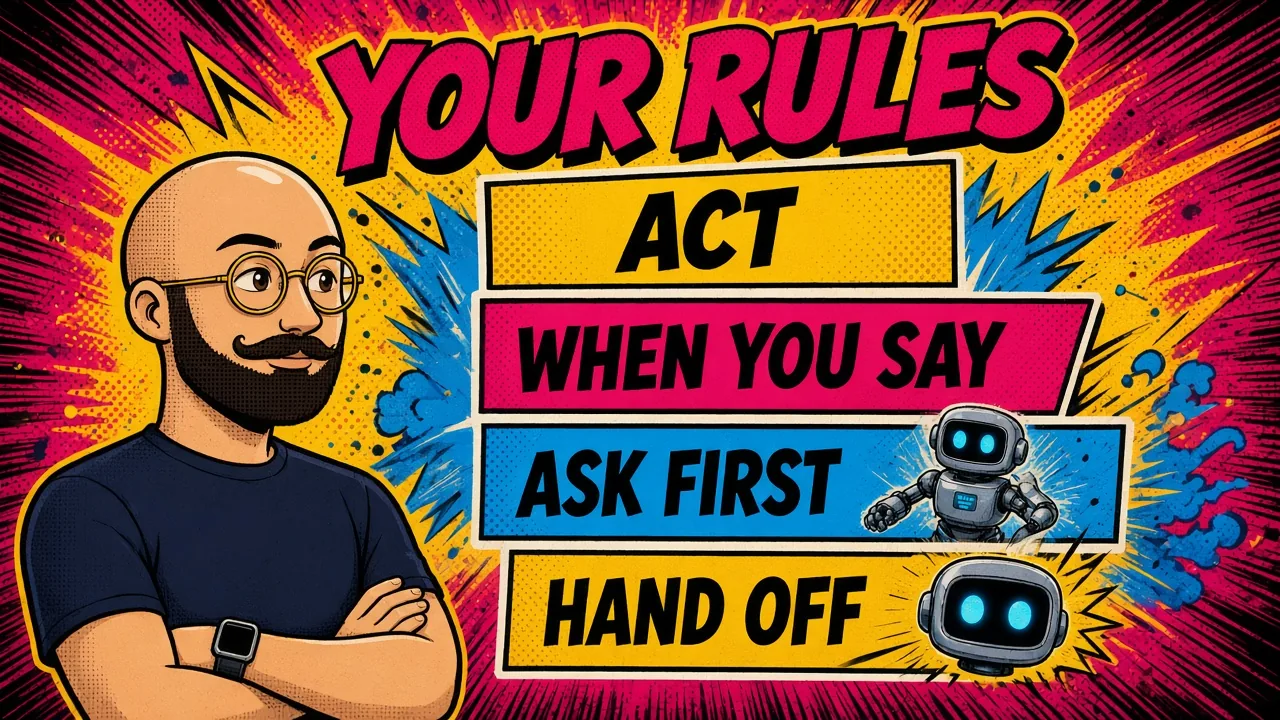
Custom Rules are optional. A new dot starts with built-in rules. The rules control when it acts. Put style and preferences in the conversation.
The controls docs list four choices. The getting started guide uses a second name for one of them:
- Take action without asking.
- Take action when you say so. Help calls this “Take action if pre-approved”.
- Ask before taking action.
- Hand off to you.
A rule does not grant access to an app or a computer. It does not override a built-in safety requirement, and it does not remove a confirmation the product still requires. Custom Rules are your action rules for that dot. They are not a workspace policy. On Enterprise, custom rules stay off until an admin enables them.
Auto-review checks an action that could affect your accounts, or that could share information. It checks the action against your instructions, your Custom Rules, and the safety requirements. It can proceed, ask for approval, or hand the step to you. Auto-review is a check. OpenAI says a dot can still make mistakes, including when it follows your rules. Review work that has consequences.
Asking your dot to draft replies does not give it permission to send them.
Some steps always stay with you. Changing a password is the example in the launch post. Monitoring can pause or stop a dot’s work if a safety concern is detected.
Pause stops the main task only. Delegated tasks stop separately. Schedules stop separately. Stopping a dot, or deleting it, does not undo a finished action, and it does not recall a message that was already sent.
On Business, Enterprise, and Edu plans, content is not used for training by default. On a personal plan, you can control that. OpenAI does not train directly on proactive research, or on the dot’s notes.
On Enterprise, three controls are off by default: Use dots (Beta), local computer access, and custom rules. Slack and Teams are a separate permission. The workspace article lists those admin switches. Enterprise model controls do not apply to dots.
Access and price
As of 28 October 2026, from the Dots docs and the getting started guide:
- Pro 100, Pro 200, and Pro 500 include a dot. These plans are for people over 18, outside the EEA, the UK, and Switzerland.
- Business Premium is listed for supported regions, subject to workspace eligibility. Your first dot is included on that plan at no extra cost. These pages do not list a Business Premium seat price.
- Enterprise, including Edu and Healthcare, is a beta. It is off by default until an admin turns it on.
The ChatGPT pricing page marks Dots as No on Free, Go, and Plus, and Yes on Pro. The Pro row calls it “Dot, your always-on agent”.
The Codex pricing page lists Pro at $100, $200, or $500 USD a month. The getting started guide says your first dot is included in your Pro or Business Premium plan at no extra cost, plus an allowance for deeper work with extended limits for the first month after launch. It does not say how large that allowance is. The launch post says you will be able to add more dots and scale speed or monthly work. It does not give a price for that.
Conversations with your dot do not count toward ChatGPT usage limits. A task the dot starts in Work or Codex counts in the usual way for that product.
Access rolls out gradually. Help says it may take several days.
Limits
A few boundaries are easy to miss:
- A dot can still make mistakes, including when it follows your rules. Review work that has consequences.
- At launch, the dot has no email address of its own. You can connect your personal email.
- Some websites block the cloud browser. That browser does not inherit your logins.
- Disconnecting an app does not delete information the dot already obtained. To remove the dot’s own memories, Reset or Delete the dot.
- Each task has its own conversation. That conversation does not get every conversation you have had.
- Enterprise model controls do not apply to dots. Phone messaging (iMessage, RCS, and WhatsApp) is not available for Enterprise at launch.
- You get one dot today. More dots, and more speed or monthly work, are described as later, with no price on these pages.
- Mobile web is not supported. At launch, the dot cannot call you. Texting is coming soon, and Help describes a limited US-only Pro beta through a third-party provider.
- Connecting Slack does not, by itself, create event monitoring.
- Pause stops the main task only. A stop or a delete does not undo a finished action, and it does not recall a sent message.
- A local computer has to stay online, with ChatGPT open. It stays off until you connect it.
- A rule does not grant app access. A draft reply is not permission to send.
Key takeaways
- A dot is one always-on ChatGPT agent with its own cloud computer. It keeps working after you close the laptop. The same dot is in ChatGPT, Slack, and Teams.
- Custom Rules are the control: act, act when you say so, ask first, or hand the step back. A draft is not a send. Auto-review does not make the dot safe. It can still make mistakes, including when it follows your rules.
- As of 28 October 2026, Pro at $100, $200, or $500 a month includes the first dot. Free, Go, and Plus do not. Business Premium includes the first dot at no extra cost. Pro is for people over 18, outside the EEA, the UK, and Switzerland.
- Chats with your dot do not count toward ChatGPT limits. Work and Codex tasks do. One dot per person today. Prices can change.
Which weekly job would you hand to one dot that keeps working after you close the laptop, and still stops when your rule says to ask first?
Sources
Facts in this post come from these OpenAI and ChatGPT pages, read on 28 October 2026. The launch post is dated 29 September 2026. When these pages were read, Getting started showed an update from 1 hour earlier, and Manage dots in ChatGPT workspaces showed an update from 7 days earlier.