Close your laptop. Your Bots keep working.
Grok Bot gives a solo founder a small team of named AI teammates that share one cloud computer and work in parallel, while you keep the final say on anything that matters.
That is my claim. Everything after it comes from Cursor and xAI pages, read on 27 October 2026. Prices are subject to change.
What it is
Grok Bot gives you persistent Bots. The overview and the Cursor docs call them AI teammates with names, jobs, and context that compounds over time.
Each Bot works on a persistent cloud computer with a browser, a filesystem, and a terminal, so tasks finish in your real tools instead of as chat drafts.
You work with a Bot by messaging it. You can type, dictate, or use voice chat (overview).
Setup is a message, not a workflow builder. A Bot can learn a workflow from one demonstration, save it as a skill, and run that skill again on a schedule. A named Bot keeps memory, files, browser sessions, and preferences across sessions (Cursor docs).
How work runs
All of your Bots use the same cloud computer, sharing its files, browser sessions, and app logins.
The computer belongs to your account, not to one Bot. Treat anything on it as available to every Bot. Isolation between users is strict.
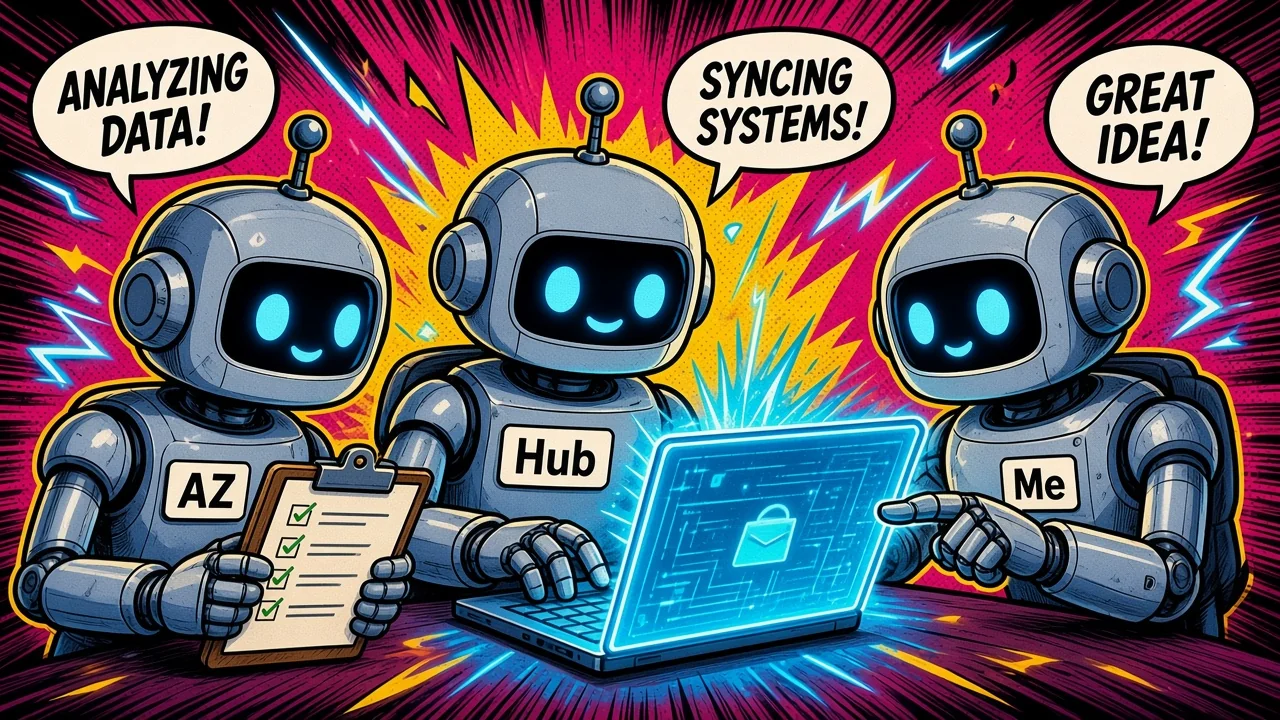
Bots can run in parallel, message each other, share context in group chats, and pass ownership of a task, so you are not the router between tools.
Each Bot gets its own screen on that shared computer. One Bot runs one computer-use task at a time.
Conversations and learned context stay separate per Bot. Shared files, browser sessions, and handoffs move context between them.
Work keeps running when your laptop or phone is closed.
You are the router
Bots pass the work

Approvals and safety
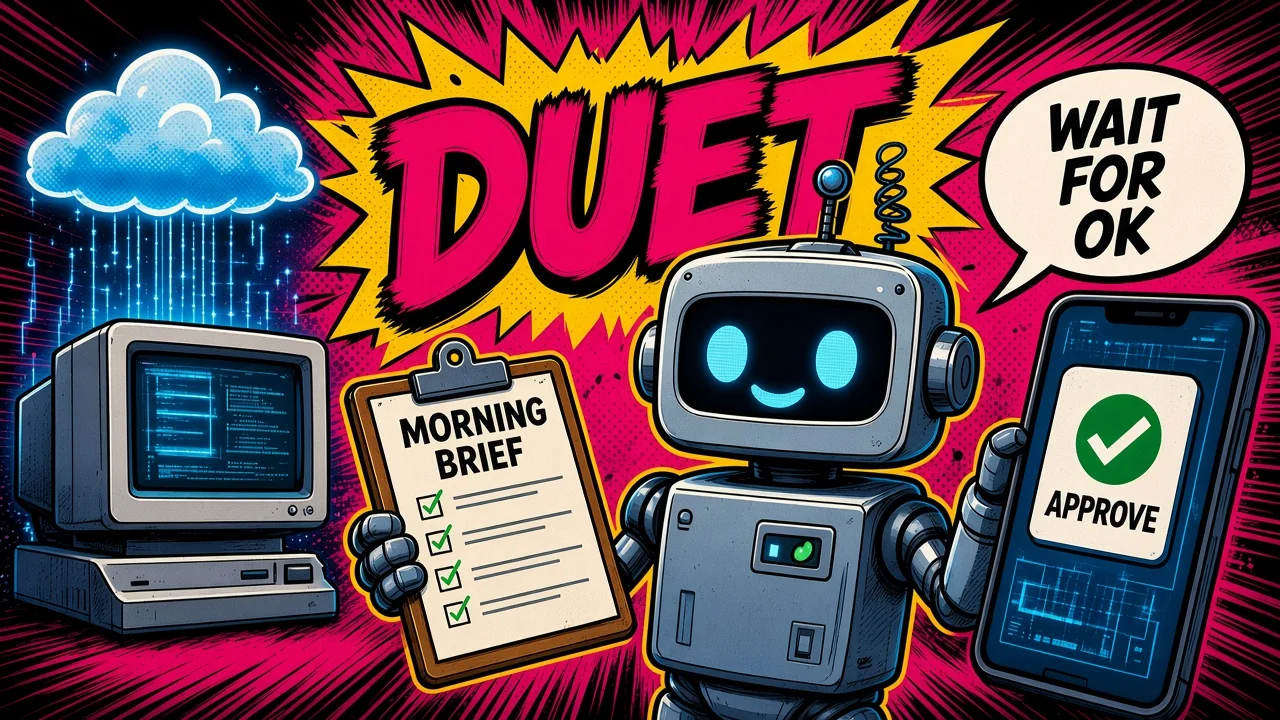
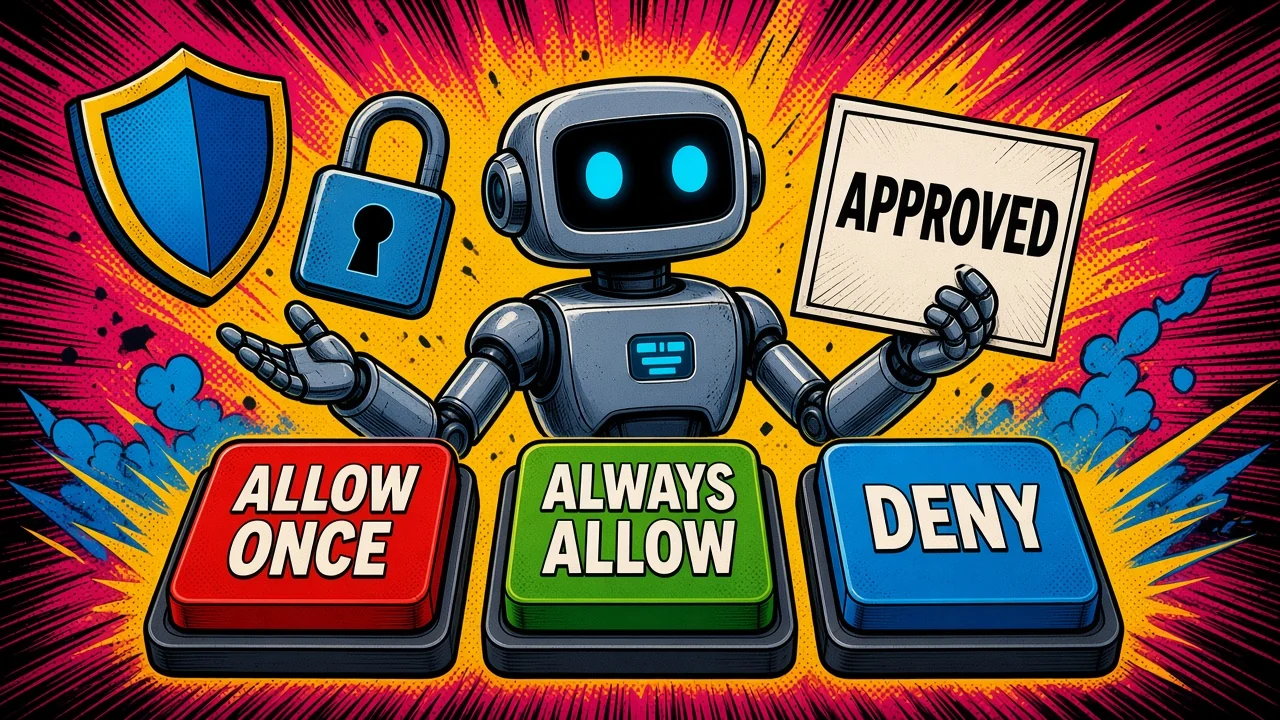
When an action needs approval, you see the proposed operation and its inputs. The security docs give you three choices: Allow once, Always allow (that saves a rule), or Deny. After you deny, the Bot does not retry until you send another message.
Auto Review is an independent review model. It checks risky actions: shell, app calls, computer use, automation writes, and delegation. It can allow the action, require your approval, or deny it.
Personal rules only make behavior stricter. A rule is Ask first or Allow automatically, and Ask first wins. The docs give this example: ask first before sending any external email.
Auto Review does not review every side effect. Memory writes and most settings changes sit outside that review.
Bots act as you. They have no separate identity. Connector tokens stay on Cursor’s backend. Saved passwords and card numbers fill by reference, and the model never receives them.
A card saved in Vault fills at checkout without a separate approval each time. If you want to approve each payment, do not save the card.
Local execution on your own machine is per-command approval by default. The choices are Ask every time, Always allow, or Never allow.
These defenses reduce prompt injection risk. They do not eliminate it.
The overview says drafts can be approved before they are sent.
Access and price
As of 27 October 2026, on The X Subscription:
- Premium is $30 a month, or $300 a year. It includes Grok Bot.
- Super is $100 a month, or $1000 a year. It includes Grok Bot.
- Ultra is $200 a month, or $2000 a year. It includes Grok Bot.
- Plus is $8 a month. It does not include Grok Bot. Free does not include it either.
The same list prices are on x.ai/pricing. Taxes are extra. Prices are subject to change.
Included usage compared with Plus is 4x on Premium, 15x on Super, and 50x on Ultra. Usage is one shared weekly pool across Grok Bot, Grok apps, and Cursor. Top-ups buy Additional Usage credits. The plans page describes that same shared pool.
Every paid individual Cursor plan and Cursor Teams include Grok Bot. Linking SuperGrok, SuperGrok Plus, SuperGrok Heavy, or X Premium+ grants usage. SuperGrok Lite does not. Plans do not stack. The larger grant wins.
Existing Cursor, SuperGrok, and X Premium plans continue. Switching is optional.
The free trial is a usage credit with a 7-day window. It is not a fixed number of days on its own. You can cancel it with no charge to a paid plan.
The apps run on macOS (Apple silicon and Intel), Windows (x64 and Arm64), Linux (x64 and Arm64), iPhone, and Android. The computers run in Cursor’s cloud.
Limits
A few boundaries are easy to miss:
- A site can block automation, expire a session, or need a human step. The Bot hands that step to you.
- For an important decision, ask the Bot to check the current source instead of memory.
- Computers run in the United States today.
- There is no model picker. The model mix can change.
- Grok Bot is Cursor-hosted only. There is no on-prem option, and you cannot bring your own image.
- Deleting a Bot does not remove computer files or browser sessions.
- Many admin controls are Enterprise only: a network allowlist, enforced Auto Review, and audit logs.
- One Bot runs one computer-use task at a time, even while your Bots run in parallel.
- Auto Review can allow an action without you, and it does not review every side effect. A card in Vault can pay without a fresh approval. Defenses reduce prompt injection risk and do not remove it.
Key takeaways
- Named Bots share one cloud computer, can run in parallel, and keep working after you close the laptop.
- When an action needs approval, you see the operation and the inputs, then Allow once, Always allow, or Deny. Auto Review can still allow, ask, or deny.
- As of 27 October 2026, Premium ($30), Super ($100), and Ultra ($200) include Grok Bot. Plus ($8) and Free do not. Taxes are extra, and prices can change.
- A saved card, an Always allow rule, and a side effect Auto Review skips are where a check drops out. Read those before you let a Bot run.
Which weekly job would you hand to a named Bot that shares the computer and still comes back for a yes?
Sources
Facts in this post come from these pages, read on 27 October 2026. The Grok Bot overview lists a last update of 22 October 2026.