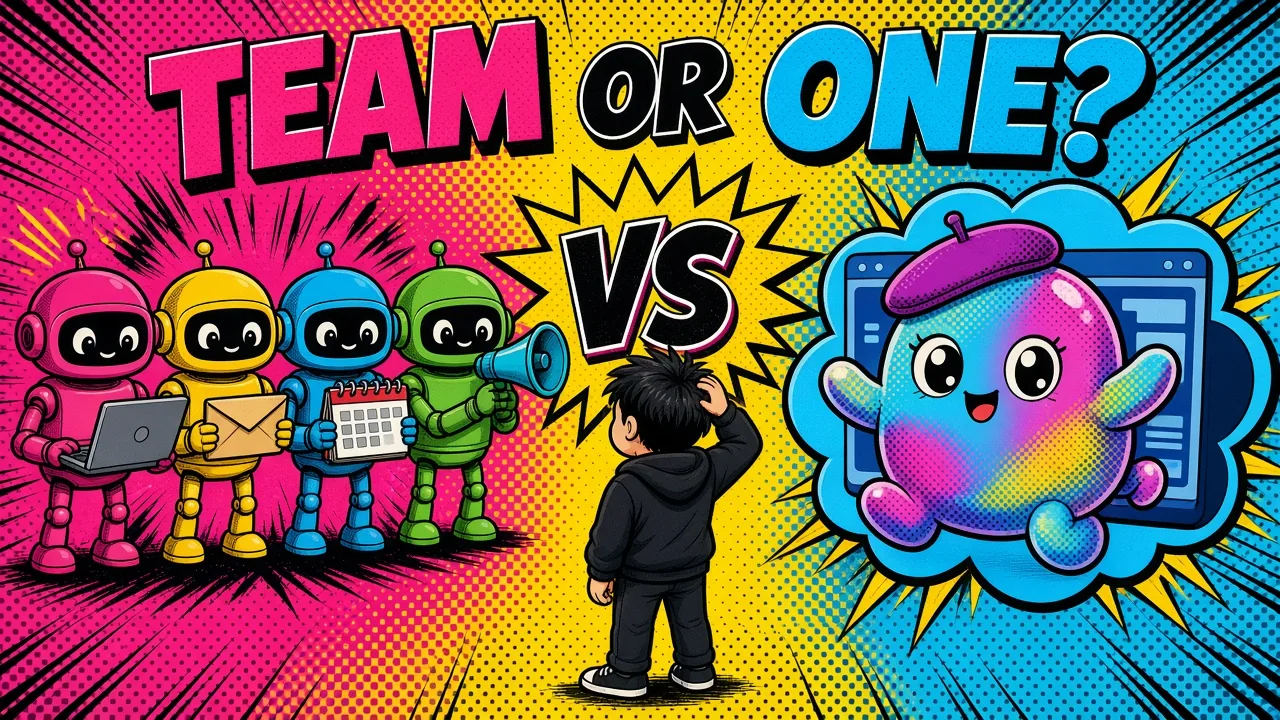
One agent that does everything, or a team where each bot has one job? That is the real choice between OpenAI dots and Grok Bot.
On 29 September, OpenAI launched dots at DevDay.
A day or two later, one founder posted that he had spent months building his business into a monorepo full of partitioned context, skills, automations and MCP connections. After 36 hours with dots, he thought most of it might not be needed anymore.
That post hit home, because I run my own work the other way: a set of Grok Bot assistants, each with one job.
So the honest question is not “which one is smarter.” It is “which shape of agent fits the way you work.” This post compares the two based on what each product has published, and where my own daily use backs it up.
At a glance
| Dots | Grok Bot | |
|---|---|---|
| Starting shape | One primary dot, named and personalized | A team of Bots, one per area of work |
| Control | Custom Rules plus an Auto-review layer | Scopes, drafts and approvals |
| Recurring work | Goals that keep going in the background | Named skills and routines |
| Where you talk | ChatGPT, voice calls, Slack, Microsoft Teams | Desktop app, iPhone app, group chats |
What both products have in common
The headline idea is now the same on both sides.
Then
Now
- A cloud computer per agent. Dots run on their own cloud computer with a browser, and you can open it to inspect the work. Grok Bot Bots work on a persistent cloud computer with a browser, filesystem and terminal.
- Always on. Both keep working between conversations and while your laptop is closed.
- Connected apps. Dots reach more than 4,000 apps through OpenAI’s plugin ecosystem. Grok Bot uses connectors (MCP servers) where they exist and drives the browser for everything else.
- Approval for sensitive actions. Both come back to you before risky steps instead of doing everything silently.
- Learning over time. Both keep context about you and get better with feedback.
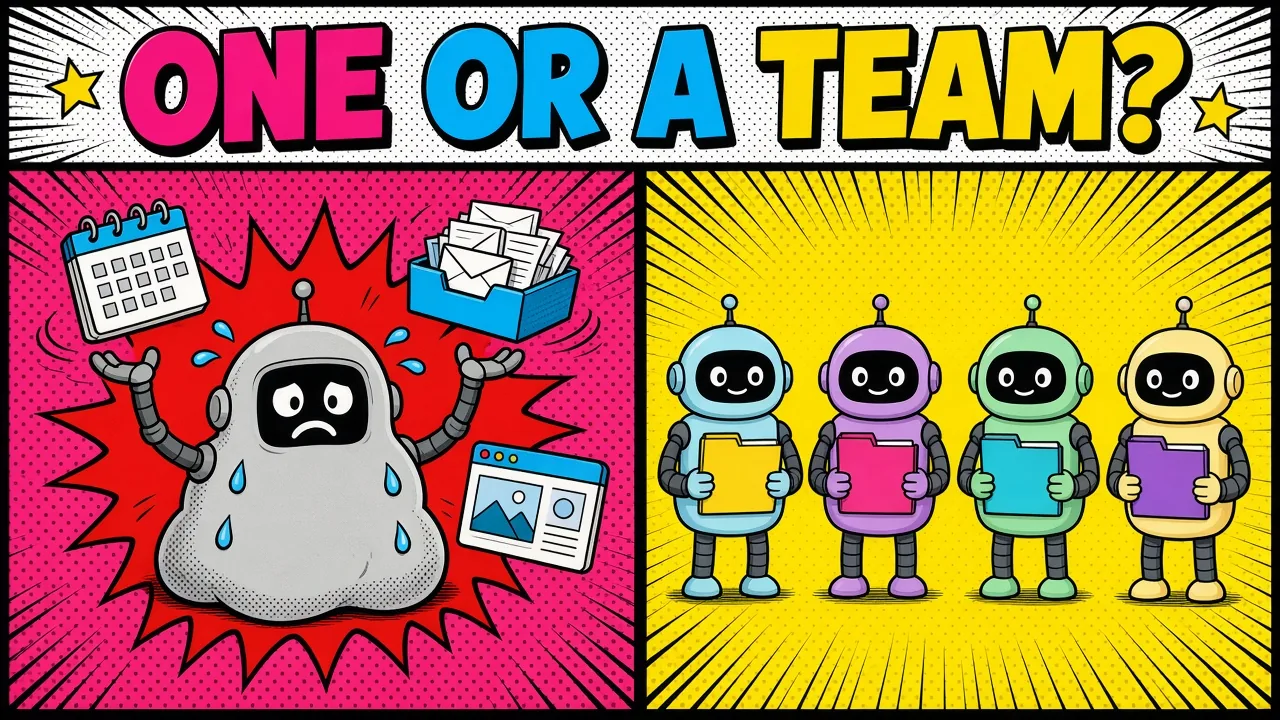
The real difference: one agent or a team
This is the part that matters most.
Dots start with one. At launch you get one primary dot, named and personalized.
OpenAI says you will be able to add more dots later, and it is piloting “specialist dots” for organizations with their own identity and access. But today, for most people, it is one agent doing everything.
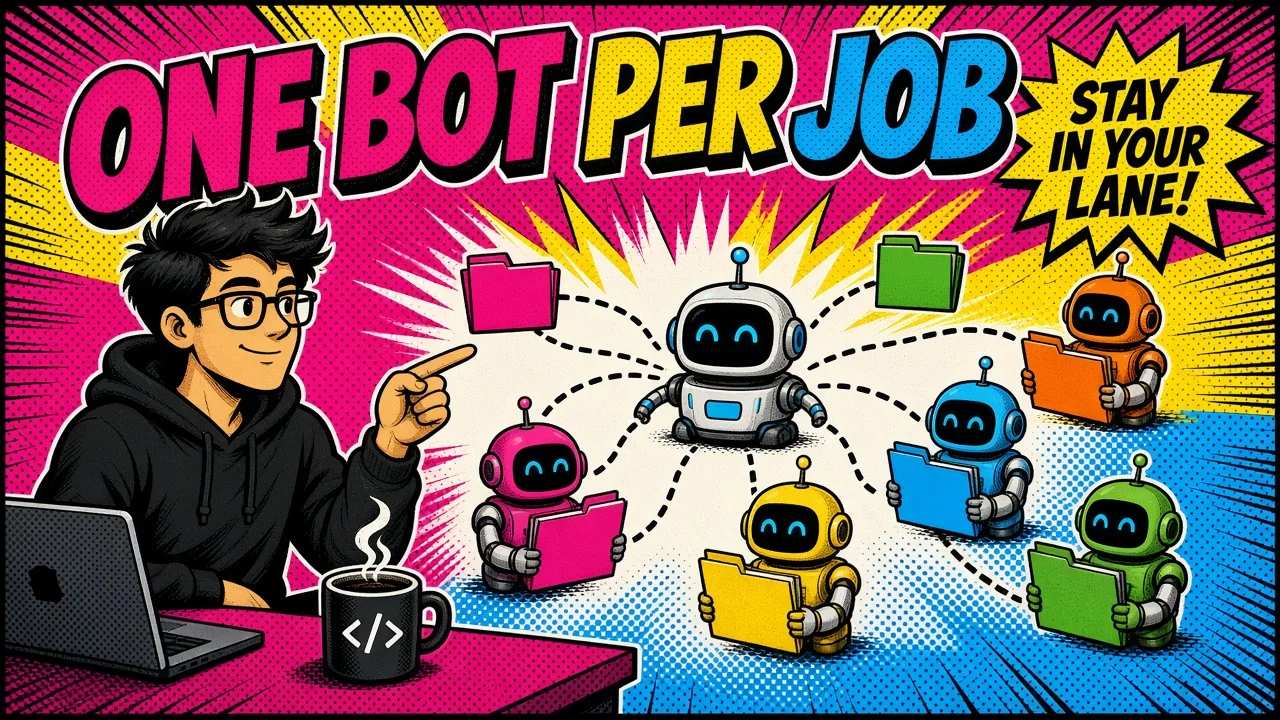
Grok Bot starts with a team. You create as many Bots as you have areas of work. Each one gets a name, one job and its own memory.
Bots can message each other, share context in group chats and hand work over, so you are not the router between them.
Why a team helps
One agent that does everything slowly becomes a catch-all. Its memory mixes your sales notes with your health plan with your client work.
A team lets you keep each area small and focused. In a team setup, the bot that runs your website has no reason to see your finance inbox, and the bot that plans travel has no reason to touch your blog.
My own week runs like this: one bot for my site, one for social, one for my inbox, and none of them steps into the others’ work.
The cost: setup
With one dot, there is nothing to design. With a team, you have to decide your areas and write down who owns what.
That takes an afternoon, not a weekend, but it is real work.
Control: rules vs scopes
Both products take safety seriously, but they put the control in different places.
Dots use Custom Rules. Each rule describes an action and sets whether the dot can do it alone, must ask first, or must never do it.
Under that, an Auto-review layer checks actions that could affect your accounts or share information. Some tasks, like changing a password, always stay with you no matter what.
Grok Bot uses scopes plus approvals. You control what each Bot can reach by which connectors and logins you give it.
Outgoing messages start as drafts you send yourself, and risky actions go through a safety check. Some steps, like a sign-in or a payment, are always handed back to you.
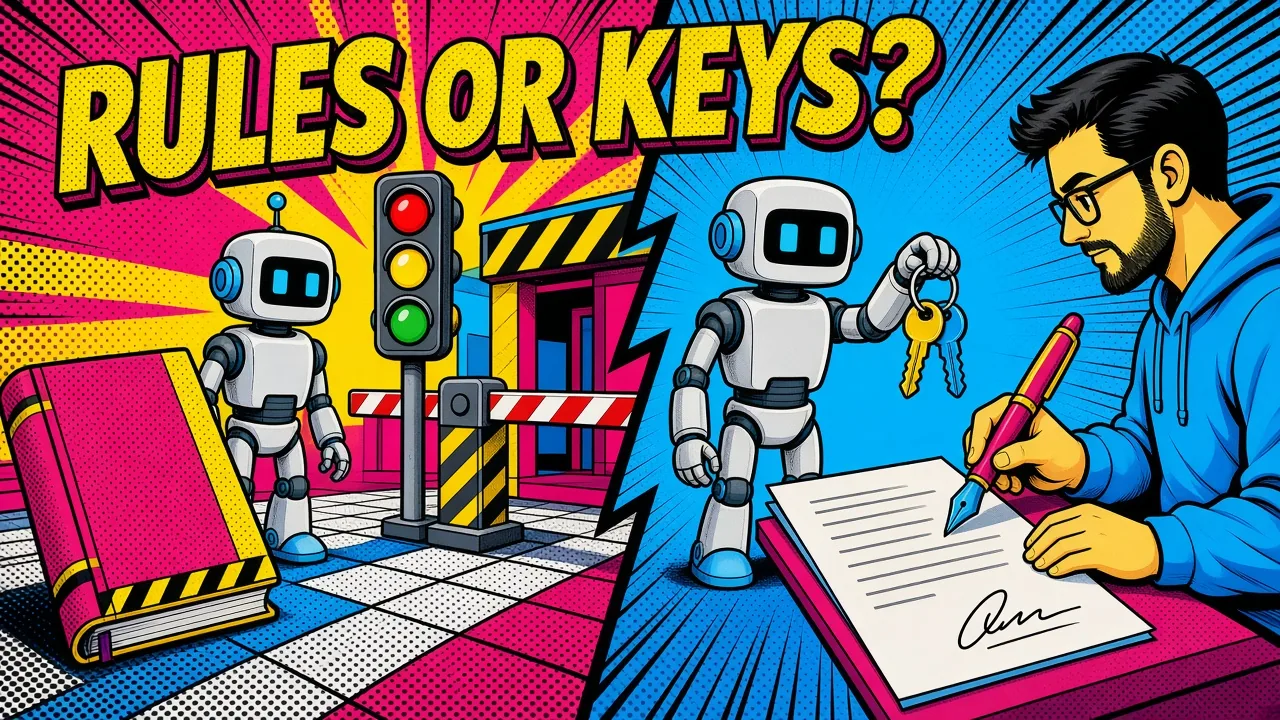
Either way, an agent can only reach what you connect to it. In Grok Bot, each bot gets only the connectors you give it.
Recurring work: routines and skills
This is where the “business in a monorepo” crowd will feel at home.
Grok Bot has two named building blocks:
- A skill is a saved recipe for a task, shared across your Bots.
- A routine tells one Bot when to run it, on a schedule or after an event like a Slack message or a GitHub notification.
You can also show a Bot a workflow once and let it save the steps.
Dots work toward goals you set and keep going in the background, and they learn from your feedback. OpenAI’s launch material talks more about goals and ongoing work than about named, schedulable recipes.
If your work is a set of repeatable weekly tasks, explicit routines are easier to inspect and debug. If your work is more open-ended, a goal-driven agent may need less setup.
Where you talk to them
- Dots: ChatGPT on web, desktop and mobile, voice calls, plus Slack and Microsoft Teams. Texting is on a waitlist.
- Grok Bot: a desktop app on macOS, Windows and Linux plus an iPhone app, and group chats where several Bots work together.
Dots also have an option to connect to your own laptop, which is off by default.
Access and availability
Dots are rolling out to ChatGPT Pro and Business Premium in eligible markets, with the first dot included in the plan.
At launch, Pro in the EEA, Switzerland and the UK is not included, and Enterprise gets a beta that an admin must turn on. Pricing for extra dots has not been published yet.
Grok Bot plans are listed on the Grok Bot page.
Which one should you pick?
- Pick dots if you already live in ChatGPT, want one strong agent with almost no setup, and your tasks are varied rather than repeatable.
- Pick Grok Bot if your work splits into clear areas, you want each area kept separate, and you like explicit routines you can read and change.
- Try both on the same task if you are unsure.
Key takeaways
- Both products now give an agent its own cloud computer, background work and approvals.
- Dots start as one personal agent; Grok Bot starts as a team of focused bots.
- Dots control actions with Custom Rules; Grok Bot controls them with scopes, drafts and approvals.
- Explicit routines and skills suit repeatable work; goal-driven agents suit open-ended work.
- The best test is one real weekly task, run for a week.
Would you rather have one agent that knows everything about you, or a team where each one only knows its own job?