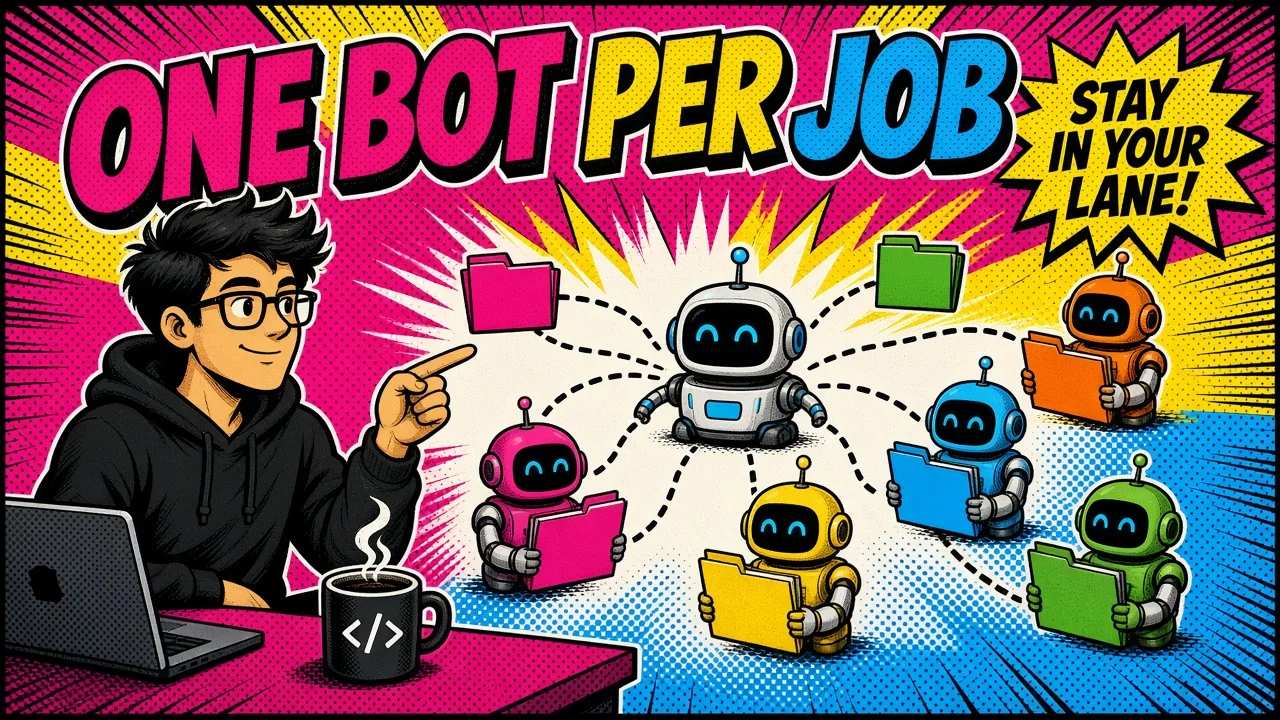
By the time you know what actually needs you today, an hour is gone and your head is already tired. One assistant per area of work fixes most of that.
The morning problem
Most mornings used to start the same way.
Most mornings
Open the inbox. Open the team chat. Open the other team chat. Check the calendar, the repo, the tickets, the notes app.
With one assistant per area
Each area assistant watches its own inbox, sorts it and drafts replies. You only hear about it when something needs you.
The problem is not that you have too many tools. The problem is that the context lives in all of them, and you are the only thing connecting them.
Every switch costs focus, and things slip through the gaps between apps.
For the last few weeks I have been running my work through Grok Bot with a setup that fixes most of this. Nothing here depends on what kind of business you run. If you have more than one area of work, you can copy it.
The core idea: one assistant per area
Do not build one giant assistant that knows everything. Split your work into areas, and give each area its own assistant.
An area is anything with its own inbox, its own people, or its own rules. For most people it looks something like this:
- Sales and leads: new inquiries, follow-ups, proposals.
- Delivery: the actual work you ship, plus the tools it lives in.
- Content: your website, blog and social posts.
- Finance and admin: invoices, receipts, renewals.
- Personal: travel, health, family logistics.
Add a hub on top
On top of these, add one hub assistant. The hub does no area work itself. It takes a request, decides which assistant owns it, and hands it over.
When you are not sure where something belongs, you tell the hub and move on.

Why split at all?
Because each assistant stays small. It has a short list of tools, a clear job, and a memory that is only about its own area.
It gets better at that job faster, and it is much harder for it to mix things up.
Give each assistant only its own keys
This is the most important rule, so it gets its own section.
Each assistant connects only to the accounts its area needs. The content assistant gets the website repo and the design tool. The finance assistant gets the billing inbox. The delivery assistant gets the project tools.
None of them get everything. This does two things for you:
- It limits damage. If an assistant makes a mistake, it can only touch its own area.
- It keeps information apart. Work from one area cannot leak into another, because the assistant simply has no access to it.
If parts of your work must never mix, this matters even more. Give each one its own accounts and keep them fully separate.
Guardrails that keep you in control
AI assistants are fast. That is the point, and also the risk. A few simple rules keep speed from turning into regret.
Write the scopes down. Keep one short file that says what each assistant owns, in one line each.
When an assistant gets a request outside its scope, it hands it to the owner or the hub and says nothing more. No advice outside its lane.
Drafts before sends. Anything that goes out under your name, like an email, a message or a reply, starts as a draft you review. You press send. The only exceptions are the ones you set on purpose.
Approval before posting. Public content gets your OK before it goes live. Blog posts, social posts, anything with your name on it.
Quiet by default. Assistants only ping you when something needs a decision, a deadline is at risk, or something is blocked.
No “all clear” messages, no empty digests. Silence means things are fine.
These sound strict, and they are. Strict rules are what let you hand over more work without worrying about it.
What a normal day looks like
Once the setup is running, the day changes shape.
Inbox checks run on their own. Each area assistant watches its own inbox on a schedule. It sorts, summarizes, and drafts replies. You only hear about it when something needs you.
Routines handle the repeat work. Weekly reports, content schedules, renewal reminders, the Monday “what is open” check.
You write the routine once, in plain words, and it runs on its schedule. If a routine has nothing to report, it stays quiet.
Repeat tasks become saved skills. When you notice you are explaining the same steps a second time, save them as a skill. Next time, any assistant can follow the recipe without you walking it through again.
Assistants talk to each other. When the content assistant ships a new blog post, it tells the social assistant, which drafts the posts for your review. You do not carry the message between them.

Your job shifts from doing every step to reviewing and deciding. That is where your time is worth the most anyway.
How to set it up for your own business
You do not need to build everything at once. In fact, please do not.
- List your areas. Write down every inbox, chat and tool you check in a week. Group them into three to six areas.
- Create one assistant per area. Give each a clear name and a one-line job description.
- Connect only what each one needs. Start with read access where you can. Add write access once you trust it.
- Write the scope file. One line per assistant. Share it with all of them.
- Set the rules. Drafts before sends, approval before posting, quiet unless something needs you.
- Add a hub last. Once you have two or three area assistants, the hub saves you from deciding who owns what.
- Add routines slowly. One routine at a time. Watch it run for a week before you add the next.
The order matters. People who start with ten routines and full access usually end up turning it all off after a bad week. People who start small keep going.
Mistakes to avoid
| Mistake | Why it hurts | Do this instead |
|---|---|---|
| One assistant for everything | It gets confused, and one wrong connection can expose all your work. | One assistant per area. |
| Too much access too early | You hand over send or delete before trust is earned. | Give read access first. |
| Noisy assistants | If every assistant pings you every hour, you have just built a new inbox. | Set “quiet unless needed” from day one. |
| No written scopes | Assistants drift into each other’s work, and you get duplicate or conflicting actions. | Write the scope file. |
| Skipping review | The draft step feels slow at first. | Keep it. It is still faster than fixing a message you cannot take back. |
Key takeaways
- Split your work into areas and give each one its own assistant.
- Use permissions, not prompts, to keep information apart.
- Drafts before sends, approval before posting, quiet by default.
- Add a hub once you have a few assistants.
- Start with one boring task you do every day, and hand that over first.
What is the one task you would hand over tomorrow if you knew it could not touch anything else?