Custom integrations for every tool are a maintenance tax that never ends. The Model Context Protocol (MCP) replaces them with one plug.
Every time I build a custom integration for a new tool, I add one more thing to maintain forever. We have reached a point where building the product is often faster than setting up the pipes to connect it to our data.
That is the exact problem Claude’s MCP (Model Context Protocol) was built to kill.
A smart model in a room with no windows
If you have spent any time building agentic workflows and vibe coding, you know the feeling. You have a very capable LLM like Claude, but it is locked in a room with no windows.
To give it context, you copy-paste code, export CSV files, or spend three days writing a brittle wrapper for a third-party API just so your assistant can “see” your work.
The architect who can’t visit the site
This fragmentation is a major bottleneck in modern software development. Our models are capable, but they are cut off from our local files, our databases and our production logs.
It is like having a world-class architect who isn’t allowed to visit the construction site. They are guessing based on the photos you decide to send them. Enter the Model Context Protocol, or in Anthropic’s own framing, a USB-C port for AI applications.
The fragmentation tax on your productivity
The problem is simple. Every AI application (Claude Desktop, a custom agent, an IDE extension) wants to talk to your data. On the other side, every data source (your GitHub repos, your Postgres databases, your Slack channels) has its own API and authentication flow.
The M x N problem
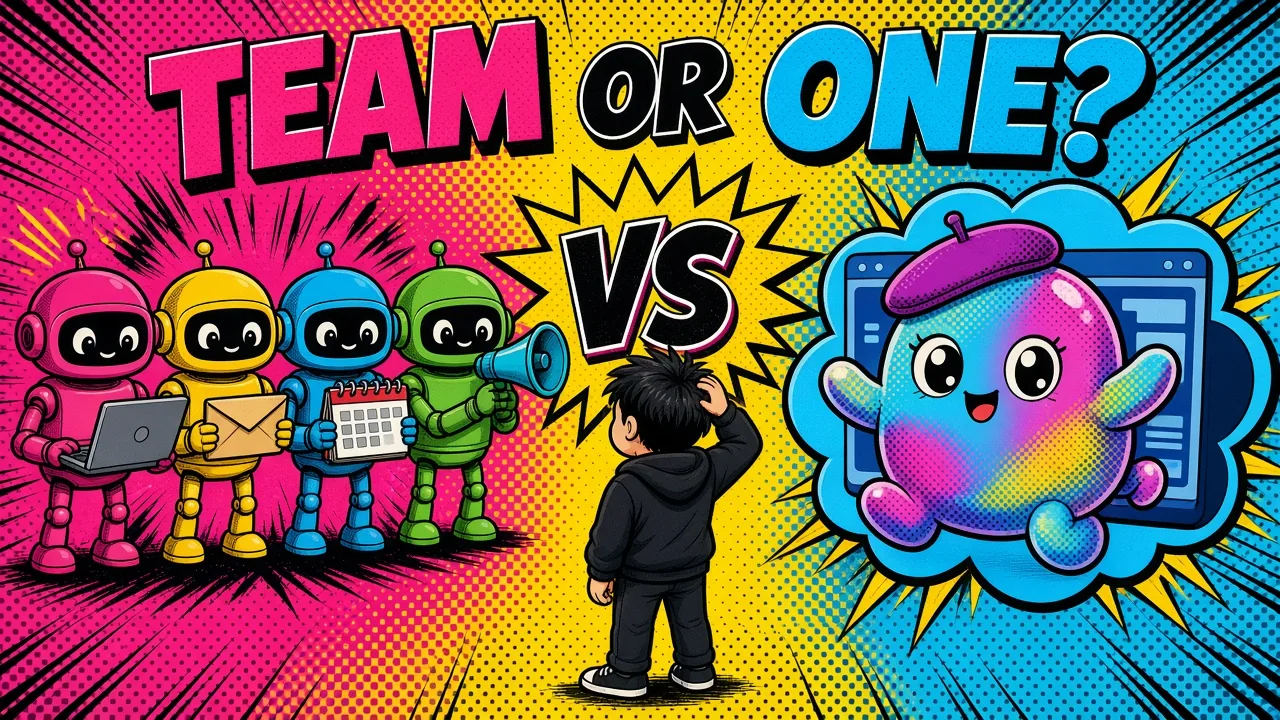
Without a standard, we are stuck in an M×N problem. If you have 5 AI apps and 10 data sources, you need 50 different integrations.
(If you are weighing whether to expose a plain REST endpoint or an MCP server here, I broke that down in API vs MCP.)
This is why most “AI-powered” tools feel shallow. They support a few basic integrations, and if you want to use your internal company data, you are back to writing custom glue code.
What it costs you
The cost is real. We waste hours rebuilding the same connectors, every new integration is another potential leak, and the “magic” of AI evaporates the moment we hit a data silo.
MCP as a universal standard
Claude MCP (Model Context Protocol) is a serious, open attempt to standardize how AI applications discover and use data and tools. Instead of building a connector for every model and every tool, you build an MCP server.
The server as a translator
This server sits between your data and the AI and exposes a consistent interface that any MCP-compliant host (like Claude Desktop) can understand.
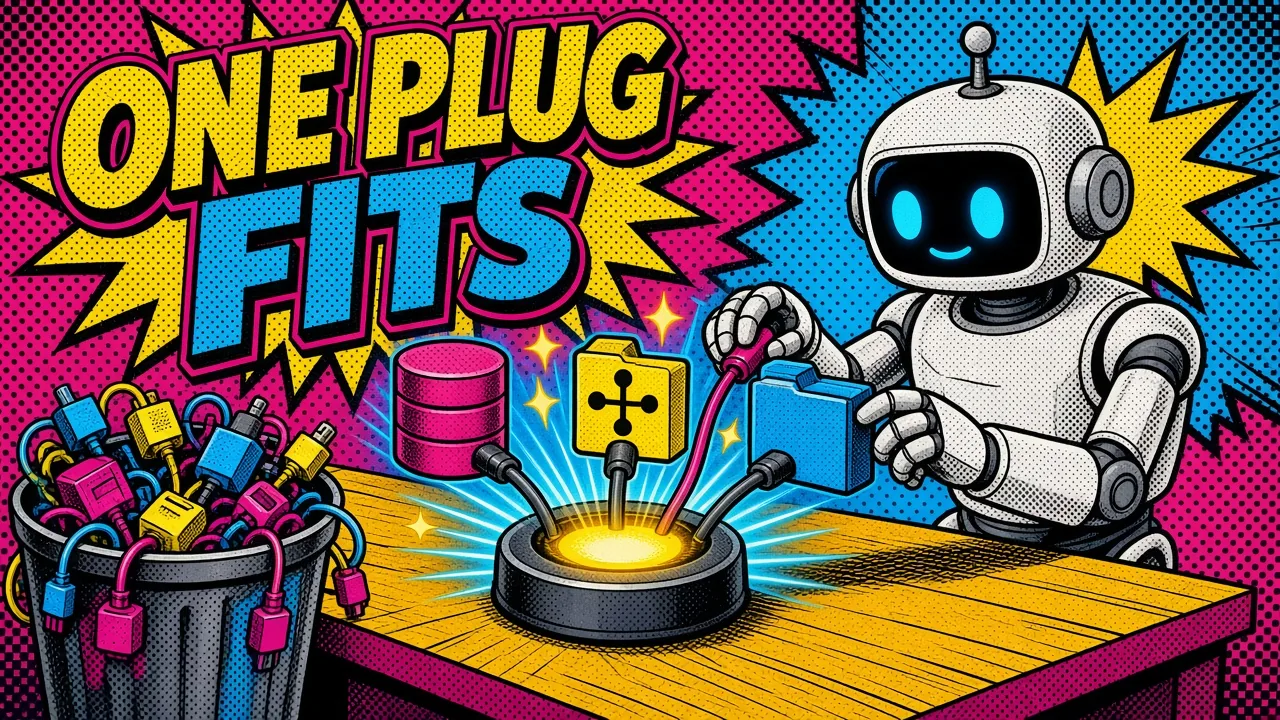
It works like the USB standard. It doesn’t matter if you plug in a mouse, a keyboard or an external drive. The protocol is the same, so it just works.
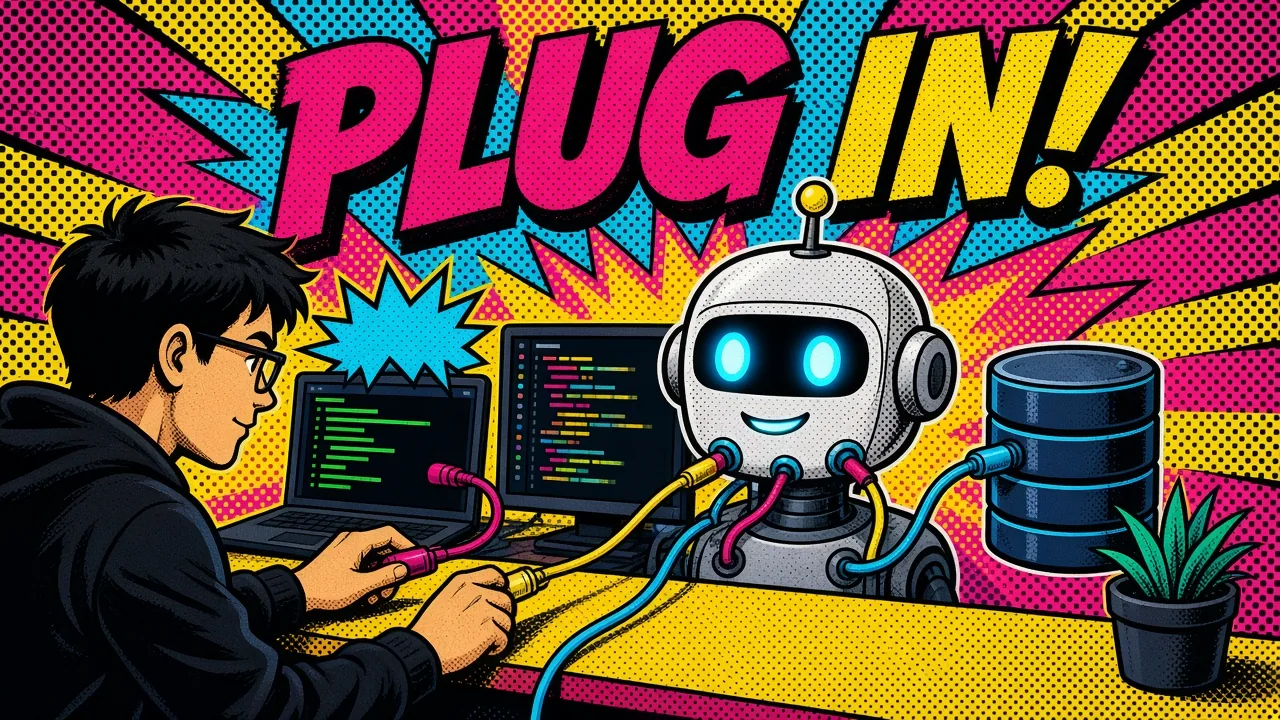
This changes how you build context-aware agents. Instead of hard-coding logic into the agent, you “plug in” the servers you need.
Custom integrations
MCP servers
How the architecture works
There are three main players in the MCP ecosystem:
- The host. This is the environment the user works in: Claude Desktop, a terminal or an IDE like Cursor. The host manages the lifecycle of the connection.
- The client. This is the part of the host that speaks the protocol. It asks the server what it can do. Since the
2026-07-28spec there is no up-front handshake: each request carries its own protocol version and capabilities. - The server. This is a lightweight program that provides context (resources), actions (tools) and prompt templates.
A local example
Say I want Claude to read my local project files. I run a local MCP server that exposes those files as “resources.”
The host (Claude Desktop) asks the server: “what do you have?” The server replies: “I have these 10 files and a tool to run grep searches.”
The model can then call the “grep” tool whenever it needs to find a function definition. I didn’t write a single line of logic inside Claude to make that happen. I connected the server.
Modularity and the MCP server ecosystem
Once a server is built, anyone can use it. The community has already built servers for almost everything. Here are a few I use in my daily workflow:
- A Postgres server. I point Claude at a local or remote database so it can inspect schemas and run read-only queries to help me debug data issues without leaving the chat. Anthropic’s original reference Postgres server is now archived, so I lean on a maintained community build.
- GitHub’s official MCP server. It lets the model search my repositories, list issues and open pull requests. It is like having a junior dev who knows where the code is. GitHub now ships and hosts this itself, with a remote option you authenticate via OAuth.
- A Google Drive server. Handy when I need to cross-reference technical docs stored in Drive with the implementation in my IDE. The reference server is archived too, so I treat it as a starting point rather than something to trust blindly.
From chatting to delegating
Wiring these up is the step that separates chatting with a model from delegating to one. It is the point where a workflow crosses into the agentic levels instead of staying a faster autocomplete.
It also helps with agentic commerce for Shopify. Imagine an agent that talks to your Shopify store via MCP to check inventory levels or update product descriptions in real time, over a secure, standard connection.
Security first: the sandbox model
The first question I get when I talk about connecting dev tools to an LLM is: “is it safe?”
Security is a first-class concern in MCP’s design. The server runs as a separate process that only exposes the tools and resources you grant it.
(Note: a local stdio server still runs with your normal user privileges. It is process isolation, not a hardened sandbox, so only run servers you trust.)
Local servers: a narrow pipe
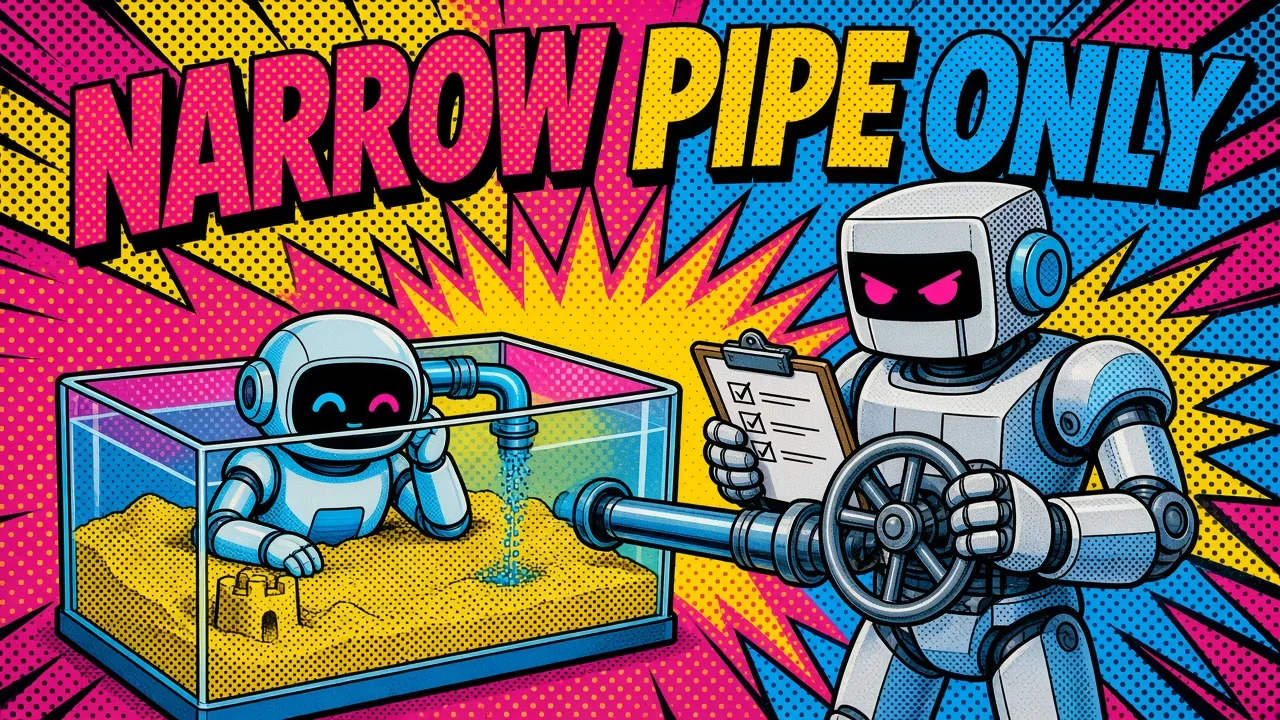
For local servers, the protocol typically uses stdio (stdin/stdout). The server can only talk to the host through that narrow pipe. It has no open network ports listening for connections, and it only exists while the host is running it.
Remote servers: scoped OAuth
For remote servers, MCP standardizes on OAuth 2.1 (with PKCE) for authorization. That allows fine-grained, scope-based permissions. You can authorize a GitHub MCP server to read only public repositories, or a database server to access only specific tables.
Least privilege for AI tools
This is a big step up from the “give me your master API key” approach we have seen in the past. You can treat AI tools with the same least-privilege mindset you use for any other service in your stack.
That matters when you are trying to avoid RAG mistakes in production, where data leakage is a top-tier risk.
Why I am betting on MCP
I have seen plenty of “standards” come and go. What makes MCP different is its simplicity and its backing.
Anthropic made it open source, and in December 2025 donated it to the Agentic AI Foundation, a Linux Foundation fund, so no single vendor controls it.
Where this is heading
We are moving toward “agentic” software development. In this world, AI does more than write snippets of code. It acts as an orchestrator that can reach into your cloud infrastructure on GCP, check your Docker logs and suggest fixes for a failing Laravel app.
Without a protocol like MCP, that vision is too expensive and too risky to build at scale. With MCP, tools become plug-and-play.
How to start
If you are ready to experiment, here is what I recommend:
- Install the Claude Desktop app. It is one of the most mature MCP hosts, and an easy place to start.
- Try the filesystem server. This is the easiest way to see it work. Give Claude access to a specific folder and watch it navigate your codebase.
- Don’t build, search first. Browse the official MCP Registry before writing anything. The reference repo now keeps only a handful of maintained servers (filesystem, fetch, git, memory and a few others), and most well-known integrations are either archived or maintained by the vendor directly, like GitHub’s own server.
- Think in tools as well as prompts. Ask what “tools” your internal systems could expose. If you have a custom admin panel, could it be an MCP server?
Key takeaways
- MCP replaces M x N custom integrations with one server per tool.
- Host, client and server each have one job, and the server decides what it exposes.
- Local servers use
stdio; remote servers use OAuth 2.1 with PKCE and scoped permissions. - Only run servers you trust: a local server runs with your user privileges.
- Search the MCP Registry before you build, and prefer vendor-maintained servers.
- Connecting your tools cuts the switching between tabs, terminals and docs, so you stay in flow longer.
If you want your internal tools and dev stack exposed to Claude through scoped MCP servers, here’s how I help teams build and secure them, or get in touch directly.
What is the one internal tool you wish you could “plug in” to Claude right now?