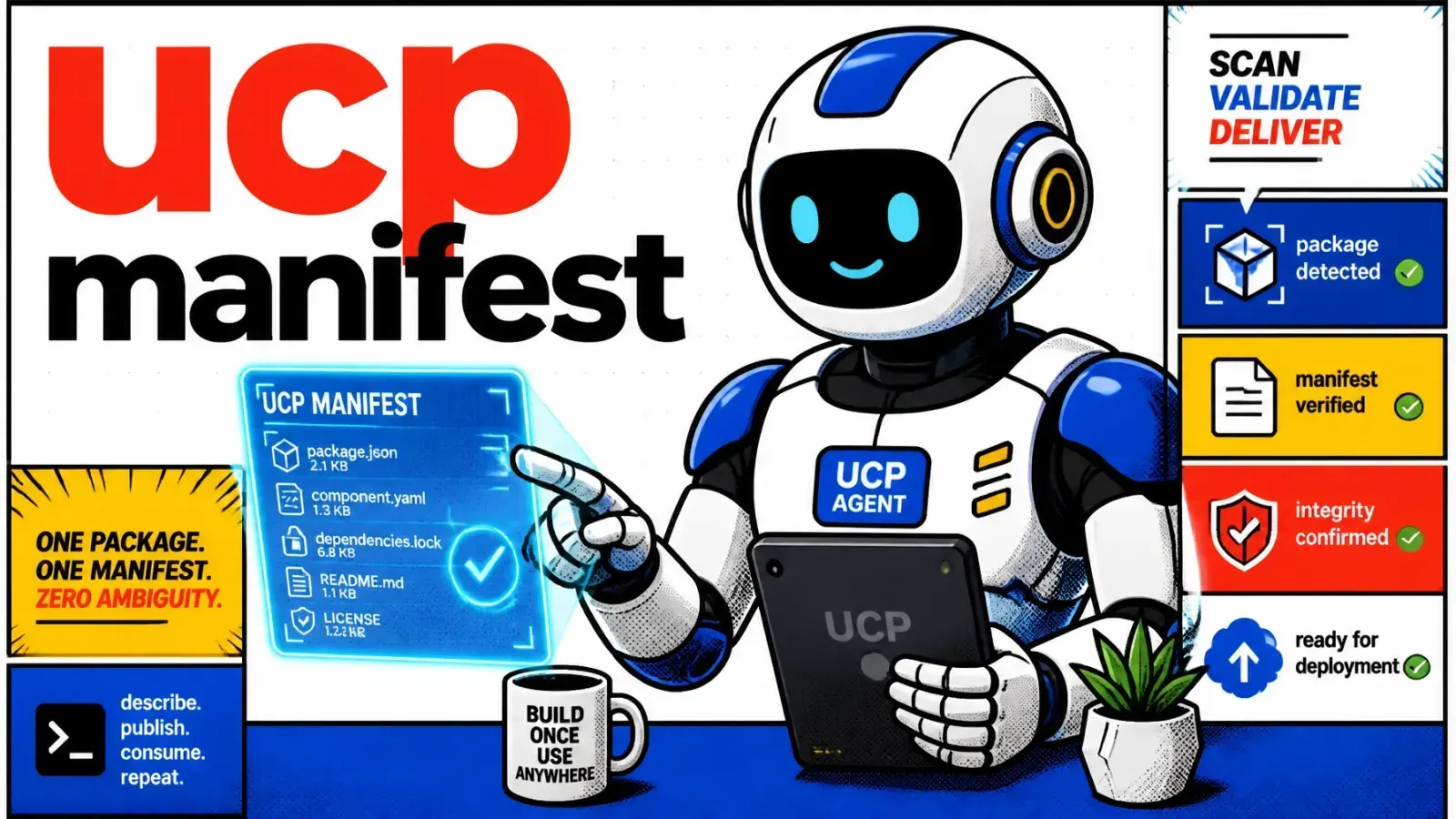
AI agents now shop for people inside ChatGPT, Google AI Mode, Gemini, Copilot and Meta. Before an agent can check out on your store, it reads one JSON file at /.well-known/ucp.
Your store can be invisible to a fast-growing group of buyers: AI agents acting for shoppers.
If an agent can’t find a machine-readable profile for your Shopify store, it can still mention your products, but it can’t complete a purchase for the shopper.
Built for agents with wallets
Traditional SEO was built for humans with eyeballs. UCP is built for agents with wallets.
The rollout is moving fast, and every new AI channel that adopts UCP can sell your products without a new integration. Here is how to make sure your store is ready.
Why classic SEO falls short
For ten years we tuned meta tags and JSON-LD schema. That was enough when Google was a list of links. We’ve now moved into agentic commerce on Shopify.
Three questions an agent asks
Agents don’t browse your collections or look at hero banners. They want three answers:
- What do you sell?
- Can I buy it right now?
- Which API do I call to check out?
If your site doesn’t answer these in a standard way, the agent moves on to a store that does. Product schema tells an agent what a product is. UCP tells it how to transact.
| Layer | Classic SEO and schema | UCP profile |
|---|---|---|
| Audience | Search crawlers and humans | AI shopping agents |
| Describes | Pages and products | Services, capabilities and payment handlers |
| Lives at | Page markup | /.well-known/ucp |
| Lets the reader | Rank and display products | Build a cart and complete checkout |

What is the Universal Commerce Protocol?
UCP is an open standard co-developed by Shopify and Google. Shopify lists backers including Amazon, American Express, Etsy, Mastercard, Meta, Microsoft, Salesforce, Stripe, Target, Walmart and Visa.
It defines a handshake between a business and an AI agent, covering cart creation, checkout, payment and post-purchase.
The profile at /.well-known/ucp
The core of the handshake is a JSON profile at /.well-known/ucp. When an agent reaches your domain, it fetches this file to learn what you support, then negotiates the capabilities you have in common.
The spec requires version, services and payment_handlers inside the ucp object, and capabilities is optional. Versions are dates; the latest stable release is 2026-08-25. Shopify’s own Admin and Storefront APIs use dated versions too, released every quarter, and my Shopify API version calendar shows which ones are still supported.
Here is a trimmed version of the profile a live Shopify store serves today:
{
  "ucp": {
    "version": "2026-08-25",
    "services": {
      "dev.ucp.shopping": [
        {
          "version": "2026-08-25",
          "transport": "mcp",
          "endpoint": "https://your-store.myshopify.com/api/ucp/mcp",
          "schema": "https://ucp.dev/2026-08-25/services/shopping/mcp.openrpc.json"
        }
      ]
    },
    "capabilities": {
      "dev.ucp.shopping.checkout": [
        {
          "version": "2026-08-25",
          "schema": "https://ucp.dev/2026-08-25/schemas/shopping/checkout.json"
        }
      ],
      "dev.ucp.shopping.cart": [{ "version": "2026-08-25" }],
      "dev.ucp.shopping.catalog.search": [{ "version": "2026-08-25" }]
    },
    "payment_handlers": {
      "dev.shopify.shop_pay": [{ "id": "shop_pay", "version": "2026-04-08" }],
      "com.google.pay": [{ "id": "gpay", "version": "2026-01-11" }]
    }
  }
}
The agent learns which capabilities you support and where to send each request. No scraping, and no guessing where the add-to-cart button is.
How to enable UCP on Shopify
On a standard Shopify or Shopify Plus store, you don’t write this JSON by hand. Shopify generates and hosts the profile, and agentic storefronts are active by default for eligible stores.
Check the Agentic channel
Open Sales channels > Agentic in your Shopify admin. Allow Shopify to manage for me is on by default. It shares your products through Shopify Catalog, turns on direct checkout where it’s supported and enrolls you in new AI channels automatically.
Turn it off if you want to control Shopify Catalog access, direct checkout and auto-enrollment yourself, channel by channel. For Google AI Mode and Gemini, products also come through the Google & YouTube channel or Google Merchant Center.
Headless stores
On Hydrogen or a custom frontend, your domain may not serve Shopify’s profile at all. Make sure your edge or middleware passes /.well-known/ucp through to Shopify.
I often see agentic discovery break because Vercel or Netlify rewrites, or a catch-all route, swallow the .well-known directory and return the homepage instead.
Catch-all route
/.well-known/ucp returns the homepage HTML with a 200. The agent gets no profile.Pass-through rule
/.well-known/ucp to the store’s myshopify domain before the catch-all runs, and the agent receives the JSON profile.Why this matters now
Search is shifting from links to agents. Shopify’s agentic storefronts already reach ChatGPT, Google AI Mode and Gemini, Microsoft Copilot and Meta, and when a new AI platform adopts UCP, Shopify stores are ready to sell there with no extra integration.
This sits next to the Model Context Protocol work covered in MCP context-aware agents. UCP even lists MCP as one of its transports, which is how the profile above exposes the shopping service.
The black box problem
If your profile is missing, your store is a black box. An agent might see your products in a search index, but it can’t fulfill “buy me the best hiking boots from a local store.” It picks a store where it can confirm checkout right away.

Auditing your implementation
Don’t flip a switch and hope. Confirm the profile is reachable from outside.
A two-minute check
- Open a private browser window.
- Go to
https://yourdomain.com/.well-known/ucp. - You should see a raw JSON object with a
ucpkey. - If you get a 404, HTML or a redirect to your homepage, your theme, app or proxy is blocking the path.
Check robots.txt too, and make sure you aren’t disallowing the .well-known directory.
Custom backends
If a custom Laravel backend sits in front of your store, add an explicit route or proxy rule for this path. I often see middleware strip hidden directories for “security” reasons. Here, that rule only costs you sales.
Key takeaways
- Confirm agentic storefronts under Sales channels > Agentic in your Shopify admin.
- Verify
/.well-known/ucpreturns valid JSON on your own domain, not only on myshopify.com. - Check the payment handlers in the profile (for example Shop Pay and Google Pay) match what you expect.
- Fix headless rewrites so the
.well-knownpath reaches Shopify. - Check your proxy configs if you host custom middleware, for example on Coolify Docker SaaS hosting, so the path isn’t dropped.
Commerce is moving from a web built for clicks to one built for agents, and UCP is the first real step toward making your store a first-class seller there. If your store is headless or runs custom middleware, here’s how I help Shopify brands get agent-ready.
Are you letting agents shop your store yet, or are you still building only for people who click?