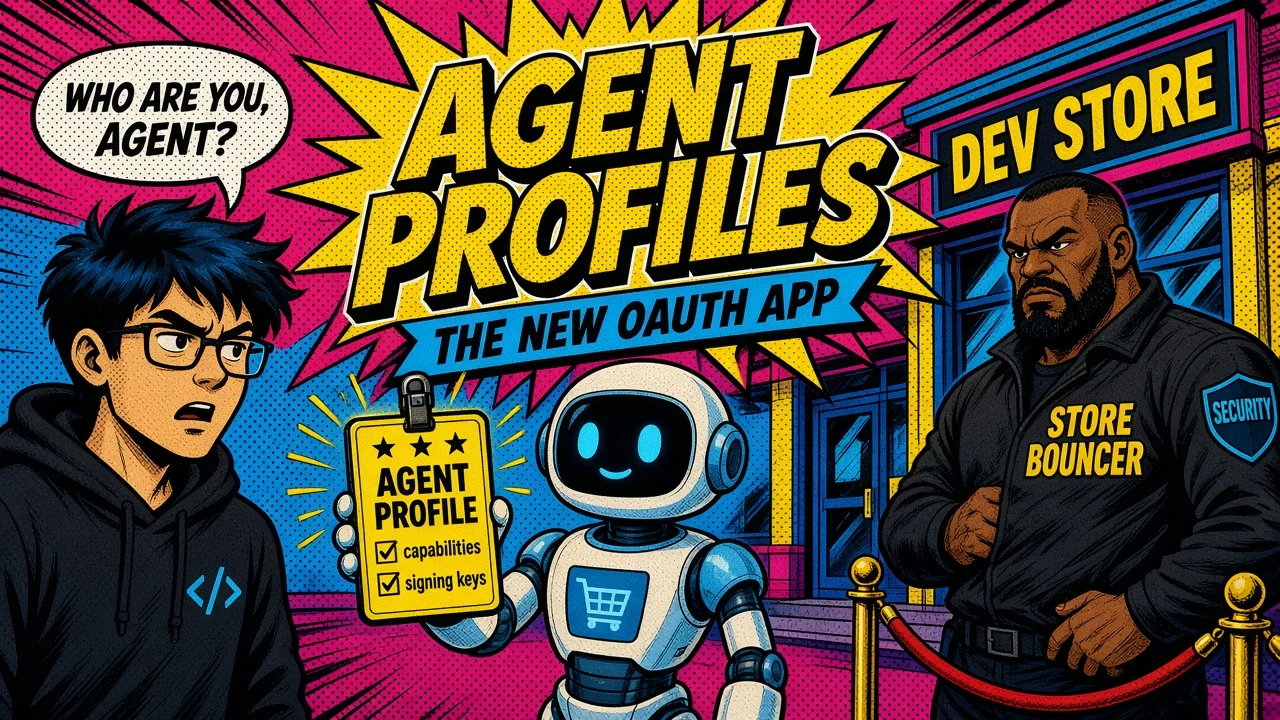
In the OAuth decade you registered an app and got a client id. In agentic commerce you host a UCP agent profile: a public JSON document at a URL you control.
OAuth decade
Agentic commerce
Every Cart MCP and Checkout MCP call on Shopify asks for that URL in meta.ucp-agent.profile. The merchant fetches it, negotiates capabilities, and (for signed traffic) checks your published keys.
No profile, no serious cart/checkout conversation.
This post covers what to put in the profile, why cart and checkout belong together, and how Anonymous / Signed / Token tiers change what you can do.
Cross-read Shopify UCP quick-start, secure agentic commerce, and the Storefront MCP cart → UCP migration.
Official guides: Define your agent profile and Auth and rate limiting.
Version pins below are as of Sep 2026; check them against the current docs.
What the profile is
An agent profile is a JSON document that declares:
- The UCP version your agent speaks (examples in Shopify docs use
2026-08-25) - The capabilities you support, with versions
Minimal cart + checkout profile (from Shopify’s published examples):
{
  "ucp": {
    "version": "2026-08-25",
    "capabilities": {
      "dev.ucp.shopping.cart": [{ "version": "2026-08-25" }],
      "dev.ucp.shopping.checkout": [{ "version": "2026-08-25" }]
    }
  }
}
Where to host it
Host it somewhere stable and HTTPS:
- Static host (
https://your-app.example/profiles/agent.json) - Or a well-known path on your domain
Then send that URL on every MCP cart/checkout request. Merchants treat it like app metadata: fetch, cache per directives, negotiate intersection of capabilities.
For signed requests, the profile also carries the public key material used to verify HTTP Message Signatures (RFC 9421 / ECDSA P-256 per UCP). That is the “app credentials” half of the story without a browser consent screen on every call.
Why cart and checkout both matter
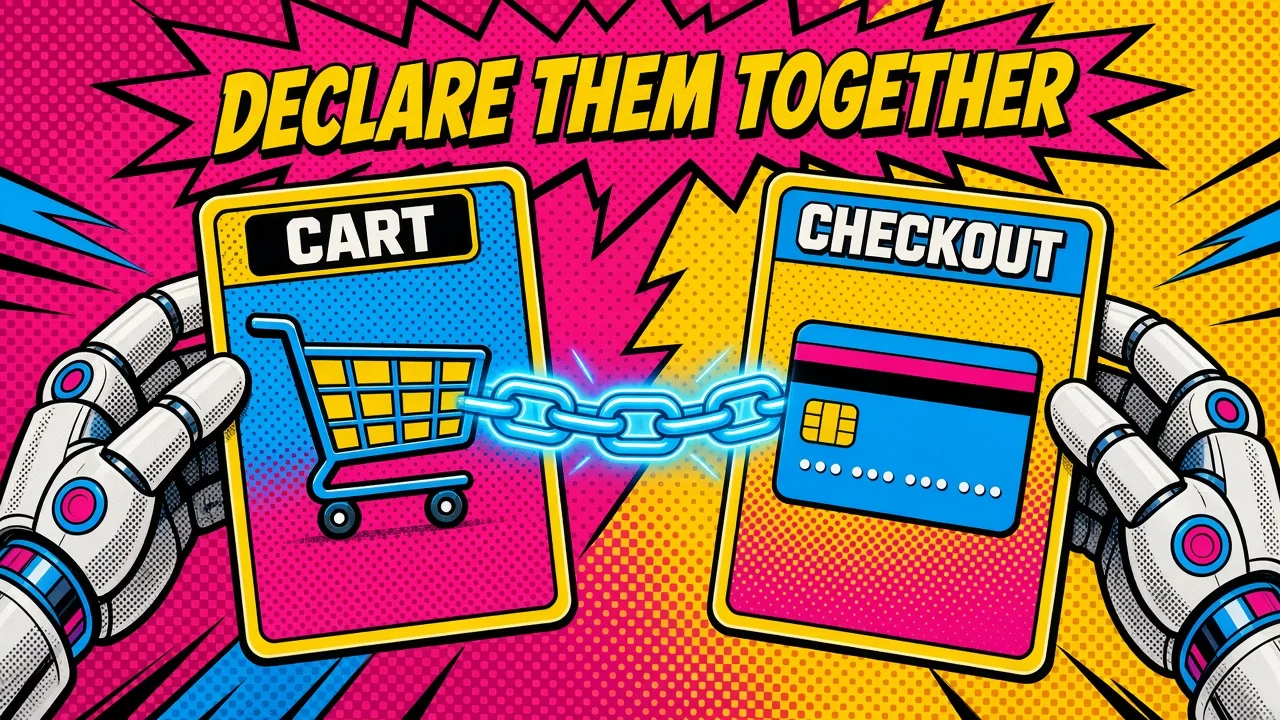
Passing a cart_id into create_checkout requires both capabilities to negotiate successfully. A cart-only profile is fine for browse-and-share (continue_url). It is not enough for the purchase handoff.
Declare what you actually implement. Inflating capabilities you cannot fulfill is how you fail negotiation or fail later in checkout.
Under-declaring is how you debug “why won’t create_checkout accept my cart” for an afternoon.
Keep exploratory line-item work on Cart MCP; open Checkout MCP when the buyer is ready. Rate limits are stricter on checkout at every trust tier.
Trust tiers are the new permission story
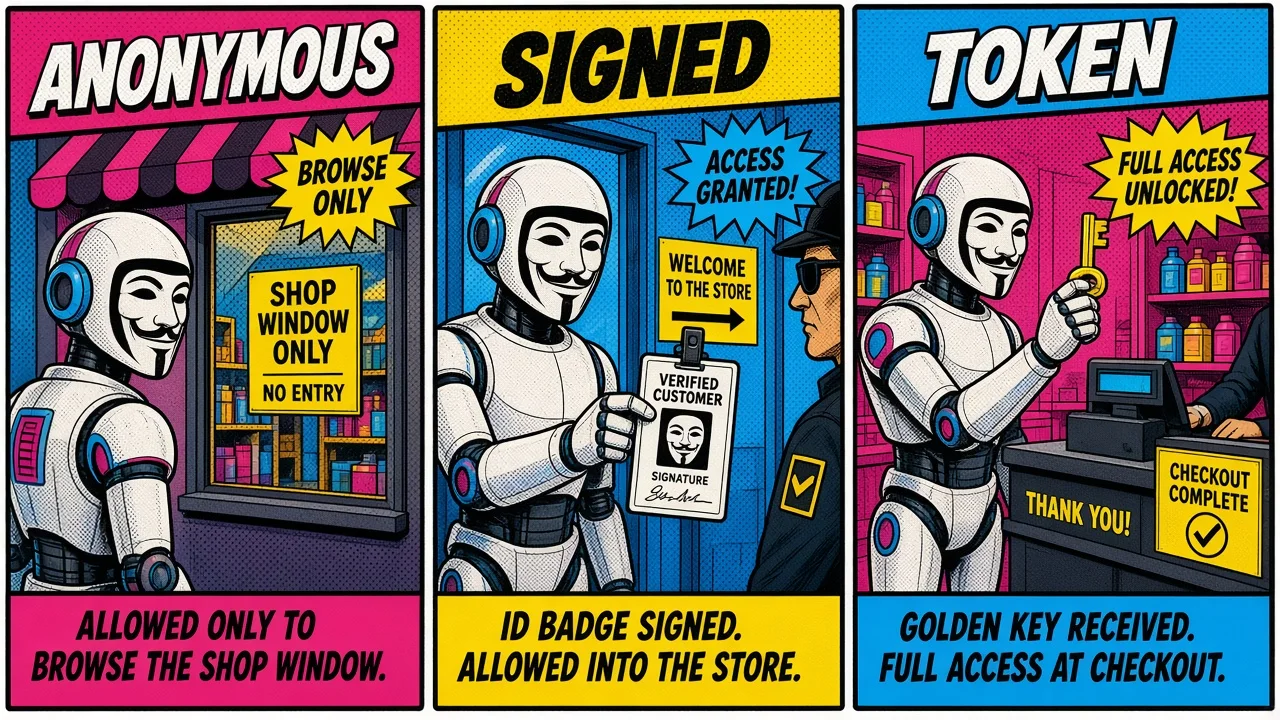
Shopify classifies UCP MCP traffic by how the agent identifies itself (as of the Sep 2026 auth docs):
| Tier | How you identify | Catalog / cart / checkout build | complete_checkout | Relative limits |
|---|---|---|---|---|
| Anonymous | No auth or signature | Yes | No | Lowest |
| Signed | HTTP Message Signatures; key in profile | Yes | No | Mid |
| Token | Bearer JWT (Dev Dashboard / customer / shop / buyer-linked) | Yes (buyer-linked can personalize) | When purchase permission is granted | Highest |
Order tools (get_order) sit on the Token tier with the right scopes, and only for orders placed through your agent.
Reading the tiers
- Anonymous is for demos and early browse. Expect tight throttling.
- Signed proves which agent you are without a full OAuth dance on every request. Still cannot complete checkout.
- Token is where purchase completion and stronger limits live. Buyer-linked tokens additionally carry the Shop customer identity for personalized catalog and signed-in checkout behavior.
Climb tiers on purpose. Do not ask for complete_checkout from an anonymous client and treat the 401 as a model failure.
Profile hygiene checklist
- Host one canonical HTTPS URL; avoid rotating paths weekly.
- Declare only capabilities you implement; pin versions you tested.
- Include cart and checkout if you convert carts.
- Publish signing keys if you use the Signed tier; rotate with overlap.
- Pass
meta.ucp-agent.profileon every cart/checkout tool call. - Prefer Cart MCP for iteration; Checkout MCP for commit.
- Move to Token (and buyer-linked when needed) before promising one-click complete.
- Keep secrets off the profile document. Public keys yes; client secrets never.
Think of the profile as your OAuth app listing plus capability manifest.
Relation to MCP-first product design
If you also host your own MCP servers (Laravel or otherwise), you already know the pain of fat tool lists and weak auth.
UCP profiles are the commerce-protocol cousin of that discipline: advertise operable capabilities, then back them with auth that matches risk.
See MCP first and API vs MCP for the product-side framing; this post is the Shopify UCP instantiation.
Key takeaways
- The UCP agent profile URL is how merchants negotiate who you are and what you can do.
- Declare
dev.ucp.shopping.cartanddev.ucp.shopping.checkouttogether when you convert carts. - Anonymous, Signed, and Token tiers gate rate limits and whether
complete_checkoutis even on the table. - Signed proves agent identity via profile keys; Token is required for purchase completion permissions.
- Keep the profile stable, versioned, and honest. Capability theater fails in negotiation or at checkout.
If you shipped a shopping agent tomorrow, would your public profile URL survive a merchant fetch right now, and which trust tier are you actually operating on when you say “we support checkout”?