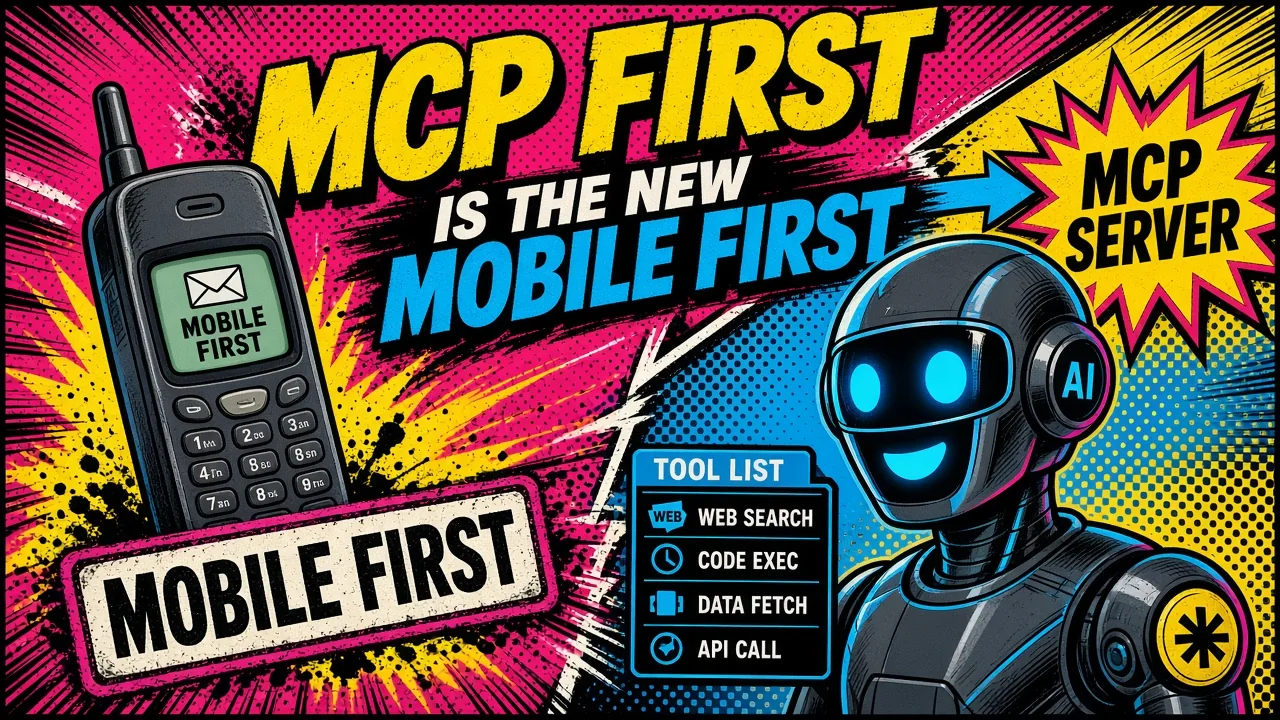
Mobile first made products work on a phone. MCP first makes them work for an AI agent.
A decade ago the argument was settled in the hallway: mobile first. If the product did not work on a phone, it did not work.
Teams stopped designing for a 27-inch monitor and shrinking later. They started with the constrained surface and let the desktop inherit the discipline.
That constraint was a screen.
Today the constraint is a capability contract. Users still want a UI, but more and more of the real work is asked in chat: Claude, Cursor, Grok Bot, an in-product agent.
They do not want another settings page. They want to say what they need and have it done. Docs, support tickets, and click-paths become the fallback when the product cannot be operated by an agent.
So the slogan flips: MCP first, or more precisely, agent first / skills first. Ship the tools, permissions, and judgment an agent needs before you polish the human interface that wraps them.
I am not arguing that MCP replaces your API. I already wrote API vs MCP for that fork.
MCP is how agents discover and call capabilities. Skills are how they apply judgment. The UI is how humans supervise. Get the order wrong and you bolt a chatbot onto a product that was never operable. Agents also need a map of what to read, and an llms.txt file at your site root is the simplest one to publish.
What “MCP first” actually means
MCP first does not mean “add a Model Context Protocol server and call it a day.”
It means you design the product as a set of outcomes an agent can complete, with:
- Named tools: create invoice, list delayed orders, refund within policy, rotate a key.
- Clear inputs and outputs: schemas the model can fill without guessing.
- Permissions: who the actor is, which tenant, which scopes (auth and audit).
- Safe mutation rules: idempotency, rate limits, structured errors (idempotency, tool errors).
- Skills: playbooks and guardrails so the agent knows when to call which tool, not just that a tool exists.
- A human UI that consumes the same capabilities: screens become views and approvals over the same contract, not a parallel codebase.
Mobile first forced responsive layout. MCP first forces operable capability.
The two-customer problem
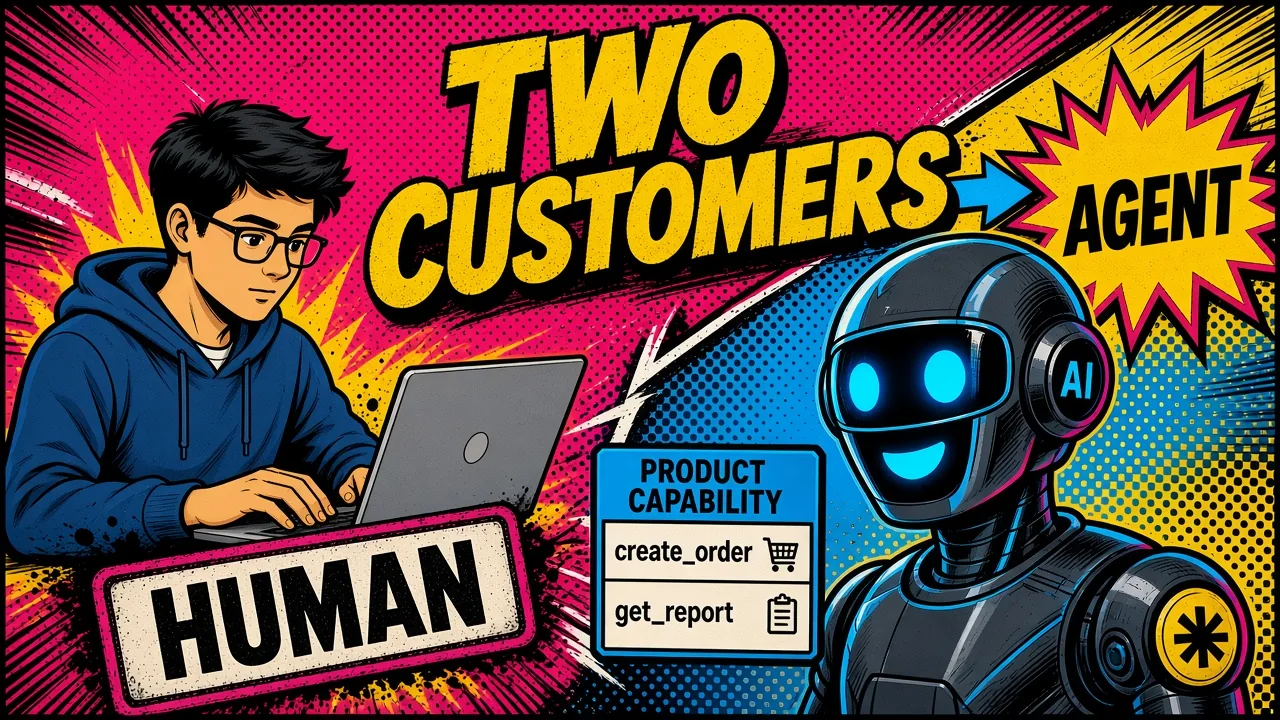
Every serious product now has two customers:
| Customer | What they need | Failure mode |
|---|---|---|
| Human | Screens, copy, empty states, accessibility | Confusing UI; they open a ticket |
| Agent | Tools, schemas, errors they can recover from, audit trails | Silent failure; retries; invented actions |
Most teams still ship for the human and hope the agent can scrape the DOM or call undocumented REST. That is the 2012 equivalent of “we’ll make the mobile site later.”
The fix is one capability layer. Humans get forms and tables. Agents get MCP (or an equivalent tool surface). Both hit the same domain services.
When you add “export CSV,” you add the tool and the button, not only the button.
Reverse the build sequence
Classic SaaS
Agent first
Concrete example: an ops tool for delayed Shopify orders.
- Outcome: “Find delayed orders for this shop and propose a next action within policy.”
- Tools:
list_delayed_orders,get_order,create_customer_message,issue_partial_refund(scoped). - Permissions: shop actor, refund ceiling, PII redaction in logs.
- Skills: when to refund vs reship vs escalate; never invent tracking numbers.
- API: the same mutations your admin already uses.
- UI: a queue page and an approval modal that call the same services.
If you start with the queue page, the agent becomes a second-class citizen forever. If you start with the tools, the queue page is just one client.
Chat is a front door, not the product
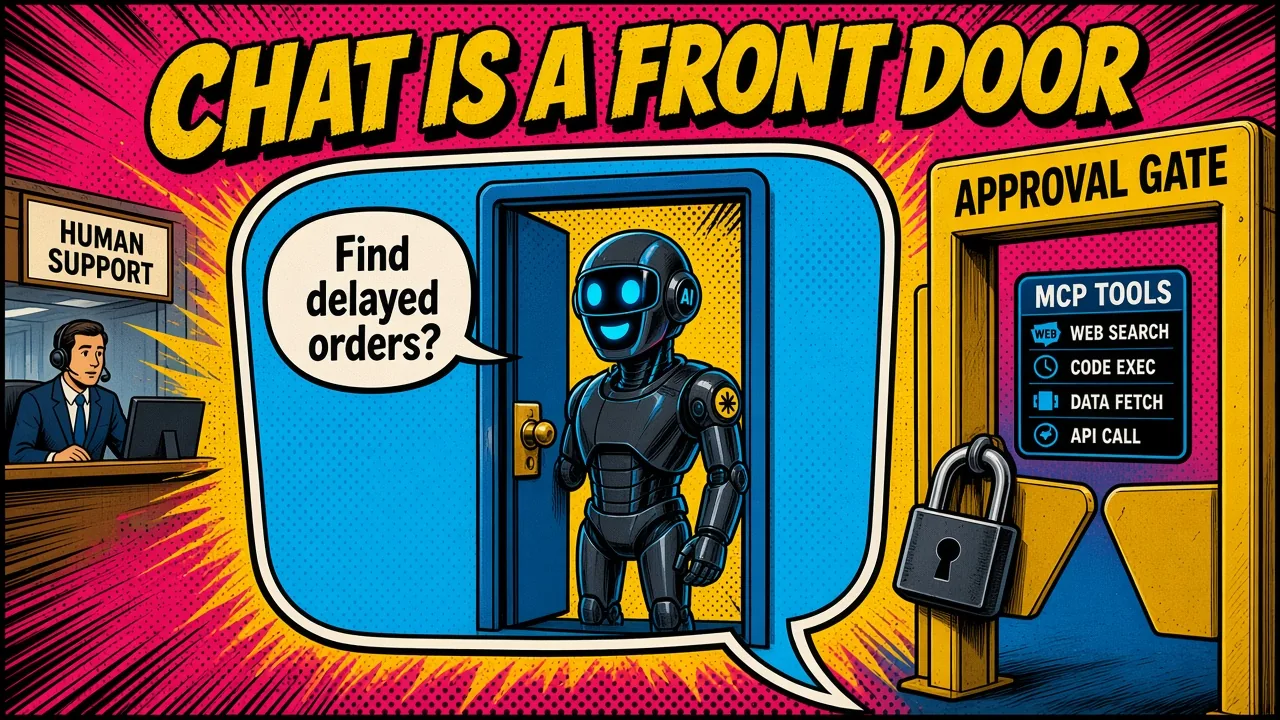
People reach for chat because self-service still fails often enough to hurt. Industry surveys have long shown most customers try to solve a problem themselves before they contact a human, often cited around four in five attempts.
Completion is the hard part. When the product cannot be operated by an agent with tools, chat becomes theater: a polite model that cannot refund, cannot look up the right tenant, and cannot tell you why the tool failed.
Treat chat as a front door:
- Behind it: MCP tools (or skills that wrap them).
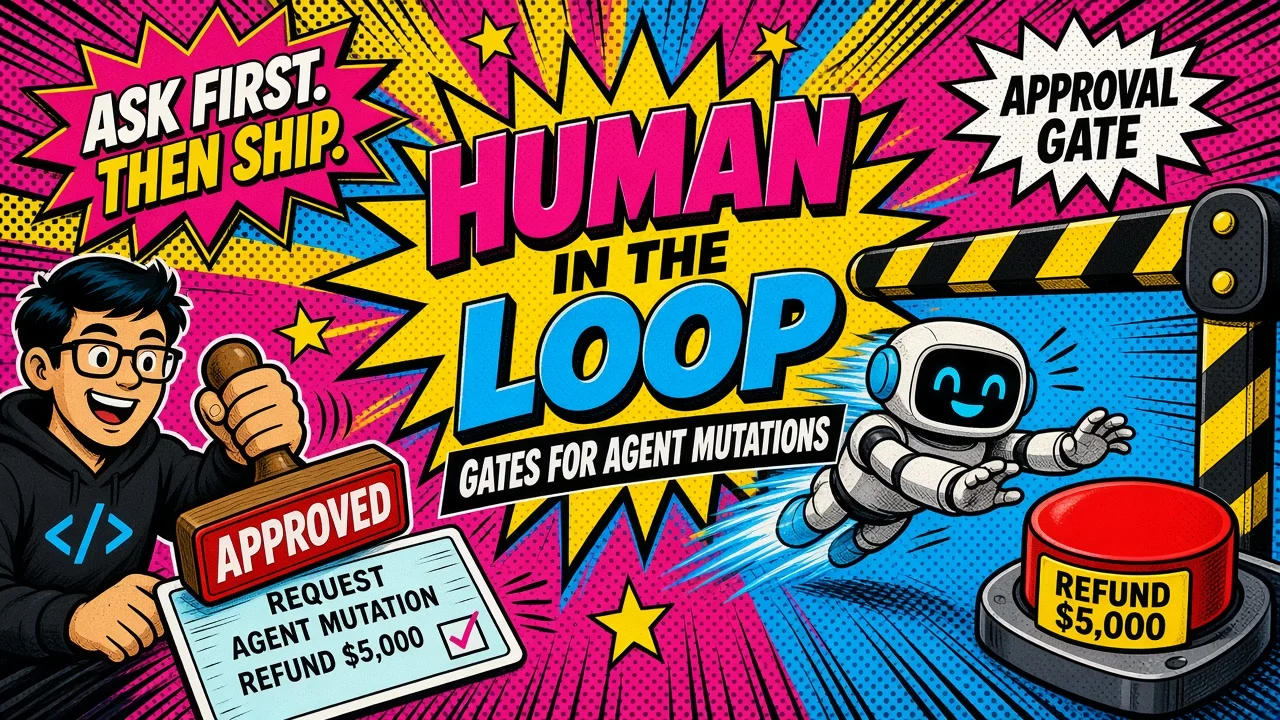
- Beside it: approval gates for irreversible money/PII moves.
- Under it: audit logs you would show a security reviewer.
- Past it: human support when the agent correctly escalates.
No more “read the docs, click twelve pages, then open a ticket.” The docs become training data for skills. The pages become optional. Support becomes the exception path.
Skills first, not prompt first
A tool without a skill is a loaded gun with no safety briefing.
Skills (playbooks, runbooks, Cursor-style skill files, Claude Projects instructions; pick your stack) encode:
- which tools exist for this job
- sequencing and stop conditions
- what “done” looks like
- when to ask the human
MCP first without skills first produces agents that call refund_order because the user sounded upset. Skills first without MCP first produces beautiful instructions with nothing to execute.
Ship both. In practice I write the skill outline in the same PR as the first tool handlers: same review, same tenant tests.
What this is not
- Not “delete the UI.” Humans still approve, explore, and debug. Agent-first products often need better UIs for supervision.
- Not “every CRUD app needs a public MCP server tomorrow.” Internal agent access (Cursor, Claude Desktop, your own bot) is enough to force the discipline. Public MCP is a distribution choice.
- Not “skip the API.” MCP sits on capabilities. Thin, boring domain services still win.
- Not “let the model invent side effects.” Auth, idempotency, structured errors, and rate limits are the mobile viewport of this era: constraints that make the product honest. That is why I shipped the Laravel MCP safety trilogy before preaching the slogan.
A one-sprint checklist
If you already have a product, you do not need a rewrite. In one sprint:
- Pick three high-value outcomes users already ask support for.
- Expose each as a tool with a schema, actor, and audit line.
- Return recoverable failures (
not_found,forbidden,validation_failed) instead of empty 500s. - Wrap mutations in idempotency keys.
- Write a short skill that sequences those tools and names the escalate path.
- Point your internal agent (Claude / Cursor / your bot) at it and dogfood for a week.
- Only then decide whether the human UI needs a new screen, or just a better approval affordance on top of what the agent already uses.
If the agent cannot finish the job with a human in the loop for money moves, you learned something cheap. If it can, you just shipped mobile-first for the agent decade.
The hardest constraint first
Mobile first was never really about phones. It was about designing for the hardest real constraint first.
The hard constraint now is: can an authorized agent complete the work safely, with skills and tools, while a human supervises?
Call it MCP first, agent first, or skills first; same idea. Prepare the tools and access. Then build the product. Chat becomes the place people ask; capability is what answers.
If you are wiring this into multi-tenant Laravel, start with auth and audit, idempotency, and structured tool errors.
If you are still choosing the connector shape, read API vs MCP first.
Key takeaways
- Every product now has two customers: a human and an agent.
- Build in this order: outcomes, tools, permissions, skills, API, then UI.
- Chat is a front door. Tools, approval gates and audit logs do the work behind it.
- Ship skills with tools, so the agent knows when to call what.
Which three things do your users ask support for that an agent with the right tools could finish today?