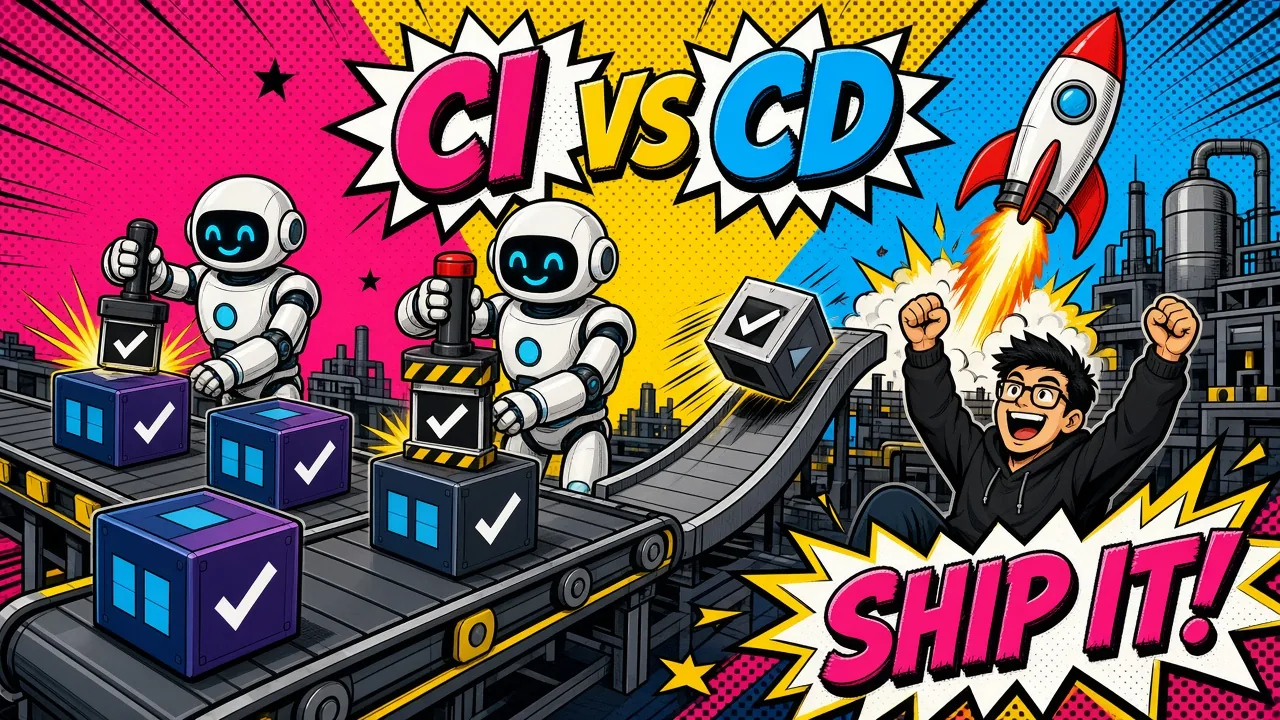
CI proves your code works. CD gets that working code to users without a human copying files at midnight.
Shipping a broken build to production is an expensive way to learn your local environment isn’t a mirror of reality.
For developers on Laravel backends or Shopify storefronts, the gap between “it works on my machine” and a stable release is often filled with manual steps that invite human error.
Manual FTP uploads, SSHing into servers to run migrations, or publishing Shopify themes by hand are risks modern engineering cannot afford.
Two pillars
Continuous Integration (CI) and Continuous Delivery (CD) remove this uncertainty. By automating the path from a commit to a live environment, teams ship faster while making their applications more stable.
This guide breaks down the core differences between CI and CD and how to apply them to modern stacks.
Defining Continuous Integration (CI)
Continuous Integration is the practice of merging every developer’s working copy into a shared mainline several times a day.
In a Laravel or Vue.js environment, every push to a branch makes an automated system build the application and run a suite of tests.
Catching integration hell early
The goal of CI is to catch “integration hell” before it happens. Instead of finding out at a weekly release that two developers changed the same core service, the pipeline flags the conflict within minutes.
A standard CI pipeline for a Laravel application includes:
- Dependency management: installing Composer and NPM packages so the environment is fresh.
- Static analysis: running tools like PHPStan or Laravel Pint to enforce code quality and style.
- Automated testing: running unit and feature tests with PHPUnit or Pest.
- Security audits: scanning third-party dependencies for known vulnerabilities.
By the time a pull request is ready for review, CI has already given a “green light” that the code is syntactically correct and doesn’t break any behavior your tests cover.
Defining Continuous Delivery and Deployment (CD)
CI focuses on the quality of the code. CD focuses on the delivery of that code. Two flavors of CD often get confused.
Continuous Delivery
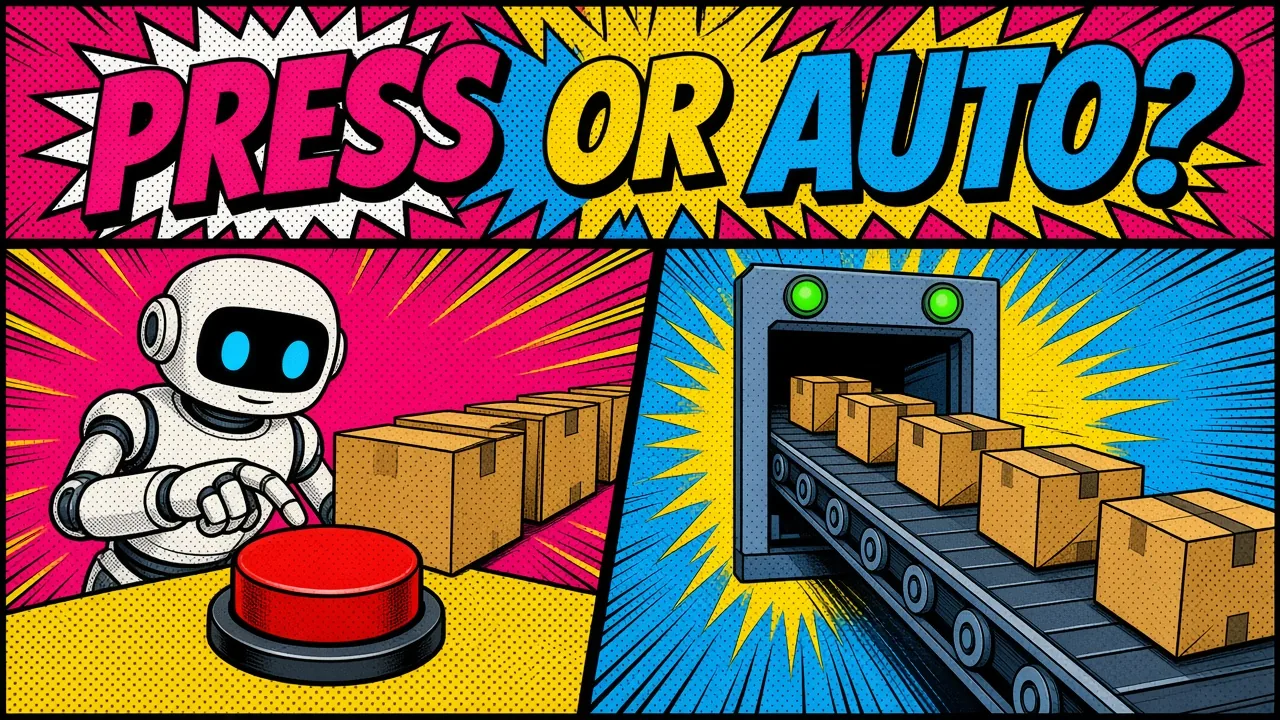
Every build that passes the CI pipeline is ready to deploy to production, but the actual release needs a manual trigger.
This is common in regulated industries, or for high-stakes storefronts where a marketing manager wants to time a release.
Continuous Deployment
This removes the manual trigger. Every change that passes the pipeline goes to production automatically.
It demands deep confidence in your test suite and the observability to catch regressions fast. Without it, a bad commit reaches users before anyone notices.
Continuous Delivery
Continuous Deployment
Self-hosted CD with Coolify
For developers using Coolify for self-hosted SaaS, CD is the engine behind rapid iteration. Once CI passes, Coolify can pull the latest Docker image and update the running containers with zero downtime.
CI vs CD: the core differences
The main difference is scope and goal. CI is about the developer’s experience and code integrity. CD is about the user’s experience and the release process.
| Feature | Continuous Integration (CI) | Continuous Delivery (CD) |
|---|---|---|
| Primary goal | Detect bugs and integration issues early. | Ensure code is always in a releasable state. |
| Trigger | Triggered by every code commit or push. | Triggered after CI passes successfully. |
| Key output | A validated code base and test reports. | A deployable artifact (Docker image, ZIP, etc.). |
| Manual step | Fully automated process. | Manual approval (Delivery) or fully automated (Deployment). |
In 2026, the lines are blurring as tools become more integrated. Most teams treat CI and CD as one pipeline where code flows from a developer’s IDE into staging or production.
Implementing CI for Laravel applications
Laravel gives you a solid base for CI because of its built-in testing tools. When you set up a pipeline, aim for a “clean room” environment: pin the same PHP and MySQL versions you run in production.
A typical GitHub Actions workflow for Laravel might look like this:
name: Laravel CI

on: [push, pull_request]

jobs:
  laravel-tests:
    runs-on: ubuntu-latest
    services:
      mysql:
        image: mysql:8.4
        env:
          MYSQL_DATABASE: testing
          MYSQL_ALLOW_EMPTY_PASSWORD: "yes"
        ports:
          - 3306:3306
        options: >-
          --health-cmd="mysqladmin ping"
          --health-interval=10s --health-timeout=5s --health-retries=5

    steps:
      - uses: actions/checkout@v7
      - name: Setup PHP
        uses: shivammathur/setup-php@v2
        with:
          php-version: "8.5"
      - name: Install Dependencies
        run: composer install --prefer-dist --no-interaction
      - name: Execute Tests
        run: vendor/bin/phpunit
With branch protection requiring this check, no code merges into main unless it passes every test case. That safety net lets the team move fast without fear of breaking core application logic.
CD best practices for Shopify storefronts
Shopify development has traditionally meant editing themes in the browser. With the rise of agentic commerce on Shopify, the need for real CI/CD is much higher.
For Shopify, CD is about managing “theme versions” rather than server binaries. With the Shopify CLI, you can automate theme deployments to different environments:
- Staging stores. Always deploy to a development or staging store first.
- Theme checks. Run
shopify theme checkin your CI pipeline to catch Liquid errors before they go live. - Atomic deploys. Push your code to a new, unpublished theme ID. Once verified, use the CLI to publish it as the live theme.
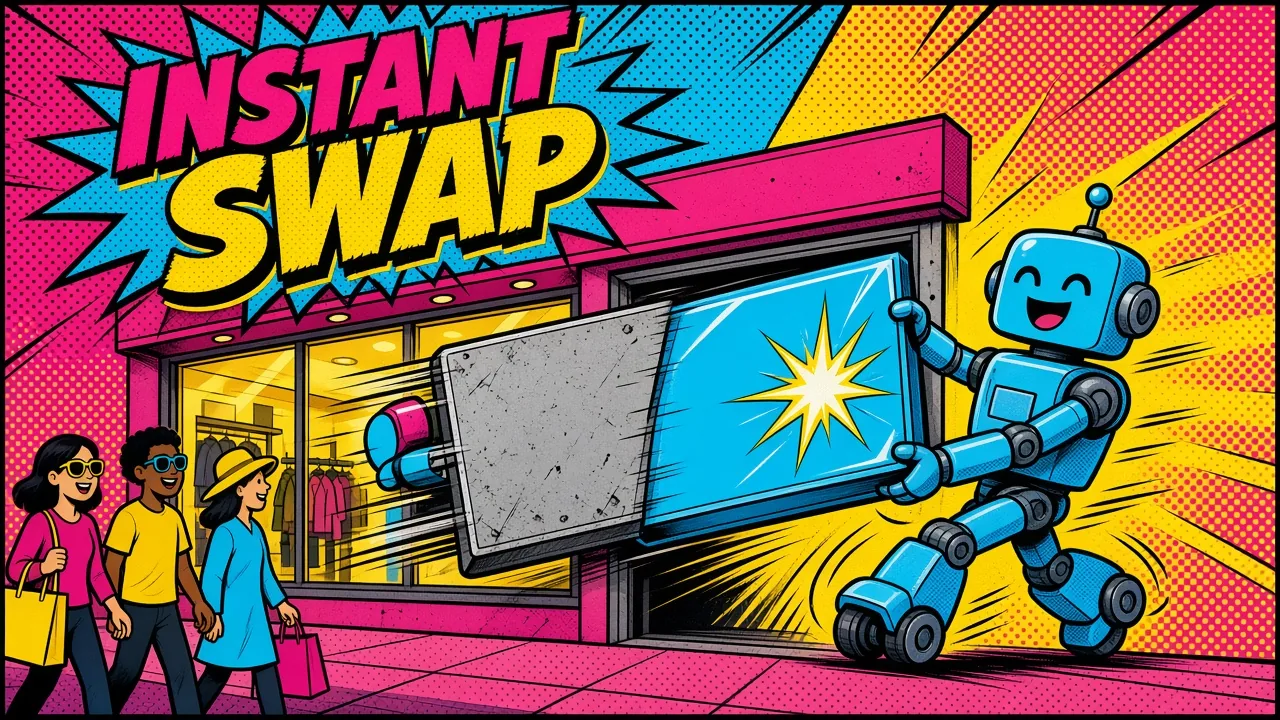
Why the atomic swap matters
The cutover is instant, so customers never see a half-deployed storefront. It is a blue-green style of deployment for e-commerce.
A broken layout or a missing “Add to Cart” button caused by a Liquid syntax error never reaches the live store.
Going beyond unit tests
CI/CD pays off most when you move past simple tests and add more advanced checks.
Modern pipelines in 2026 often include visual regression testing. The system takes screenshots of the UI and compares them to the previous version to catch unintended layout shifts.
Pipelines for AI-backed apps
For teams building API gateways for the AI stack, CI/CD is non-negotiable.
When your application relies on LLMs or external APIs, the pipeline must include integration tests that confirm those connections still work and behave as expected. If agents write part of your code, see the gate I run on AI-authored PRs.
Key takeaways
- CI is for quality. Run tests, lint code and check for security vulnerabilities on every push.
- CD is for delivery. Automate packaging and deployment to staging or production.
- Speed is a feature. A CI pipeline that takes 30 minutes is a pipeline developers will try to bypass.
- Immutable artifacts. Build once (e.g., a Docker image) and promote that same artifact through staging and production.
- Zero downtime. Use blue-green deployments or symlink swaps so users aren’t interrupted during a release.
- Shift left. Move security and quality checks as early as possible to cut the cost of fixing bugs.
If your deployment process still involves a checklist a human has to follow, you aren’t doing CD. Automation is the only way to scale a software business without scaling production outages.
If you want your Laravel or Shopify releases to go from commit to production without the manual checklist, here’s how I help teams automate delivery.
How much time does your team spend manually verifying releases before they go live?