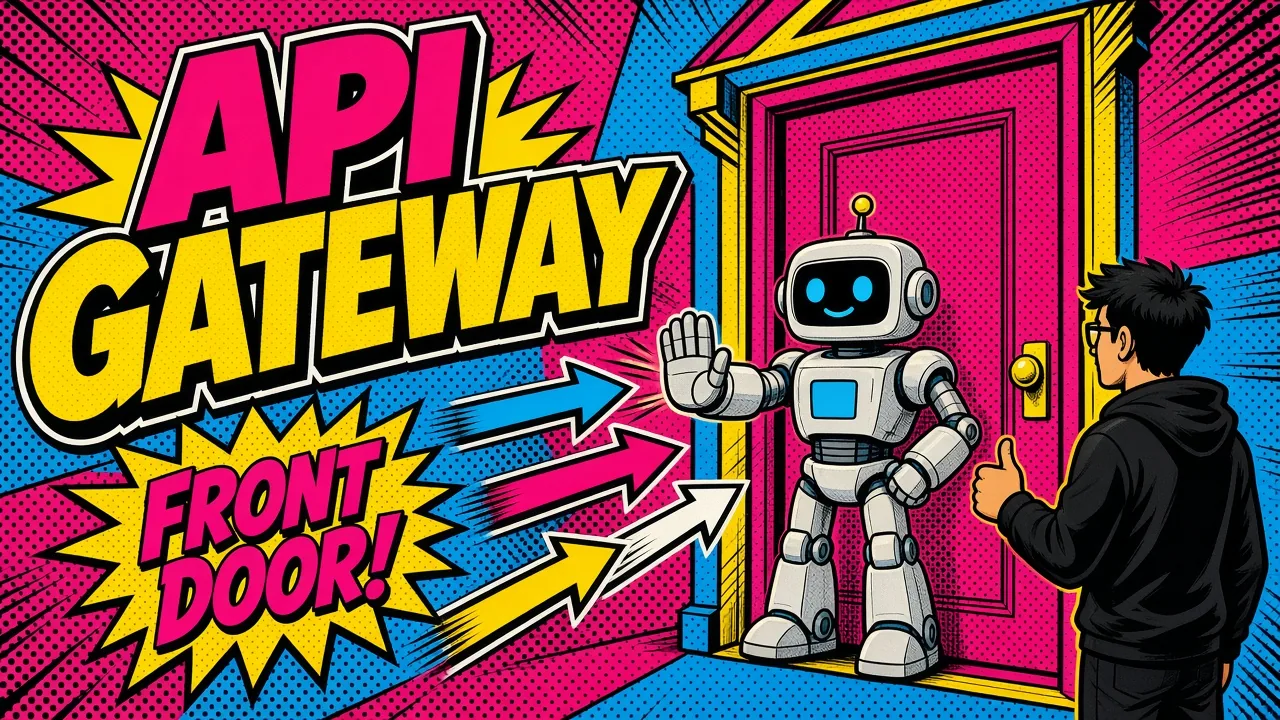
Stop exposing your models to the wild. Put a gateway between your users and every LLM call.
If you are building a production AI app, sending requests directly from your frontend to a RAG orchestrator (or, god forbid, straight to an LLM provider) is a liability.
It is slow. It is insecure. And it is the fastest way to wake up to a five-figure bill you didn’t plan for.
I have spent over a decade building software. Engineering for “it works” is not the same as engineering for “it scales.”
In AI, scale means cost, latency and data safety as much as traffic.
What can go wrong without a gateway
Imagine a “denial of wallet” attack where a malicious script spams your completions endpoint. Without a gatekeeper, your API keys are sitting ducks.
Or worse, imagine a multi-tenant app where one user’s prompt accidentally retrieves another user’s private data from your vector DB.
This is where the API gateway comes in. It is the first line of defense and the brain of your infrastructure. It handles the boring but critical work so your RAG logic can stay focused on being smart.
The gatekeeper pattern
At its core, an API gateway is a reverse proxy that sits between your users and your backend services.
For an AI stack, forwarding traffic is the smallest part of its job. It is the central point for auth, routing and rate limiting. (If the distinction blurs for you, I break it down in load balancer vs API gateway.)
When a request hits your gateway, it runs a gauntlet of checks before it ever touches a model. This “gatekeeper” makes sure every millisecond of GPU time and every cent of token cost is intentional.
Authentication and tenant isolation
In a typical SaaS, authentication is about knowing who the user is. In an AI-powered SaaS, it is about data sovereignty.
If you are building a RAG system, your biggest risk is cross-tenant data leakage. To avoid common RAG mistakes, handle identity at the very edge.
JWT claims to tenant header
I prefer JWTs (JSON Web Tokens) with custom claims. When a request hits the gateway, I validate the token and extract the tenant_id.
That ID is injected into the request headers before it is passed to the RAG orchestrator.
The orchestrator never guesses
The orchestrator receives a verified x-tenant-id header and uses it to apply metadata filters on the vector database. The user only “sees” data they are allowed to see.
No tenant ID? No query. Period.

Smart routing for model flexibility
The AI world moves fast. Today you are using GPT-6 Astra. Tomorrow, Claude Opus 5.5 might be the better play.
Next week, you might want to test a fine-tuned open-weights model, like Meta’s Muse Glimmer, running on your own infrastructure via Docker and Coolify.
If your model logic is hardcoded into your frontend or a single monolithic backend, switching models is a nightmare. An API gateway solves this with smart routing.
Model aliases
I use the gateway to create “model aliases.” Instead of calling a specific model, the frontend calls a generic endpoint like /chat/pro. The gateway then decides where to send the request based on:
- User tier. Free users get routed to a cheaper, faster model like GPT-6 Luna or Claude Haiku. Pro users get the heavy hitters.
- Versioning. Run an A/B test by routing 10% of traffic to a new model version without changing a single line of client-side code.
- Failover. If OpenAI is having an outage, the gateway can reroute traffic to an Anthropic backup.
This level of abstraction is what separates a weekend project from a resilient SaaS product.
Hardcoded model
Model alias
/chat/pro. The gateway picks the model by tier, test bucket or provider health, and you change it in config.Rate limiting: protecting the wallet
We used to rate limit to protect our CPUs. Now we rate limit to protect our bank accounts.
AI requests are asymmetric. A user sends a 50-word prompt, and the model might generate a 1,000-word response. The cost difference is massive.
Global and per-tenant limits
A good gateway setup allows tiered rate limiting. Set global limits so the whole system can’t be overwhelmed, and set per-tenant or per-user limits too.
I usually implement this with Redis. The gateway checks the user’s quota in real time.
If they have exceeded their daily token limit or their requests-per-minute (RPM) cap, the gateway returns 429 Too Many Requests immediately. I go deeper on the token-budget angle in rate limiting to protect your AI wallet.
Why it pays off
This saves your backend from doing expensive work you won’t get paid for.
It also stops “noisy neighbors”: one user scripting an automated tool that hogs your capacity and makes the app slow for everyone else.
Handling the AI-specific quirks
Gateways for AI need to handle two things differently than traditional web apps: streaming and long-running requests.
Streaming support
Most modern AI apps use Server-Sent Events (SSE) to stream responses word by word. Some older gateways or load balancers “buffer” the entire response before sending it to the client. This kills the user experience.
Make sure your gateway (whether you use Kong, Tyk or a custom Laravel solution) disables buffering for AI routes.
The data should flow through the gateway like water through a pipe, not like a bucket that needs to fill first.
Extended timeouts
Traditional APIs expect a response in 1 to 2 seconds. A complex RAG query with multiple vector searches and a large model generation might take 30 seconds or more.
You need to adjust your gateway’s “upstream timeout” settings:
| Gateway | Default upstream timeout | Can you raise it? |
|---|---|---|
| Kong | 60 seconds | Yes, per service |
| AWS API Gateway (REST) | 29 seconds | Only on Regional or private REST APIs, via a service quota increase that may cost throttle headroom |
Leave those defaults in place and your users will see 504 Gateway Timeout errors even when your models are working perfectly.

Practical steps for your stack
You don’t need a massive team to set this up. Here is how I usually approach it depending on the project size.
For startups
Use a cloud-native gateway like AWS API Gateway or Azure API Management. They are serverless, scale automatically and integrate directly with Cognito or Entra ID for auth.
For self-hosters
Kong is the gold standard, with a great ecosystem of plugins for rate limiting and auth. If you are comfortable with PHP, a thin Laravel app acting as a gateway works surprisingly well for custom logic.
For Shopify devs
If you are building agentic commerce tools, use the gateway to handle Shopify HMAC validation before passing the request to your AI agents. When a signature fails, my Shopify webhook HMAC verifier helps you find the cause.
Why the gateway is a design choice
The API gateway is infrastructure, but it is also a statement: your AI logic is too valuable (and too expensive) to leave unprotected.
By centralizing auth, routing and rate limiting, you make your system more modular. You can swap models, change pricing tiers and update security policies without touching the core code that makes your AI “smart.”
Key takeaways
- Centralize auth. Never let your RAG orchestrator handle raw user authentication. Do it at the gateway.
- Inject tenant context. Verify the user at the gateway and inject a
tenant_idheader to enforce data isolation. - Set global and per-user limits. Protect your wallet from both malicious attacks and accidental bugs.
- Configure for streaming. Make sure your gateway doesn’t buffer responses, or your “typing” effect will break.
- Use model aliases. Route to
/chat/proinstead of a specific model name to keep your stack flexible.
If you’re putting an LLM-backed product in front of real users and want auth, routing and cost limits done right, here’s how I help teams build the gateway layer.
Are you still letting your frontend talk directly to your LLM providers? If so, what is the one thing stopping you from putting a gateway in front of it?