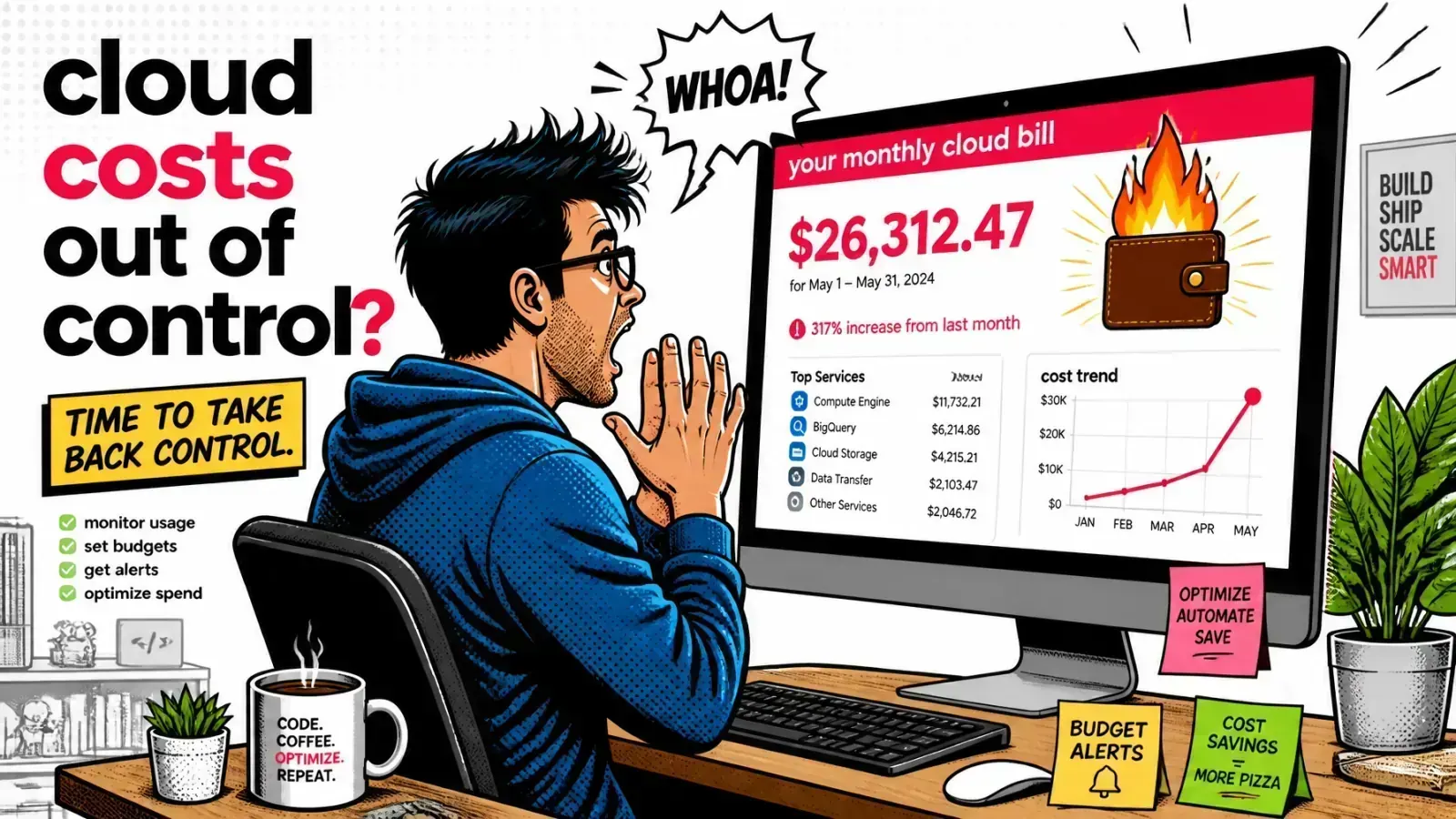
One runaway agent loop is all it takes to wake up to a $5,000 LLM bill. In AI apps, rate limits protect your margins as much as your servers.
If you’re building AI-powered SaaS or RAG systems, the main threat is often a “denial of wallet” attack rather than a server crash.
A buggy client, a malicious user or your own experimental agent can spam your endpoints and burn through tokens and credits in minutes.
Tokens, not requests
Traditional web apps watch requests per second to keep the CPU from melting. With LLMs, you watch tokens per minute to keep the bank account from draining. For a quick feel of how text turns into tokens, try my token counter.
You need limits that understand cost, context and the “noisy neighbor” problem before a single prompt reaches your vector DB.
Why requests per second lie
In a standard Laravel or Node app, a request is a request. Some take longer, but they use roughly similar resources.
In AI engineering, one request might be a 50-token greeting and the next a 128,000-token context dump for a RAG pipeline.
The noisy neighbor bill
If you only limit requests, a user can stay inside “10 requests per minute” and still cost you 100x more than an average user. That’s where the noisy neighbor problem turns into a financial one.
To protect margins, move from counting pings to counting cost.
Anatomy of a denial of wallet attack
A denial of wallet (DoW) attack is the AI version of a DDoS. The goal is to exhaust your quotas or budget until the service stops, or until you pay a huge bill.
Three ways it happens
- The agent loop: an autonomous agent gets stuck and calls your tools over and over with no “max steps” ceiling.
- The scrapers: bots try to pull your whole knowledge base by querying every permutation of your RAG system.
- The dev mistake: someone wires an LLM-powered autocomplete to a search bar that fires on every keystroke.
Without token-aware limits, the provider eventually answers with 429 rate-limit errors. By then the money is already spent.

Hierarchical rate limiting
I use three layers of limits at the API gateway. Even if one tenant goes rogue, the rest of the platform stays healthy.
1. The global provider layer
This is the last line of defense. If your provider quota is 500,000 tokens per minute (TPM), set your internal global limit to 450,000.
The buffer lets you degrade on your own terms instead of hitting a wall of provider 429s, which means failed user requests and retry timing you don’t control.
2. The tenant layer
Every customer gets its own bucket, usually tied to the subscription tier. A “Pro” tenant might get 50,000 TPM while a “Free” one is capped at 2,000. No single company can eat your whole global quota.
3. The user or session layer
Inside a tenant you still need limits, so one employee can’t use the whole organization’s allocation. I set these at about 20% of the tenant’s capacity.
| Layer | Protects against | Example limit |
|---|---|---|
| Global | Hitting the provider’s own limits | 90% of provider TPM |
| Tenant | One customer draining the platform | Pro 50,000 / Free 2,000 TPM |
| User | One person draining their company | About 20% of tenant budget |
The token bucket algorithm
For most builds I use a token bucket backed by Redis. It refills at a steady rate and lets a request through only if enough tokens are available, which absorbs short bursts while capping the sustained rate. For how it differs from a leaky bucket, see rate limiting vs throttling.
Each tenant or user has a bucket. For every prompt, you estimate the total cost (input tokens plus the requested max_tokens). If the bucket has enough, the request proceeds and the tokens are deducted.
In Laravel middleware
On a Laravel stack, you can do this in middleware with Redis, where atomic operations keep per-tenant counters cheap and race-free.
// A simplified token-bucket check in Laravel middleware
public function handle($request, Closure $next)
{
    $tenantId = $request->user()->tenant_id;
    $estimatedTokens = $this->tokenizer->estimate($request->input('prompt'));

    if (!$this->limiter->consume("tenant:{$tenantId}:tokens", $estimatedTokens)) {
        return response()->json(['error' => 'token budget exceeded'], 429);
    }

    return $next($request);
}Adaptive throttling
What happens when a user hits the limit? The default is a 429. I prefer graceful degradation, which I call adaptive throttling.
Softer than a hard no
- Degrade the model: route the request to a smaller, cheaper model in the same family.
- Trim the context: drop some of the retrieved RAG documents to cut input tokens.
- Queue the request: for non-interactive work like background summarization, push it to a message queue and process it when the bucket refills.
The user experience stays intact while your margins stay protected.
Hard stop
429 until the bucket refills. Users see errors in the middle of their work.Adaptive throttling
Limiting the hidden RAG calls
In a RAG system, one user query often triggers several backend actions:
- One embedding call for the query.
- One search against the vector database.
- One or more LLM calls for the final answer.
If you only limit the final LLM call, search queries can still hammer your vector database. Treat the whole RAG flow as one unit of work with its own combined budget.
There are plenty of common RAG production mistakes, and limiting only the LLM call is one of the most overlooked.

Steps to take this week
1. Set provider spend controls, then cap in your app
Both major providers now offer hard spend limits. OpenAI’s organization and project hard limits return a 429 (organization_spend_limit_exceeded or project_spend_limit_exceeded) once tracked spend reaches the amount. Enforcement isn’t instantaneous, so spend can slightly overshoot, and plain spend alerts only notify.
On Anthropic, a spend limit you set in the Console makes requests fail with a 400 until you raise it or the period resets.
Turn them on as a backstop. A provider cap stops every tenant at once, so the per-tenant caps still belong in your app.
2. Enforce max_tokens
Never allow an uncapped response. Set a sane default for max_tokens on every API call.
3. Set a per-request timeout
If an LLM call runs longer than 30 seconds, kill it. Slow calls are often the first sign of a system about to spiral.
Key takeaways
- Limit tokens, not requests. Request counts hide the 100x cost spread between prompts.
- Layer your buckets. Global, tenant and user limits keep one bad actor from hurting everyone.
- Degrade before you deny. Cheaper models, trimmed context and queues beat a wall of
429s. - Budget the whole RAG flow. Embeddings and vector searches cost money too.
- Use provider hard limits as a backstop. Your own caps do the fine-grained work.
Rate limiting is part of your business model in the AI era. You can’t scale a product that lets one user run up a thousand-dollar bill in the first hour. If you’re adding AI to a multi-tenant product, here’s how I help teams build token budgets and gateway limits, or drop me a note.
Have you seen a “denial of wallet” happen in the wild, or are you still relying on provider limits alone?