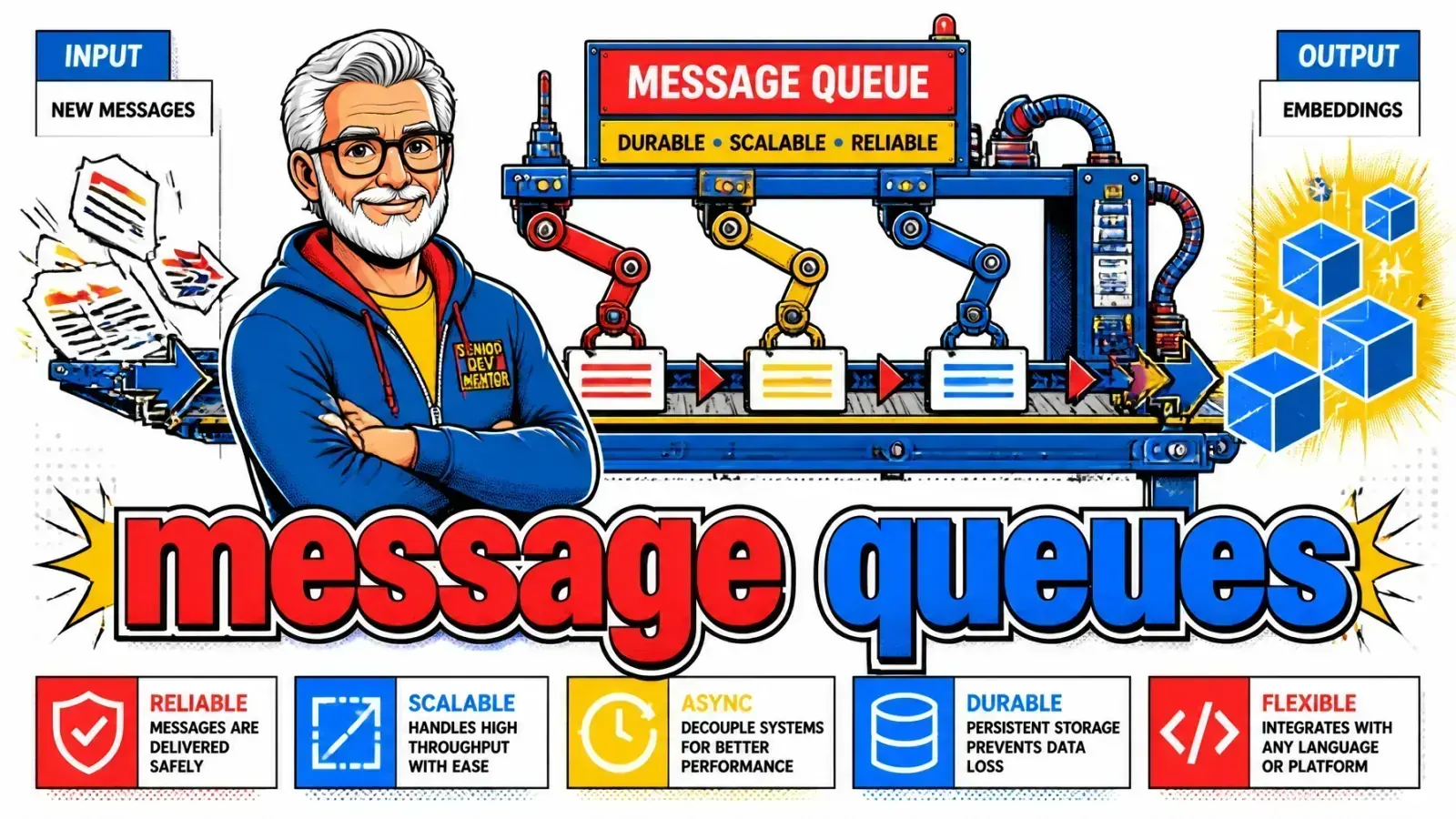
If your embeddings run inside the request cycle, the first 50MB PDF will take your app down. Put that work behind a queue.
If you run document embeddings inside your request-response cycle instead of behind a message queue, you are playing with fire.
I have seen many developers build a beautiful RAG application that falls over the second a user uploads a 50MB PDF. The browser spins, the proxy timeout hits and the database locks up while your worker tries to chunk 500 pages of legal jargon in real time.
The heavy lifting problem
This is the classic “heavy lifting” problem in AI engineering. Document processing (OCR, text extraction, semantic chunking and embedding) is slow, unpredictable and resource-heavy.
Forcing it into a synchronous web request gives you a bad user experience and a fragile system.
Decouple it
The fix is decoupling with message queues. Here is why async work belongs in a queue and how to build an ingestion pipeline that doesn’t melt your server.
If you want the broker-level foundations first, I cover them in scaling with RabbitMQ.
The synchronous trap
Imagine a user uploads a document to your SaaS. Your code receives the file, sends it to an extraction API and waits.
Then it loops through the text to create chunks, sends each chunk to an embedding model and finally saves it all to pgvector.
Where it breaks
If the whole chain runs long, you hit a timeout somewhere: a proxy gateway timeout (Nginx defaults to 60s), a PHP max_execution_time or a platform request cap. The connection drops.
If the embedding API has a momentary blip, the whole process fails and the user has to start over. While your server is busy with this heavy work, it isn’t responding to other users.
The 100ms rule
A good rule of thumb: if it takes more than 100ms, consider making it async.
Moving this work to a message queue gives your users immediate feedback (“we’re processing your file!”) while the heavy lifting happens safely in the background.
In the request
Behind a queue
The anatomy of a document pipeline
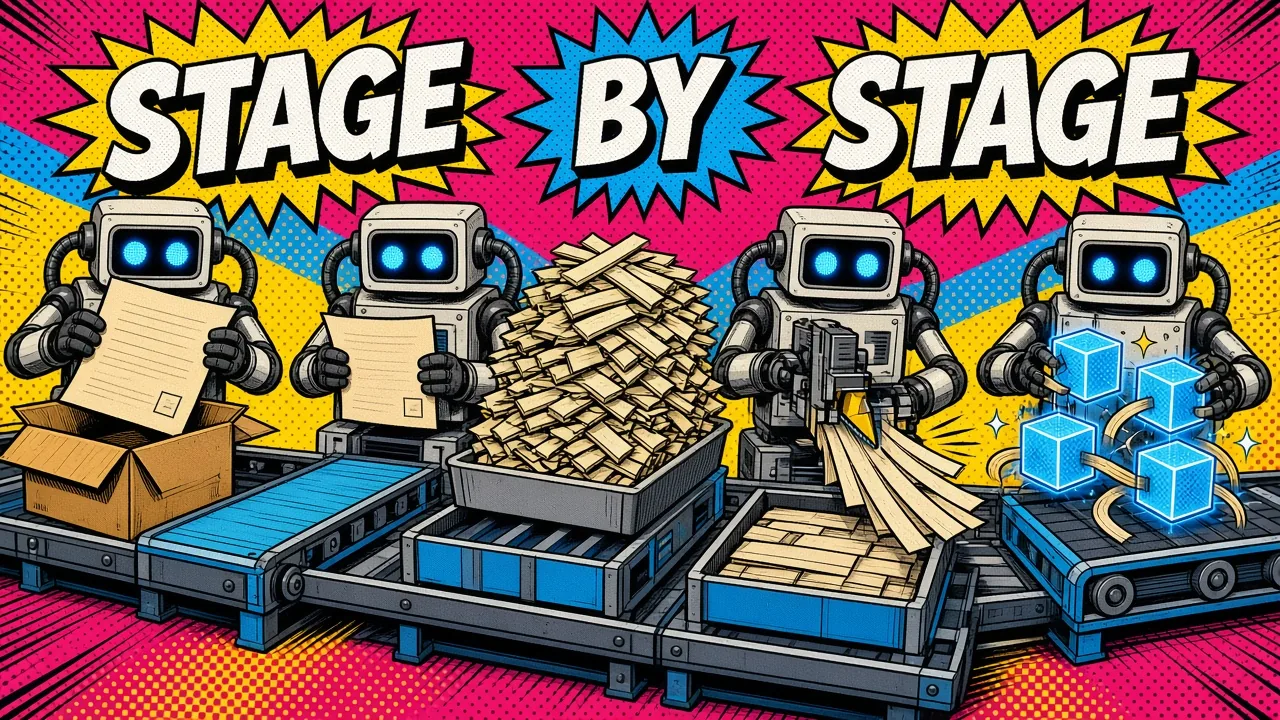
A solid RAG pipeline is a series of decoupled stages, not one big function. I break it into modular steps, each triggered by a message in a queue, so you can scale each part on its own.
Four stages
Here is how I usually structure it:
- Ingestion and discovery: a user uploads a file. You save it to S3 and push a small message to the queue with the
file_pathandtenant_id. - Parsing and normalization: a worker picks up the message, downloads the file and runs it through a parser like pdfplumber or an OCR service. It sends the raw text to the next queue.
- Chunking: this worker splits the text into semantic sections. Keeping it in its own stage means you can swap chunking strategies (for example recursive character vs semantic) without re-running the heavy parsing step.
- Embedding and indexing: the final stage batches the chunks, calls your embedding API (like OpenAI or a local model) and pushes the vectors into your vector DB.
Backpressure for free
This stage-based approach is what I discuss in my post on 7 RAG mistakes to avoid in production.
It gives you backpressure control. If your vector DB slows down, the “index” queue grows, but the “parsing” workers keep going.
Retries and dead letters
In the real world, things break. APIs time out. PDFs are malformed. Workers crash.
Opt in to retries
A message queue like Redis (with BullMQ or Laravel Queues) or SQS gives you retries with almost no code, but you do have to opt in:
- BullMQ defaults to a single attempt, so set
attemptsand abackoffstrategy explicitly. - Laravel queues take
--triesandbackoff. - SQS retries up to
maxReceiveCount.
When a worker fails, the message goes back onto the queue to be tried again after a delay. Use exponential backoff instead of hammering a failing API every 5 seconds: wait 10, then 60, then 300.
Quarantine what can’t succeed
Some documents simply cannot be processed. Maybe it’s a password-protected PDF or a corrupted file, and you don’t want it retrying forever and clogging your workers.
This is where a dead-letter queue (DLQ) comes in. After a set number of failed attempts, the message moves to the DLQ, a “quarantine” zone.
SQS gives you this natively through the queue’s redrive policy. With BullMQ or Laravel, you route exhausted jobs there yourself (listen for the failed event in BullMQ, or use failed_jobs plus a handler in Laravel). You can then inspect the failed jobs, fix the issue and re-queue them. My PHP unserialize tool decodes a failed_jobs payload so you can see exactly what the job received.
Batching for efficiency
If you process 10,000 chunks, you don’t want 10,000 separate API calls to your embedding provider. That is slow and expensive.
Most embedding APIs and vector databases work much better with batches. A good worker pulls several messages from the queue (or gathers them in memory) and sends them as one bulk request.
Show progress
In Laravel, I often use job batching to track the progress of a large document. I can see exactly when 95% of a PDF is processed and update a progress bar for the user.
For how this fits a larger architecture, see my thoughts on event-driven pub/sub systems.
Event-driven prefetching
Queues help beyond ingestion. You can also use them for prefetching.
If a user is chatting with an AI agent and the conversation is heading toward a topic, you can fire a background job to fetch related documents and warm the cache before they ask the next question. The AI feels very fast because the context is already “ready” when retrieval runs.
Keep the chat app simple
An event bus decouples the chat interface from these optimization tasks. The chat app just emits a user_asked_question event, and a background worker decides whether to prefetch more data or update the semantic cache.
Monitoring your message queue
Once you move to a queue-based system, request latency stops being the only number that matters. You need to watch your queue depth.
If the queue grows faster than your workers can clear it, you have a bottleneck.
Add workers when it grows
Tools like Docker and Coolify make this easy. I can spin up five more worker containers to handle a sudden surge in uploads.
You can read more about how I manage this infra in my Coolify and Docker guide.
Key takeaways
- Never store large files in the queue. Pass references (like an S3 key) and keep messages small.
- Make tasks idempotent. Assume a message might be processed twice, and use
upsertinstead ofinsertin your vector DB. - Use structured logging. Every worker log should include the
doc_idandtenant_id, or “why did this file fail?” has no answer. - Scale on queue depth. Add workers based on how many messages are waiting, not CPU alone.
- Separate worker pools. Keep “fast” tasks (like metadata updates) apart from “slow” ones (like OCR and embedding), so a huge PDF never blocks a simple name change.
A document pipeline is about respecting the time it takes to process data. If big uploads are timing out your RAG app, here’s how I help teams build queue-based ingestion pipelines with retries and autoscaling, or drop a note via contact.
How are you handling long-running AI tasks today: still fighting request timeouts, or already using a queue?