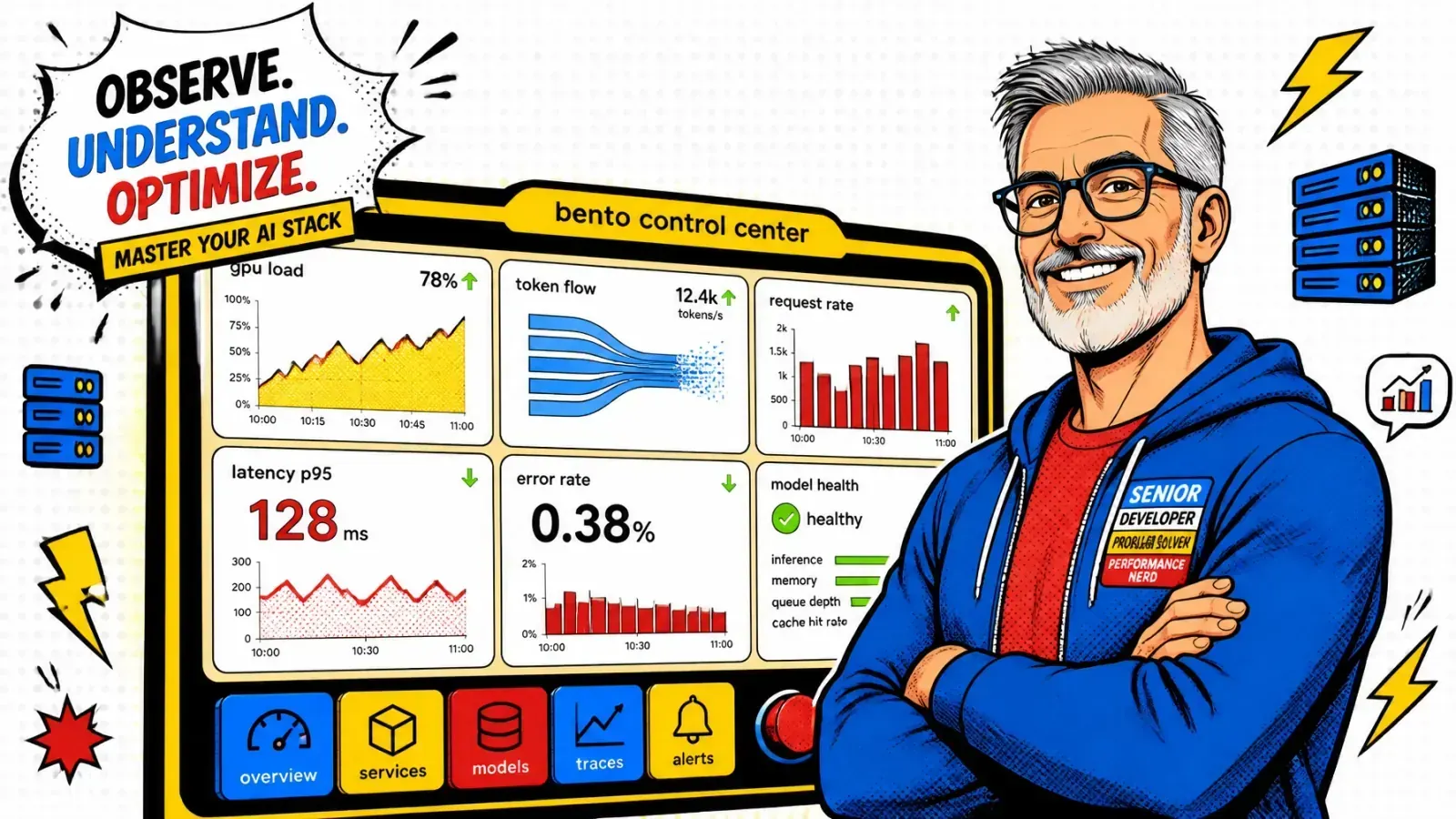
Your load balancer says CPU is at 40% and everything is fine. Your GPUs are maxed out and your P99 latency is in the gutter.
You just scaled your RAG application to a hundred concurrent users. Suddenly, your latency spikes.
Some users get their answers in two seconds, while others stare at a loading spinner for thirty. This is the problem GPU-aware load balancing exists to solve.
Models are not web servers
You are treating your AI models like traditional web servers. Sending a 4,000-token prompt to the same GPU that is generating a 50-token summary is a recipe for disaster.
Round-robin routing is a relic of the past for LLM inference. If you don’t account for how GPUs handle compute and memory, you waste money and hurt your user experience at the same time.
More GPUs won’t fix it alone
The fix is a load balancer that understands what is happening inside the model. That means GPU-aware routing, prefill vs decode disaggregation, and treating your KV cache as one of the most valuable assets in your stack.
Why round-robin is a trap for LLMs
In traditional software, a request is a request. Whether it’s a GET /users or a POST /orders, the variance in resource use is usually small and predictable.
Standard load balancers like Nginx or HAProxy work great here. They look at basic health checks and send traffic to the next available worker.
Requests have very different weights
AI is different. One user might ask “what is 2+2?” while another uploads a 50-page PDF and asks for a deep analysis.
If your load balancer sends both to the same GPU, the heavy request hogs the compute, and the light request waits in a queue.
CPU metrics tell you nothing
A GPU can be at 100% utilization while doing very different types of work. Some work is compute-bound and needs raw processing power.
Other work is memory-bound, limited by how fast data moves in and out of VRAM. To route well, you have to look inside the inference lifecycle.
Prefill vs decode: the performance gap
LLM inference happens in two distinct phases. Understanding the difference is the “aha!” moment for GPU load balancing.
Prefill: read the whole prompt
In prefill, the model reads your entire prompt and processes all the tokens at once. It is a heavy, compute-intensive task that builds the KV cache (key-value cache).
Prefill loves big batches and fast tensor cores. It is where the heavy lifting happens.
Decode: one token at a time
In decode, the model generates the response one token at a time. Each new token only needs the previous tokens and the KV cache.
This phase is light on compute but very heavy on memory bandwidth. It is slow and long-lived.
Why mixing them hurts
When you mix the two on one GPU without a smart scheduler, the prefill of a new request often pauses the decode of existing requests. That causes the jittery, stuttering text users hate.
GPU-aware load balancing lets you treat these phases differently across your fleet.
| Phase | What it does | Bound by | Metric to watch |
|---|---|---|---|
| Prefill | Reads the full prompt at once | Compute | Time to first token (TTFT) |
| Decode | Writes the answer token by token | Memory bandwidth | Inter-token latency (ITL) |

Metrics for the real world
To build a better router, stop looking at CPU and start looking at these four metrics:
- Token queue depth: how many tokens are waiting to be processed? This shows “load” far better than request counts.
- KV cache utilization: GPUs have limited VRAM, and the KV cache holds the “memory” of ongoing conversations. If a GPU’s VRAM is 90% full of KV cache, it cannot accept a large new prompt, even if it looks “idle.”
- Time to first token (TTFT): the latency of the prefill phase. If TTFT is climbing, your prefill pool is congested.
- Inter-token latency (ITL): the speed of the decode phase. If this is high, your GPUs are likely limited by memory bandwidth.
Get the numbers from your engine
I often recommend tools like vLLM because they expose these metrics out of the box.
You can pipe them into a custom gateway that routes on real-time VRAM availability instead of a simple “is the server up?” check.
Prefix-aware routing: reuse the KV cache
The most expensive part of a RAG request is often re-processing the same system prompt or long context again and again.
If you send five follow-up questions about the same document to five different GPUs, each GPU runs prefill for that document from scratch. On hosted APIs, prompt caching attacks the same cost, and my LLM cost calculator shows the effect on your monthly bill.
Send the prompt where the cache is warm
Prefix-aware routing (also called KV-cache-aware routing) fixes this. Your load balancer tokenizes the start of the prompt and looks for a GPU that already has that content in its KV cache.
Matching the prefix lets you skip prefill for the shared part and reuse the cached keys and values directly. That can turn hundreds of milliseconds of TTFT into a near-instant first token.
A common RAG blind spot
This is one of the most effective optimizations in a production RAG system. I’ve written before about common RAG mistakes, and ignoring cache locality is one of them.
For the layer above this (caching whole responses and embeddings), see Redis and semantic caching for RAG.
Splitting the fleet into specialized pools
As you scale, stop treating every GPU as a generalist. Build disaggregated inference fleets instead.
I like to split my GPUs into two pools:
- The prefill pool: compute-heavy GPUs (like H100s or B200s) tuned to chew through large prompts fast. These nodes process the initial context, then hand off the KV state.
- The decode pool: GPUs sized for memory bandwidth and capacity rather than raw FLOPs (think A100s or H200s) that focus on producing tokens for existing requests.
Scale the pool your users stress
If your users upload huge documents but ask for short summaries, scale your prefill pool. If they have long, chatty conversations, scale your decode pool.
This is the same logic used in modern DevOps with Coolify. You wouldn’t put your heavy database on the same tiny instance as your frontend, so why mix heavy prefill work with light decode work?
One mixed pool
Split pools

Implementing your first GPU-aware router
You don’t need to build a custom engine from scratch. Here is the practical path I follow when setting this up for a new SaaS:
- Centralize your metrics: use Prometheus to scrape vLLM or TGI metrics from every GPU node.
- Use a smart gateway: write a middleware in Go or Rust (or even a heavy-duty Lua script in OpenResty) that checks these metrics before choosing a target.
- Prioritize KV cache: route on prefix overlap when you can. A cheap first approximation is session stickiness: if a node served this
conversation_idrecently and isn’t at 100% KV utilization, send the follow-up there so the warm cache gets reused. - Set hard limits: if a GPU reaches 85% VRAM usage, take it out of the rotation for new prompts until some sessions finish.
From black box to context-aware
Managing AI compute means moving from “black box” infrastructure to “context-aware” infrastructure. When your load balancer knows the difference between a 10-token greeting and a 10,000-token context window, your costs go down and your users stay happy.
It’s easy to get lost in the hype of “agentic systems” and context-aware agents, but none of that matters if your infrastructure is buckling under unoptimized routing.
Key takeaways
- Round-robin fails for LLMs because request weight varies from a few tokens to whole documents.
- Prefill is compute-bound, decode is memory-bound. Mixing them on one GPU causes stutter.
- Route on token queue depth, KV cache use, TTFT and ITL, not CPU.
- Prefix-aware routing reuses the KV cache and cuts time to first token.
- Split prefill and decode pools so you can scale each for your real workload.
If round-robin is hurting your inference latency, here’s how I help teams build GPU-aware routing for LLM serving, or drop a note via contact.
If you are still using round-robin for your AI models, what is the main bottleneck you are seeing in your P99 latency right now?