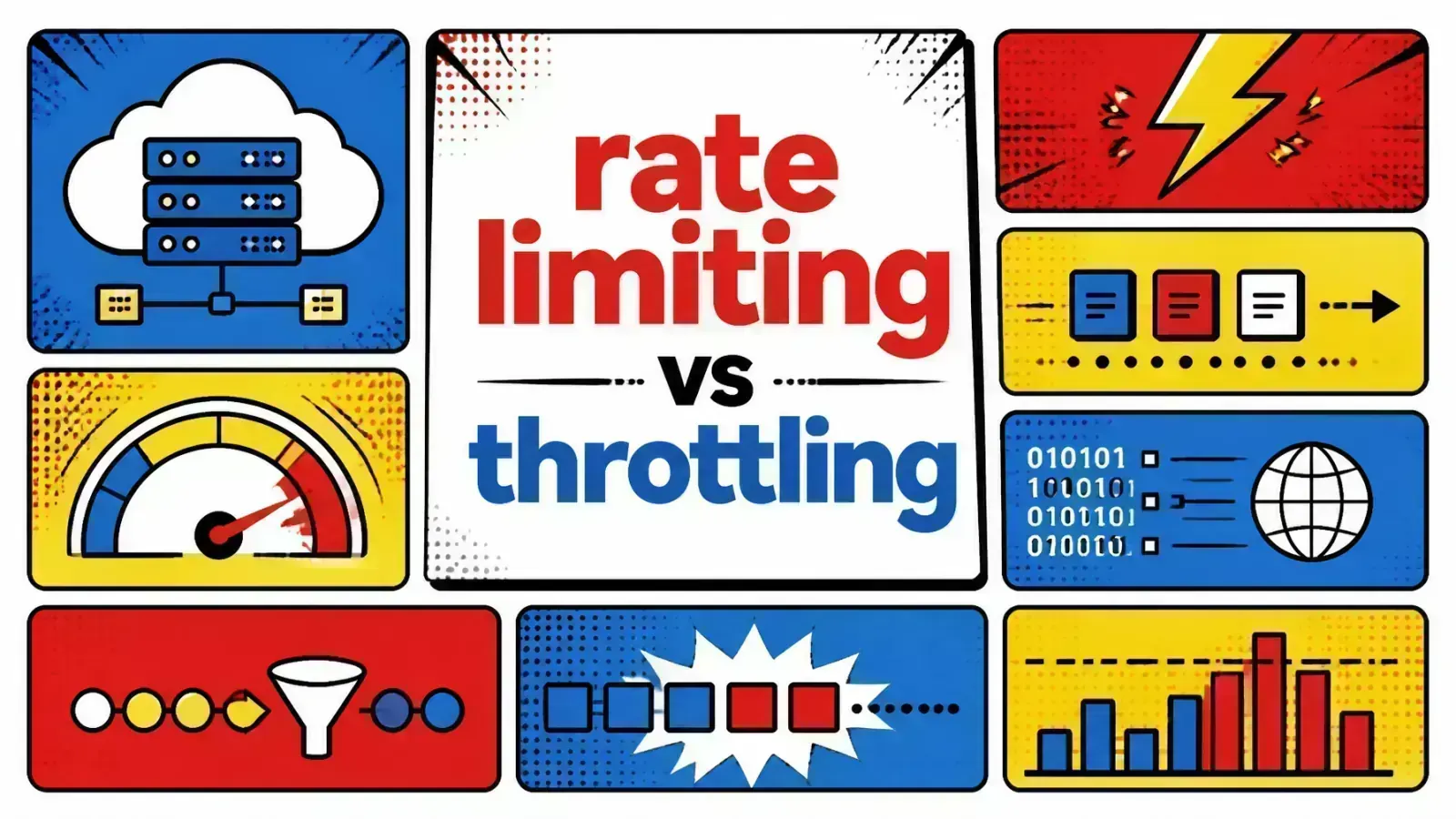
Rate limiting says “no” once you go over the line. Throttling says “slow down.” Pick the wrong one and your users get errors they didn’t need, or your database melts anyway.
Your server is screaming, not because of a bug, but because of a success. A viral tweet or a massive batch of automated requests has flooded your API.
Without rate limiting or throttling in place, your database locks up, your CPU pegs at 100%, and the site goes down for everyone.
This is the nightmare scenario for any engineering team. To prevent it, you need to control the flow of traffic.
Engineers often use “rate limiting” and “throttling” interchangeably. Both deal with traffic management, but they solve the problem with different philosophies.
Choosing the wrong one can lead to a degraded user experience or, worse, a complete system failure under pressure. This guide breaks down both strategies and how to implement them in stacks like Laravel and Shopify.
The traffic surge crisis
The problem starts with resources. Every server has a finite amount of memory, compute, and bandwidth.
When requests come in faster than your system can process them, a queue builds up. Once that queue exceeds the system’s capacity, the service fails.
Not only attackers
This is not only about malicious actors or DDoS attacks. It is often about “noisy neighbors” in a multi-tenant environment, or a poorly optimized loop in a client-side application.
I have seen production environments crash simply because a mobile app’s “retry” logic was too aggressive during a minor network hiccup.
Rate limiting and throttling are your tools to enforce discipline. They make sure no single user or service can monopolize your infrastructure. They are the gatekeepers of your cloud infrastructure.
Defining rate limiting: the hard stop
Rate limiting is a policy-based approach. It defines a strict contract: “You are allowed exactly X requests per Y amount of time.” Once a user reaches that limit, the gate shuts.
When a request exceeds the limit, the server rejects it immediately, typically with an HTTP 429 “Too Many Requests” status code.
The server spends no more resources on that request. It does not look up data in the database. It just says “no.”
Why use rate limiting?
Rate limiting is mainly about fairness and security. It protects your API gateway from abuse.
If you run a SaaS, you might have different tiers. A free user gets 60 requests per minute, while a premium user gets 1,000.
Easy to explain
Rate limiting is easy to communicate to users. They can check their response headers (like X-RateLimit-Limit and X-RateLimit-Remaining) to see exactly where they stand.
It is a binary state: you are either within your limit or you are blocked.
Defining throttling: the gentle brake
Throttling is a runtime behavior designed to “shape” traffic. Instead of a hard rejection, throttling slows down the processing of requests.
Think of it like a funnel. You can pour a bucket of water into it all at once, but it only drips out at a controlled, steady speed.
Delay and queue
In a throttled system, if you send too many requests, the server might add a delay to each response. It might queue the requests and process them as capacity becomes available.
The goal is to smooth out spikes and avoid a “jagged” traffic pattern.
Why use throttling?
Throttling is excellent for protecting backend resources like databases or third-party APIs. If you know your database can only handle 500 writes per second, you might throttle incoming requests to stay just under that limit.
It gives a better experience during occasional spikes. Instead of a 429 error, the user might just see a slightly longer loading time.
If the traffic stays high for too long, though, the queue eventually fills up, and the system has to start rejecting requests anyway.
Rate limiting
Throttling

Key algorithms: token vs leaky bucket
To implement these strategies, engineers rely on specific models. Knowing them helps you tune your system.
1. Token bucket (common for rate limiting)
Imagine a bucket that holds “tokens.” Every time a request comes in, a token is removed. If the bucket is empty, the request is rejected. Tokens are added back to the bucket at a constant rate.
- Pros: It allows for “burstiness.” If the bucket is full, a user can send a quick burst of requests until the tokens run out.
- Cons: Hard to manage if the burst is too large for your downstream services.
2. Leaky bucket (common for throttling)
Imagine a bucket with a small hole at the bottom. Requests are poured into the bucket. They “leak” out of the hole at a constant rate to be processed. If the bucket overflows, new requests are dropped.
- Pros: It ensures a stable, predictable flow of traffic to your backend.
- Cons: It is very strict. It does not let output burst even if the system has idle capacity.
Practical implementation: Laravel and Shopify
How does this look in the real world? Here are two ecosystems where these patterns matter.
Rate limiting in Laravel
Laravel makes rate limiting simple through its RateLimiter facade and the throttle middleware. The built-in limiter uses a fixed-window counter backed by your cache store.
In Laravel 11 and 12, you define named limiters in the boot method of AppServiceProvider (the old RouteServiceProvider was dropped from the default skeleton):
use Illuminate\Cache\RateLimiting\Limit;
use Illuminate\Http\Request;
use Illuminate\Support\Facades\RateLimiter;

RateLimiter::for('api', function (Request $request) {
    return Limit::perMinute(60)->by($request->user()?->id ?: $request->ip());
});
This tells Laravel to allow 60 requests per minute per user ID or IP address. If the limit is hit, Laravel throws a ThrottleRequestsException, which results in a 429 response.
Despite the middleware’s name, this is a classic “hard stop” rate limit.
The Shopify API’s leaky bucket
Shopify uses a leaky bucket algorithm for its GraphQL Admin API on every plan, not just Plus.
When you make a GraphQL call, the response carries cost details under extensions.cost, including the requestedQueryCost and a throttleStatus.
- GraphQL cost: Each query is assigned a calculated cost based on the fields and connection sizes you request.
- The bucket: Your app has a bucket of “points” that restores at 100 points per second on Standard, 200 on Advanced, and 1,000 on Plus. Points are spent on each query and restore over time.
- The wall: If you spend points faster than they restore, Shopify rejects the query with a
THROTTLEDerror.
The throttling is your job
Strictly speaking, Shopify itself rejects an over-budget query. The leaky bucket sets the pace, and the throttling (slowing down) is what your client has to do to match it.
For high-volume commerce, that means building back-off logic into your application. A well-behaved client reads throttleStatus.currentlyAvailable and slows down before it hits the wall, rather than firing blindly and retrying on every THROTTLED error.
When you do get throttled, wait long enough for restoreRate to refill the points your next query needs.
| Feature | Rate Limiting (Laravel Default) | Throttling (Shopify-style leaky bucket) |
|---|---|---|
| Primary Action | Block (HTTP 429) | Client delays or queues to match the leak rate |
| Best For | Security & Quotas | Resource Stability |
| Logic | Fixed Window | Leaky Bucket |
| User Experience | Instant Error | Latency Spike |
Architectural impact: security vs experience
When designing your system, you must decide where to place these controls.
At the edge
Implement rate limiting at the WAF or API gateway level. This stops malicious traffic before it even touches your application code, which saves money on compute.
Inside the application
Implement throttling within your service logic. Use it when calling external APIs or writing to a shared database. Use a queue system like Redis or Amazon SQS to hold requests that exceed your immediate capacity.
I have found that the most resilient systems use both. This is especially important when building agentic commerce systems that may generate many automated API calls in a short period.
If those calls hit a paid LLM, the stakes shift from CPU to your bill. See rate limiting and the denial-of-wallet problem for the token-cost angle.

Key takeaways
Managing traffic is about balance. You want a fast experience for users while keeping your infrastructure healthy.
- Rate limiting is for policy. Use it to enforce subscription tiers and block brute-force attacks.
- Throttling is for stability. Use it to smooth out traffic spikes and protect your database or external API dependencies.
- Return 429 codes. Always let the client know they are being limited. Include a
Retry-Afterheader so they know when they can try again. My HTTP headers cheat sheet shows example values. - Monitor your limits. Use dashboards to track how often users hit their limits. If 20% of your users are being limited, your limits might be too low, or your app might be inefficient.
- Use Redis for state. Both rate limiting and throttling require a fast, central store to track request counts. Redis is the industry standard for this.
If you’re hardening an API for production, here’s how I help teams ship it.
How do you decide between rejecting a request immediately or making the user wait 500ms longer to maintain system stability?