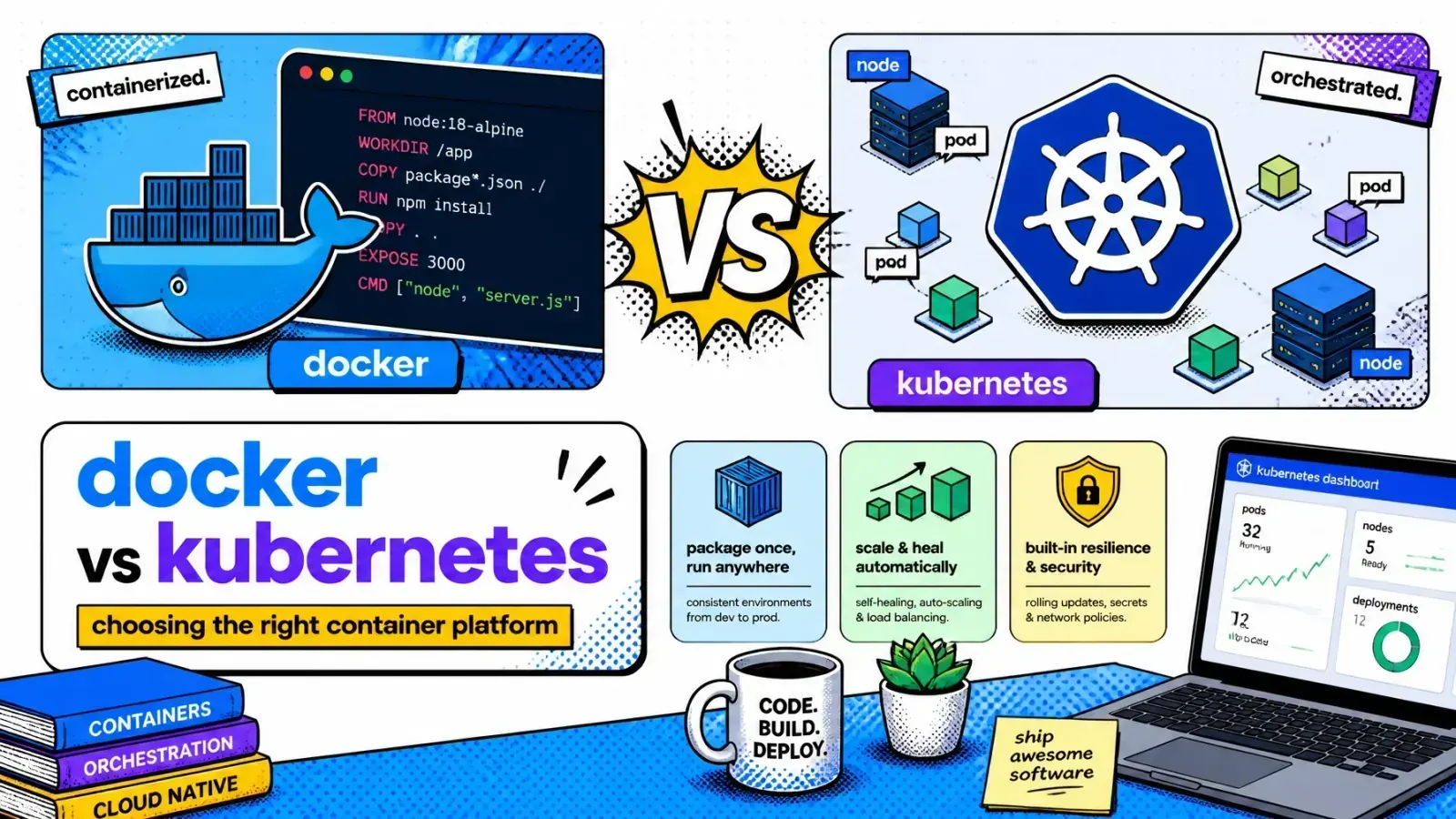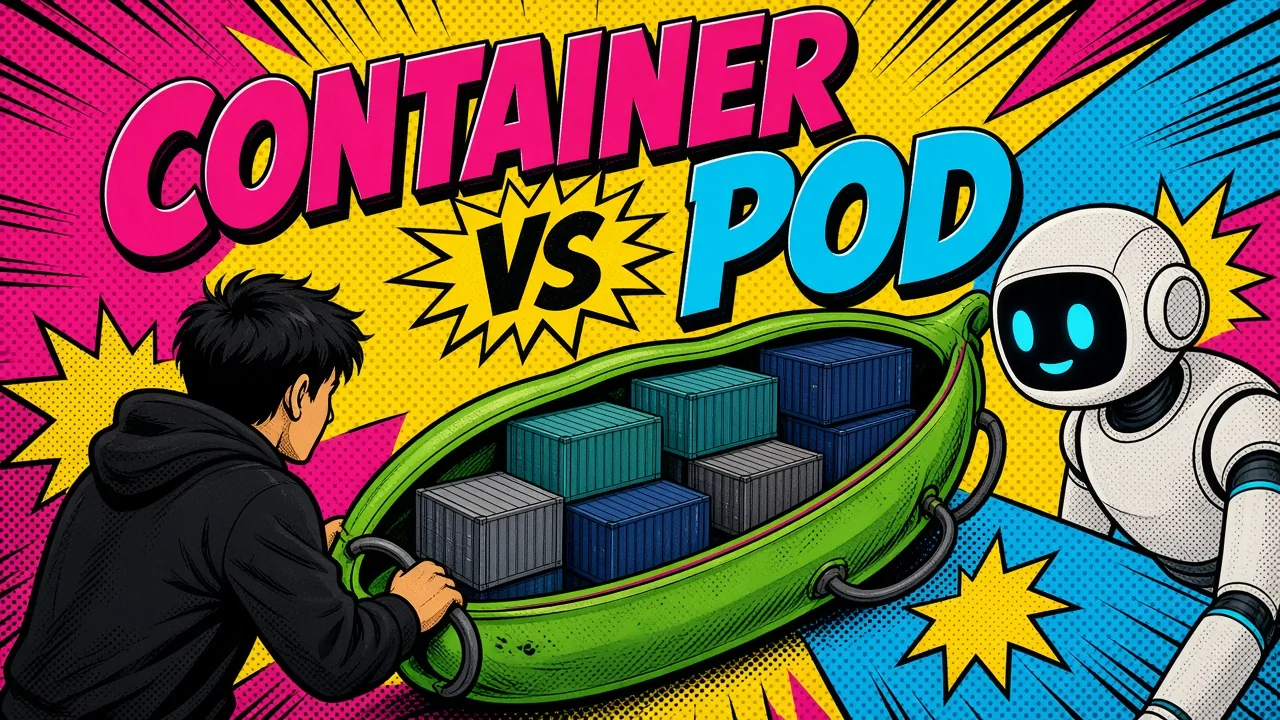
A container is the package. A Pod is the place it runs, and the difference decides whether your sidecars can even reach your app.
When you move from a simple Docker setup to an orchestrated environment like Kubernetes, the terminology starts to blur.
You wonder why you can’t just deploy a container directly, and why Kubernetes insists on wrapping your perfectly good Docker image in something called a Pod. The container vs Pod distinction is the first thing that trips people up.
Treat a Pod as merely a “fancy container” and you miss the shared networking and storage that make Kubernetes work.
You end up with monolithic containers that are hard to scale, or sidecars that can’t actually reach the main application. Understanding how a container relates to a Pod is the difference between a brittle deployment and a scalable, resilient system.
The atomic unit: what is a container?
A container is a lightweight, standalone executable package. It includes everything needed to run an application: code, runtime, system tools, system libraries, and settings.
At its core, a container is an isolated process running on a host operating system. It shares the host’s kernel but keeps its own filesystem and environment variables.
Consistent, but solitary
In the world of DevOps and Docker, containers solved the “it works on my machine” problem. They give you a consistent environment from development to production.
Whether you are running a Laravel backend or a Shopify app extension, the container stays the same.
However, a container is solitary by nature. By default, it has its own IP address and its own isolated filesystem. Communication between two containers usually requires explicit networking configuration or external links.
The logical host: why Kubernetes needs Pods
Kubernetes does not manage containers directly. This is a common point of friction for beginners. Instead, it manages Pods.
A Pod is the smallest deployable unit in Kubernetes. Think of a Pod as a “logical host” for one or more containers.
The wrapper
The Pod acts as a wrapper. It provides a shared execution environment for the containers inside it.
Most Pods contain a single container, but the ability to group several is a core feature. These containers are always co-located and co-scheduled. They run on the same physical or virtual machine within the cluster.
This coupling lets them behave as if they were processes on the same server, while each stays isolated in its own container.

Shared network and localhost: one IP per Pod
The biggest technical advantage of a Pod is the shared network namespace. Every Pod gets a unique IP address within the Kubernetes cluster. Every container inside that Pod shares this IP address.
This changes how services communicate. In a standard Docker setup, Container A needs to know the IP of Container B to send a request. Inside a Kubernetes Pod, Container A can talk to Container B simply by using localhost.
Two standalone containers
Two containers in one Pod
localhost and the port Container B listens on.What that means in practice
- Port management: Since they share an IP, containers in the same Pod cannot bind to the same port. If one container uses port 8080, another container in that Pod must use a different port. To check which service usually owns a port, see my common ports list.
- Performance: Communication over
localhostis extremely fast. There is no need for complex routing or service discovery between the containers within the same Pod. - Simplicity: You can build modular systems where a helper container provides a service to the main application without exposing that service to the rest of the cluster.
Shared storage: passing files between containers
Just as they share a network, containers in a Pod can share storage. A container’s internal filesystem is ephemeral and isolated, but a Pod can define shared Volumes.
These volumes are mounted into the filesystem of every container that needs them.
This is essential for applications that pass data between processes. For example, a main application might write log files, while a separate log-processing container reads those files and ships them to a central server.
Without the Pod abstraction, you would have to deal with complex network mounts or external storage providers. In a Pod, it is as simple as mounting a shared directory.
The sidecar pattern: real-world multi-container Pods
The “sidecar pattern” is the main reason we use multi-container Pods.
The “sidecar” container sits next to the “main” container and performs a supporting task.
Common sidecars
- Logging agents: A sidecar that watches a log file on a shared volume and sends the data to Elasticsearch or CloudWatch.
- Proxies: A service mesh sidecar (like Istio or Envoy) that handles all incoming and outgoing network traffic for the main application.
- Config reloaders: A sidecar that watches a configuration source (like a Git repo or ConfigMap) and signals the main application to reload when changes occur.
- Security: A sidecar that handles SSL/TLS termination so the main application only has to deal with plain HTTP.
By separating these concerns into different containers within the same Pod, you keep your main application container clean and focused. This modularity is a pillar of containers versus orchestration thinking.
Native sidecars
Historically you added a sidecar by listing a second entry under spec.containers, which gave you no control over startup or shutdown order.
Kubernetes now has first-class sidecar support. An init container with restartPolicy: Always starts before the main containers, stays running for the Pod’s lifetime, and shuts down after them.
This feature reached stable in Kubernetes v1.33, so reach for native sidecars over plain co-containers when ordering matters.

Technical comparison: container vs Pod
| Feature | Standalone Container | Containers in a Pod |
|---|---|---|
| Unit of Deployment | Single process image | Kubernetes Pod object |
| Networking | Unique IP per container | Unique IP per Pod (shared) |
| Localhost Access | Isolated to the container | Shared across all containers |
| Storage | Isolated filesystem | Shared Volumes available |
| Scheduling | Manual or via runtime | Automatic by K8s scheduler |
| Lifecycle | Tied to the process | Tied to the Pod’s status |
| Scaling | Scale individual instances | Scale the entire Pod unit |
DevOps deployment: GCP and AWS context
When you move your workloads to managed cloud providers like Google Cloud (GKE) or AWS (EKS), the container vs Pod distinction becomes operational. These platforms manage the infrastructure, but you still define the Pod specifications.
Serverless blurs the line
EKS on Fargate still runs real Pods, so multi-container Pods and sidecars work exactly as they do on a self-managed node. Fargate just provisions the compute per Pod instead of per node.
Cloud Run started as single-container only. Since May 2023 (first in preview, now generally available) it supports multi-container deployments where sidecars share the network namespace and talk over localhost, just like a Pod.
So you no longer have to jump to full Kubernetes the moment you need a sidecar. You do once you need richer orchestration like DaemonSets, complex scheduling, or fine-grained networking.
Key takeaways
- A container is the packaging format, while a Pod is the execution environment.
- Containers in a Pod share the same IP address and can communicate via
localhost. - Shared Volumes allow containers within a Pod to exchange data through the filesystem.
- The sidecar pattern uses multiple containers in one Pod to separate concerns like logging and security.
- Kubernetes schedules and scales Pods as a single unit, ensuring all containers land on the same node.
- Understanding Pods matters when you manage complex deployments on GCP, AWS, or self-hosted tools like Coolify.
If you’re architecting workloads that have outgrown plain Docker, here’s how I help teams ship it.
At what point does the overhead of managing a multi-container Pod outweigh the benefits of process separation in your current infrastructure?