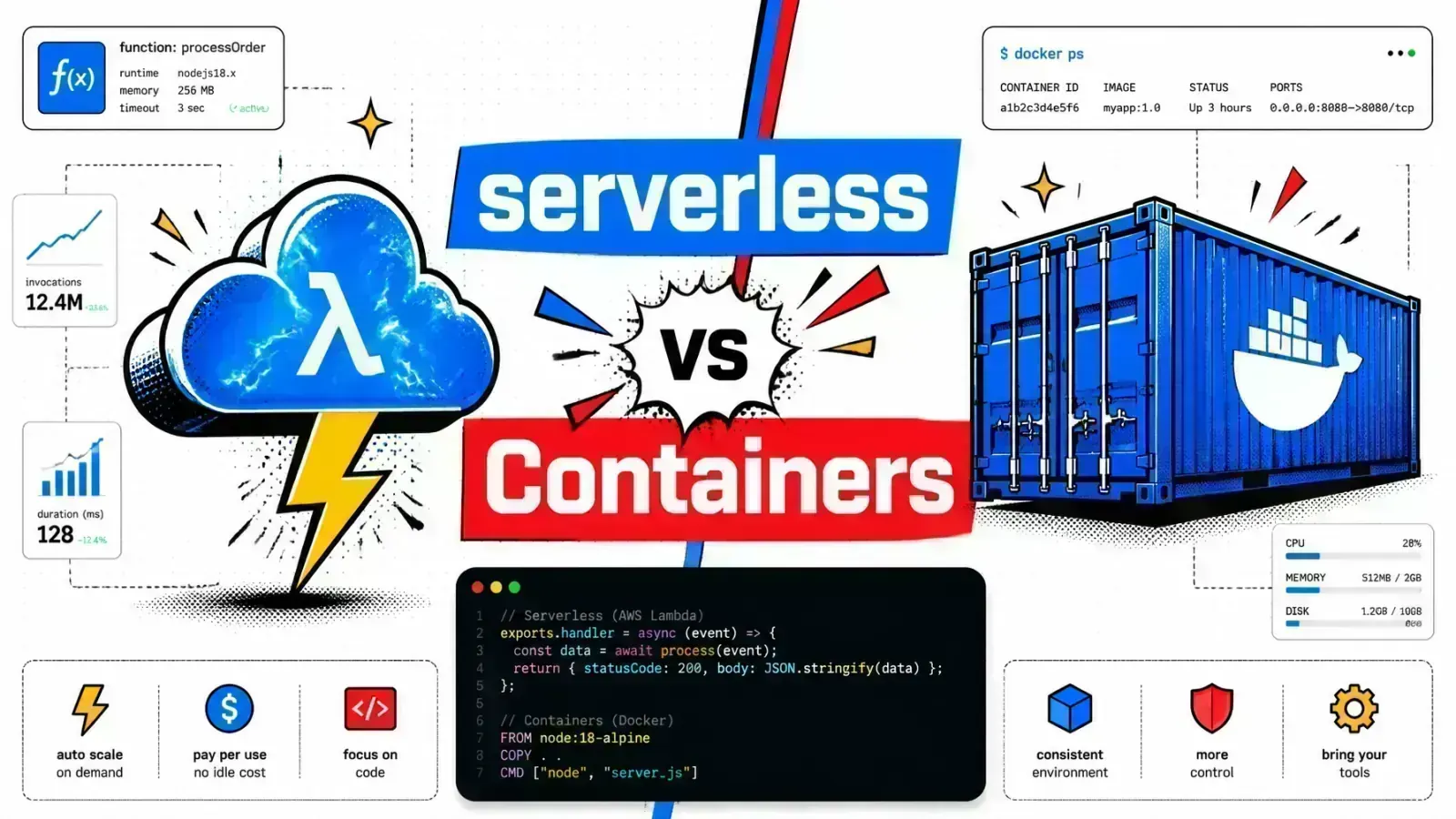
Serverless wins when traffic is spiky and tasks are short. Containers win when traffic is steady and processes run long. Most 2026 stacks use both.
Developers are drowning in YAML files and server patches while the business demands faster shipping. Managing infrastructure often feels like a full-time job that has nothing to do with writing actual code.
When your application hits a sudden traffic spike during a flash sale or a viral product launch, the “504 Gateway Timeout” becomes your worst enemy. If your infrastructure cannot scale in seconds, you lose revenue and customer trust.
The choice between Serverless vs Containers is a strategic decision as much as a technical one. It sets your operational overhead and your ability to stay lean.
In 2026, the lines between these technologies have blurred. We see serverless containers and event-driven architectures that mix both worlds. This guide breaks down the engineering substance of Serverless vs Containers to help you decide where to host your next Laravel application or Shopify integration.
Understanding the architectural split
The debate over Serverless vs Containers is often simplified into “no servers” vs “virtual servers.” In reality, the difference lies in the abstraction layer.
Serverless
Serverless (often called Function-as-a-Service or FaaS) abstracts the entire execution environment. You upload code, and the provider (AWS Lambda, Google Cloud Functions) handles the trigger, the scaling, and the underlying OS.
It is event-driven by design. Your code stays dormant until an HTTP request, a file upload, or a database change wakes it up.
Containers
Containers (Docker, Kubernetes) package the entire runtime environment: the application code, libraries, and system dependencies. You have full control over the operating system version and the configuration.
Containers run on infrastructure you manage (or semi-manage via Fargate or Cloud Run). They are typically “always on” or need specific scaling rules to spin up and down.
| Feature | Serverless (FaaS) | Containers (Docker/K8s) |
|---|---|---|
| Control | Minimal; provider-managed | High; you define the image |
| Scaling | Automatic per request | Orchestrator-managed |
| State | Strictly stateless | Can be stateful |
| Runtime | Limited to provider support | Anything that can be Dockerized |
| Timeout | Usually 15 minutes or less | No inherent execution limit |
Serverless: the high-speed execution engine
Serverless is the tool for developers who want to ignore infrastructure. The main advantage is the “scale-to-zero” model. When no one is using your app, you pay nothing.
When traffic surges, the provider spins up new instances of your function automatically, within account concurrency limits. AWS Lambda defaults to 1,000 concurrent executions per region (raisable on request) and scales out at roughly 1,000 new environments every 10 seconds.
The cold start penalty
The catch is the “cold start.” When a function hasn’t been used recently, the provider must provision a container and boot your runtime.
Lightweight runtimes like Node.js and Go start fast natively, and provisioned concurrency keeps instances warm. Heavier runtimes feel it more.
That is why AWS built SnapStart (first for Java, later .NET and Python) to snapshot an initialized runtime and cut cold starts sharply. For frameworks like PHP, cold starts remain a factor that needs careful planning.
Perfect for glue code
Serverless is perfect for “glue code.” If you are building a Shopify app architecture that needs to process webhooks or resize images on the fly, serverless functions are very efficient.
They absorb the bursty, unpredictable nature of webhooks without a dedicated server sitting idle 99% of the time.

Containers: the universal blueprint
Containers offer a level of portability that serverless cannot match. A Docker image that runs on your local machine runs the same way on AWS ECS, Google Cloud Run, or a self-hosted Coolify instance.
Long-running work
For long-running processes or heavy compute tasks, containers are the standard. If your application needs a persistent WebSocket server, heavy machine learning inference, or long-running cron jobs that exceed 15 minutes, containers are the natural fit.
(Managed add-ons like API Gateway WebSockets can bridge some of this for functions, but the long-lived process itself belongs in a container.)
The operational tax
The main drawback is the “operational tax.” Even with managed services like AWS Fargate, you are still responsible for your Dockerfiles, image security scanning, and making sure your containers don’t run out of memory.
You are managing the environment, even if you aren’t managing the physical hardware.
# A typical Laravel Dockerfile for a containerized approach
FROM php:8.4-fpm-alpine

# Install system dependencies
RUN apk add --no-cache libpng-dev libzip-dev zip unzip git

# Install PHP extensions
RUN docker-php-ext-install pdo_mysql gd zip

# Set working directory
WORKDIR /var/www

# Copy application code
COPY . .

# Install composer dependencies
RUN curl -sS https://getcomposer.org/installer | php -- --install-dir=/usr/local/bin --filename=composer
RUN composer install --no-dev --optimize-autoloader

CMD ["php-fpm"]
Technical head-to-head: latency and cost
When comparing Serverless vs Containers, cost is the most common point of confusion. Serverless looks cheaper because you only pay for what you use. This is true for low-traffic or spiky applications.
The cost crossover
At a certain level of sustained traffic, containers become more cost-effective. Once your application handles thousands of requests per minute consistently, the per-invocation cost of serverless starts to exceed the monthly cost of a reserved container instance.
Spiky, low traffic
Steady, high traffic
Latency and jitter
Latency is the other big trade-off. Containers offer “warm” execution. Since the process is already running, the time-to-first-byte (TTFB) is consistent.
Serverless performance can be “jittery.” One request might take 30ms while the next (a cold start) takes several hundred milliseconds.
For an interactive admin dashboard, this inconsistency can frustrate users. It also ties directly into how you architect stateless vs stateful apps, since serverless forces a strictly stateless design.
Laravel and Shopify: where to host?
For a modern Laravel application, the choice often comes down to Laravel Vapor (Serverless) vs Docker on Cloud Run/Coolify (Containers).
The case for serverless Laravel
If you are building a SaaS with unpredictable growth, Laravel Vapor is a strong option. It handles the complexity of deploying a full-stack PHP framework to AWS Lambda.
It manages your assets on S3 and handles database scaling. It is the “easy button” for high-scale Laravel apps that don’t want a dedicated DevOps engineer.
The case for containerized Laravel
If your application is “always on” and involves heavy background processing (like syncing thousands of products for a Shopify store), containers are the better fit.
Docker lets you run your HTTP layer, your queue workers, and your scheduler in one consistent environment. This setup matches your local development environment, which cuts down the “it works on my machine” bugs.
The 2026 hybrid reality
Modern engineering has moved past the binary choice of Serverless vs Containers. We are now in the era of serverless containers.
Services like Google Cloud Run let you package your app as a container and still get the autoscaling and pay-per-use benefits of serverless.
A note on AWS
AWS App Runner played that role on AWS, but it stopped accepting new customers on April 30, 2026. AWS now points new container apps to ECS Express Mode, which runs on Fargate and does not scale to zero.
Mix and match
You can deploy your main Laravel API as a container on Cloud Run, which scales to zero when idle. At the same time, you can use pure serverless functions (like AWS Lambda) for specific, isolated tasks like PDF generation or sending transactional emails.
This hybrid approach puts each workload in the environment that suits it.

Key takeaways
Choosing between Serverless vs Containers needs an honest look at your team’s skills and your application’s traffic patterns.
- Choose Serverless if your traffic is spiky, you have a small team with no DevOps experience, and your tasks are short-lived (under 15 minutes). It is the fastest path from code to production for event-driven systems.
- Choose Containers if you have steady, high-volume traffic, require specific OS libraries, or need long-running background processes. It offers the best price-to-performance ratio for “always-on” applications.
- Go Hybrid if you want the best of both worlds. Use a serverless container platform like Cloud Run for your web app and FaaS for your side effects.
- Laravel developers: Vapor is great for AWS-centric teams, but Dockerized deployments on platforms like Coolify offer more control and lower long-term costs for many regional businesses.
- Shopify developers: Use serverless functions for webhooks to prevent bottlenecks during peak sales events like Black Friday, but keep your admin UI in a container for consistent speed.
If you’re weighing serverless against containers, here’s how I help teams make that call.
If you had to migrate your core API today, would you prioritize the absolute control of a Dockerfile or the operational freedom of an event-driven function?