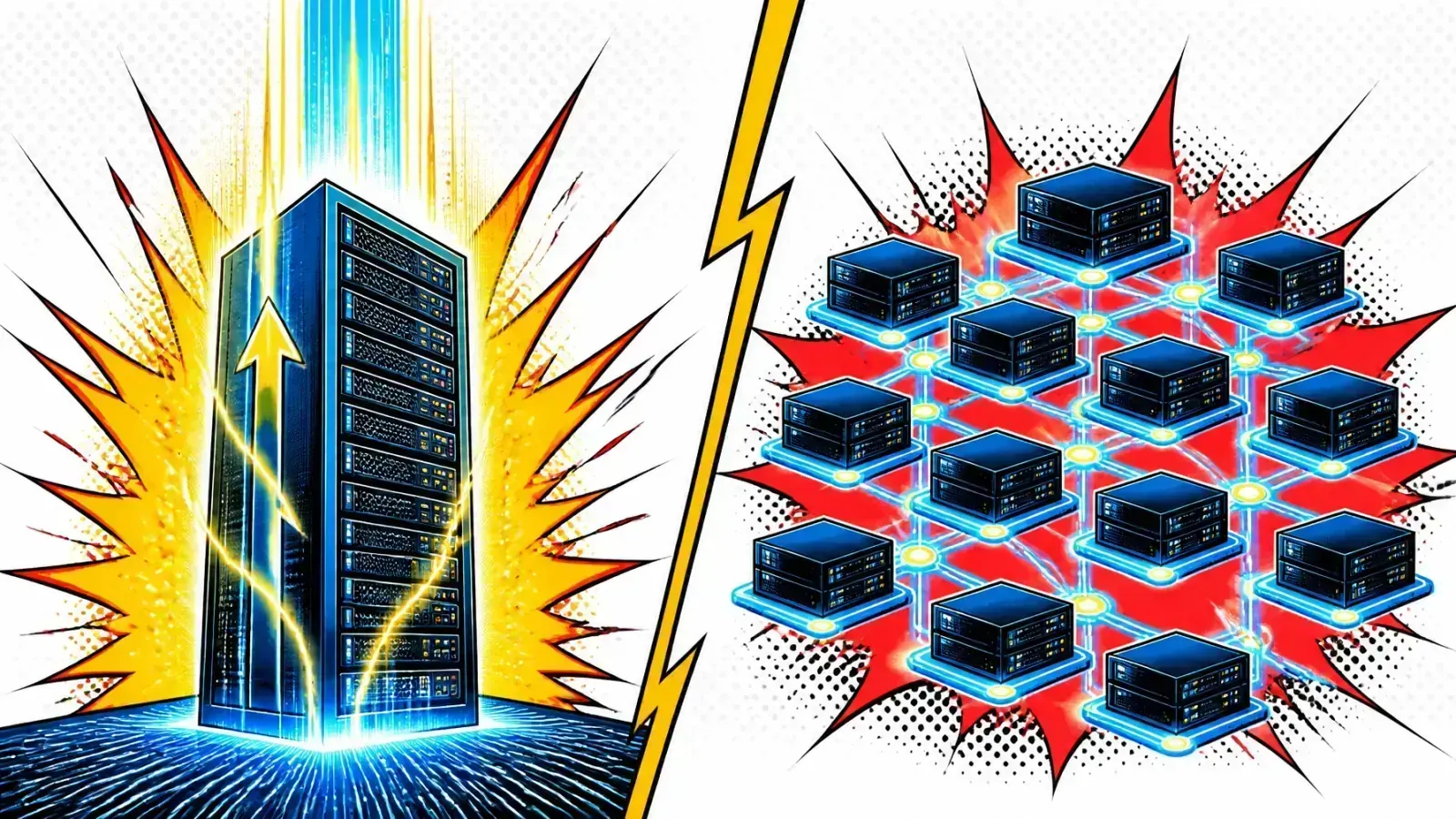
Your database is at 90% CPU and users feel the lag. The real question is whether you buy a bigger server or add more of them.
Your application is slowing down. Users report latency, your database is hitting 90% CPU usage and your background workers are lagging.
You know you need more power. Choosing the wrong scaling path can lead to wasted budget, needless complexity or a hard ceiling on your growth.
Scaling is a trade-off
Adding hardware is only half of the job. The other half is understanding the trade-offs between vertical and horizontal strategies.
If you wait too long to scale out, you risk a single point of failure. If you scale out too early, you drown in the complexity of distributed systems.
Vertical scaling: the “bigger box” strategy
Vertical scaling, or “scaling up,” means adding more power to your existing server. This usually means more CPU, RAM or storage on a single instance.
In a cloud like Google Cloud or AWS, this is as simple as changing your machine type from a small instance to a high-memory or high-compute one.
The path of least resistance
The application still lives on one machine, so you don’t need to change your code. There is no need for load balancers, service discovery or complex networking.
Your Laravel application or monolith works exactly as it did before, just faster.
The hard ceiling
Every hardware generation has a limit. Eventually the top machine size available is either too expensive or simply not enough.
Vertical scaling also does not solve redundancy. If that one big server goes down, your entire system goes down with it.
Horizontal scaling: building the “fleet”
Horizontal scaling, or “scaling out,” means adding more machines to your infrastructure. Instead of one giant server, you have a fleet of smaller servers working in parallel.
A load balancer sits in front of this fleet and spreads incoming traffic across the available nodes.
Built for failure
This is the gold standard for high availability and modern cloud infrastructure. When one server fails, the load balancer routes traffic to the healthy ones.
It is also very elastic. With auto-scaling, you add nodes during a traffic spike and remove them when things quiet down, so you only pay for what you use.
The catch: state
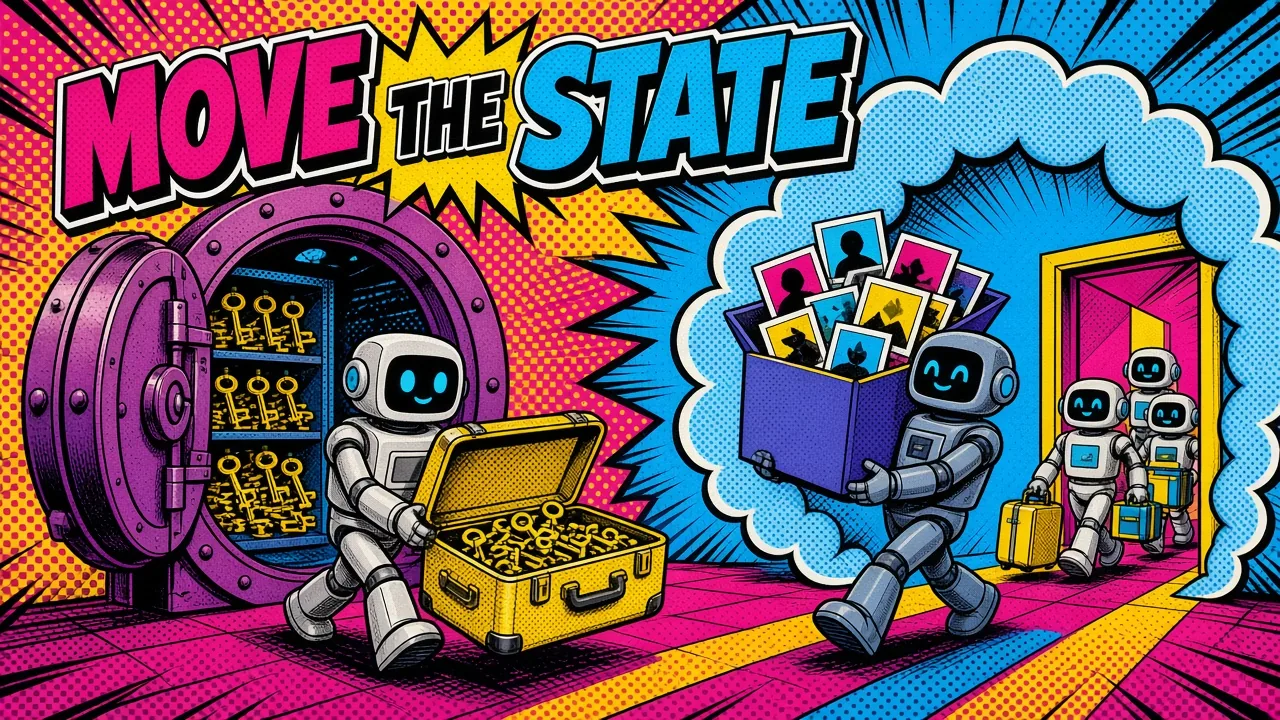
Horizontal scaling requires architectural changes. Your application must be stateless.
If a user uploads a file to Server A, Server B must be able to access it. If you store session data in Server A’s local memory, the user gets logged out when the next request hits Server B. Move state to shared databases or object storage.

Key differences at a glance
Your choice depends on your current stage and technical needs. Here is how the two compare on the engineering metrics that matter most.
| Feature | Vertical scaling (scale up) | Horizontal scaling (scale out) |
|---|---|---|
| Primary action | Add CPU/RAM to one node | Add more nodes to the pool |
| Complexity | Low (no code changes) | High (distributed system) |
| Fault tolerance | Low (single point of failure) | High (redundancy by design) |
| Scalability limit | Hard limit (hardware ceiling) | Virtually unlimited |
| Maintenance | Requires downtime for resizing | Zero-downtime rolling updates |
| Cost | Expensive at the high end | More efficient through auto-scaling |
The challenge of distributed state
When you move to a horizontal model, the database becomes the main bottleneck.
Scaling the application layer is fairly easy because app servers are usually stateless. Scaling a database is harder because data must stay consistent across multiple nodes. Every new app server also opens its own database connections, and my Postgres connection pool calculator shows when you will hit max_connections.
Start with read replicas
For many Shopify apps or custom web platforms, the first step into horizontal scaling is adding read replicas.
You keep one “primary” database for writes and multiple “replica” databases for reads. This takes the heavy read load off the main node.
Sharding comes last
If your data grows beyond what a single primary node can handle, you might look into sharding. That means splitting your data across different database clusters.
It works, but it adds a lot of complexity to how you query and join data.
Scaling in practice: Laravel and DevOps
In the Laravel ecosystem, scaling often starts with vertical upgrades. I have seen many projects stay on a single strong VPS for years.
As traffic grows, the move to horizontal scaling usually follows a clear pattern:
- Externalize sessions: move sessions from the
filedriver toredisordatabase. - Centralize files: move local storage to an S3-compatible object store.
- Add a load balancer: use Nginx or a cloud-provider load balancer to distribute traffic.
- Decouple workers: move queue workers to their own instances so they don’t compete with the web server for resources.
Tooling helps
Tools like Coolify or Docker Swarm make managing multiple containers easier. They let you define your infrastructure as code, so spinning up new nodes is simple.
Single server
Ready to scale out
How to choose your strategy
There is no one-size-fits-all answer. Your choice should balance cost, time and reliability.
Choose vertical scaling if:
- You are in the early stages of a startup or MVP.
- Your traffic is predictable and stable.
- You have a small team with limited DevOps resources.
- Your application architecture is tightly coupled or legacy.
Choose horizontal scaling if:
- You need 99.9% or higher availability.
- Your traffic is bursty or growing fast.
- You are building a cloud-native application from scratch.
- You want to avoid the “all-or-nothing” risk of a single server.
Most teams go hybrid
In reality, most modern architectures mix both. You might scale your database vertically as far as you can while scaling your application layer horizontally.
That gives you the reliability of a fleet with the simplicity of a single data source.
Key takeaways
- Vertical scaling makes a single server stronger through CPU and RAM upgrades.
- Horizontal scaling adds more servers to a pool and uses a load balancer to manage traffic.
- Vertical scaling is simpler and needs no code changes, but it has a performance ceiling and no redundancy.
- Horizontal scaling offers high availability and elasticity, but it requires a stateless application.
- For most web apps, scaling out starts by externalizing sessions, files and background jobs.
- Databases are the hardest part to scale horizontally, often needing replicas or sharding.
If you’re planning a scaling path for your stack, here’s how I help teams move from one server to a fleet without breaking sessions or data.
At what point does the cost of managing a distributed horizontal system outweigh the cost of simply buying a larger server for your specific workload?