
A slow API call inside a web request ties up a worker that every other user is waiting for.
Every developer has faced the dreaded “spinning wheel of death.” You click a button, the browser hangs, and you wait five seconds for a confirmation that never feels fast enough.
This lag usually comes from a synchronous process holding the entire request-response cycle hostage while it waits for a third-party API or a heavy database query.
In high-traffic environments, these blocking calls are more than a nuisance. They are a scalability killer that can bring down your entire infrastructure.
Architecting for scale means knowing when to keep things synchronous and when to move them to the background. This decision affects everything from user experience to server costs.
By shifting heavy lifting to asynchronous workers, you decouple your system. This lets your application handle thousands of concurrent users without breaking a sweat.
The blocking nature of synchronous communication
Synchronous communication is the traditional request-response model. When a client sends a request, it waits for the server to process the logic and return a response.
This is a “blocking” operation. The execution thread is tied up until the task completes.
Like a phone call
Think of it like a phone call. You dial a number, wait for the other person to pick up, and you cannot do anything else until the conversation is over.
In web development, this is perfectly fine for simple operations like fetching a user profile or updating a single database row. The latency is minimal and the user needs the data immediately to continue.
When sync becomes dangerous
Synchronous flows become dangerous when you add external dependencies. If your Laravel controller calls the Shopify Admin API to update 500 products during a standard HTTP request, your PHP worker is stuck.
If Shopify takes three seconds to respond, that worker cannot serve any other users for those three seconds.
Under heavy load, your worker pool will run out. This leads to 504 Gateway Timeout errors and a broken experience.
The fire-and-forget power of asynchronous logic
Asynchronous communication decouples the request from the processing. The client sends a message or triggers an event and immediately receives a response.
The actual work happens “out of band” in a separate process or at a later time.
Like sending an email
This is more like sending an email. You hit send and go straight back to your day. The recipient reads and processes the message whenever they are available.
In a technical stack, this is done with message queues like Redis or Amazon SQS, or a dedicated broker such as RabbitMQ.
Synchronous
Asynchronous

What belongs in the background
When you move a task to an asynchronous worker, the user gets an instant “Success” message. The heavy processing happens in the background. This architecture is essential for:
- Sending transactional emails.
- Generating PDF reports or data exports.
- Communicating with third-party APIs like Shopify or Stripe.
- Running complex AI agents or RAG pipelines.
Laravel queues and background jobs
Laravel gives you asynchronous processing through its Queue system. Instead of performing a slow task in your controller, you dispatch a “Job.”
// Synchronous (Bad for slow tasks)
public function store(Request $request) {
    $order = Order::create($request->all());
    Mail::to($request->user())->send(new OrderConfirmed($order)); // Waits for SMTP
    return response()->json($order);
}

// Asynchronous (Scalable)
public function store(Request $request) {
    $order = Order::create($request->all());
    ProcessOrderEmail::dispatch($order); // Returns immediately
    return response()->json($order);
}
Workers and retries
By using dispatch(), you push a payload into Redis. A separate process, managed by a tool like Laravel Horizon, picks up the job and runs it. This keeps your web-facing workers free to handle more incoming traffic.
If the email server is down and the job has retries configured ($tries and $backoff on the job, or --tries on the worker), the job goes back on the queue and tries again later.
This kind of resilience is impossible in a strictly synchronous world.
Shopify webhooks: the event-driven standard
For e-commerce developers, understanding asynchronous communication is mandatory when working with Shopify. Shopify uses webhooks to notify your application of events like orders/create or products/update.
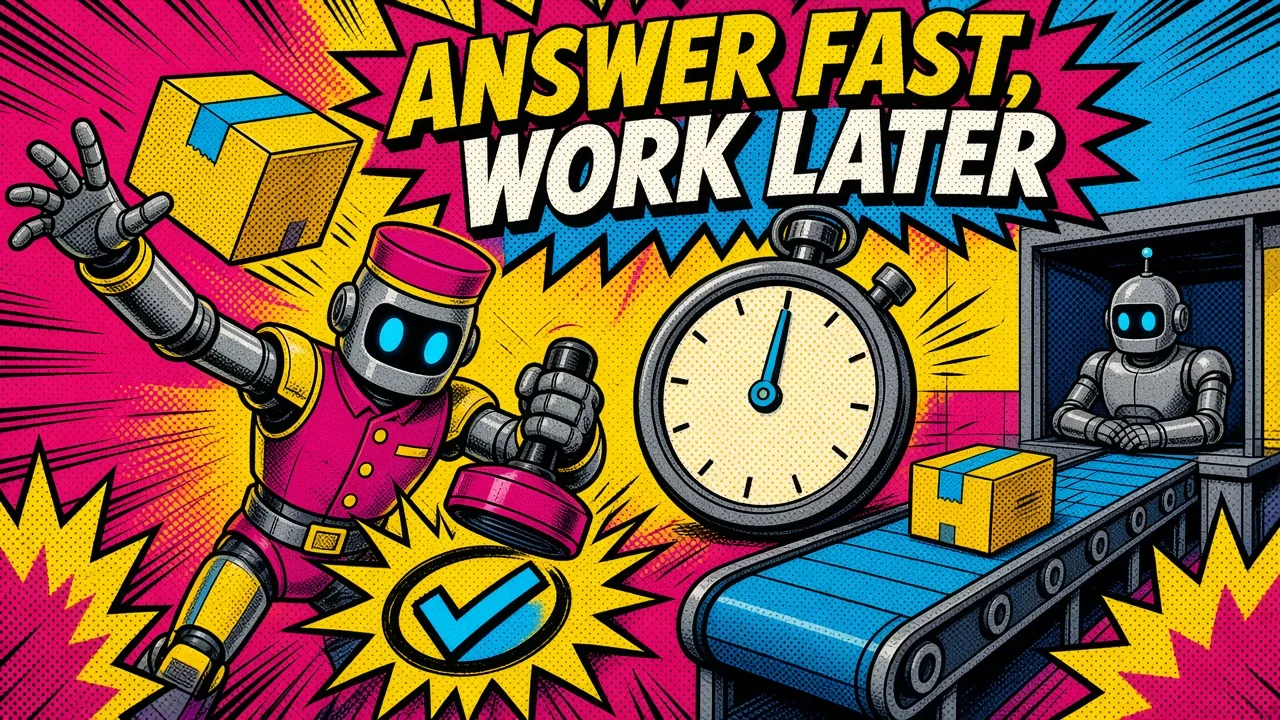
Five seconds to answer
Webhooks are asynchronous by design. Shopify does not wait for your app to process the entire order. It sends the POST request and expects a 2xx response within five seconds.
If your code tries to run complex inventory logic or sync data to an ERP synchronously within that webhook route, you risk timing out.
Retries and removal
Shopify then retries the failed delivery up to eight times over roughly four hours, which can mean duplicate processing if your handler is not idempotent.
Worse, if your endpoint keeps failing, Shopify removes the webhook subscription entirely, and you stop receiving events until you re-register it.
This is the best practice for agentic commerce on Shopify. It keeps your app responsive and keeps Shopify happy with your delivery rates.
Infrastructure impact and DevOps considerations
Moving to an asynchronous architecture changes how you manage your infrastructure. In a synchronous world, you scale your web servers to handle peak traffic. In an asynchronous world, you scale your workers.
Separate web and worker containers
Tools like Coolify and Docker make it easier to manage these separate services. You can run your web container on one set of resources and your worker containers on another.
If you get a massive spike in background jobs, you can spin up more workers without affecting the performance of your main website.
Managed queues
For cross-service communication, Google Cloud Tasks is a strong alternative to a self-hosted queue. It dispatches HTTP callbacks to any endpoint with built-in rate limiting, scheduling, and retries.
This is particularly useful when building an API gateway for AI stacks, where different microservices need to talk to each other without blocking the main user flow.
When to choose sync vs async
Choosing the right pattern depends on the user’s expectations and the reliability of the task.
| Feature | Synchronous | Asynchronous |
|---|---|---|
| User Experience | Immediate feedback required. | Background processing is okay. |
| Data Integrity | Result needed for next step. | Eventual consistency is okay. |
| Reliability | Fails if the connection breaks. | Can retry on failure (set $tries). |
| Complexity | Simple code structure. | Requires queue management and workers. |
| Example Use Case | Login validation, viewing a cart. | Order fulfillment, image processing. |
Use synchronous when:
- The operation is extremely fast (under 100ms).
- The user cannot proceed without the result of the operation.
- You are performing a simple read/write to your primary database.
Use asynchronous when:
- You are calling an external API.
- The task takes more than 200ms to complete.
- The task can fail and needs to be retried.
- You are performing bulk operations on large datasets.
Key takeaways
Designing for high performance means not making every user wait on every task. By embracing asynchronous communication, you build systems that are more reliable and easier to scale.
- Identify bottlenecks: Use tools like Laravel Telescope or OpenTelemetry to find slow controller actions.
- Offload everything: If it doesn’t need to happen right now, push it to a queue.
- Handle webhooks fast: Always return a 200 response to Shopify immediately and process the logic later.
- Monitor your workers: Use dashboards like Laravel Horizon to track queue health and failure rates.
- Design for retries: Ensure your background jobs are idempotent, meaning they can run multiple times without causing side effects.
How are you currently handling long-running API tasks in your Laravel or Shopify application?